
Photo & Video
Nitro Photo
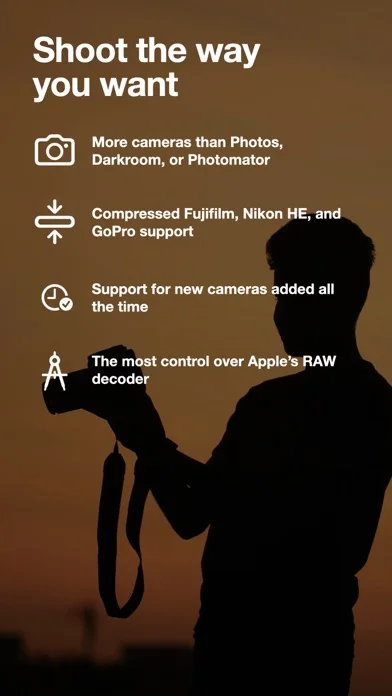
Nitro Photo combines photo management, RAW editing and masking across supported Apple devices.
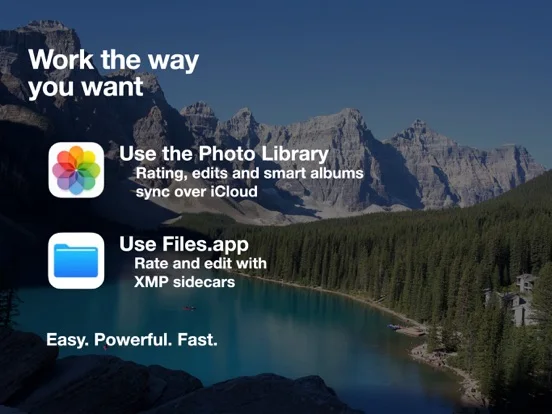
Choose for editing from either the Photo Library or file-based storage.
XMP sidecars, library ratings and batch export support more flexible organization than a single import-only workflow.
Keep in mind: Camera support and newer decoder features vary by OS, and the listing explicitly says UGreen NAS is incompatible.
Inside the app
Official product images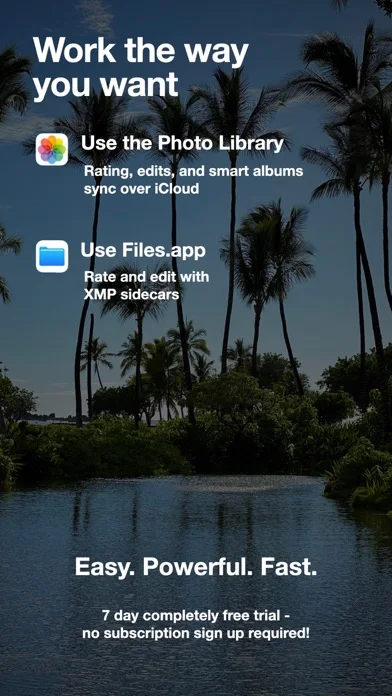
What you can do
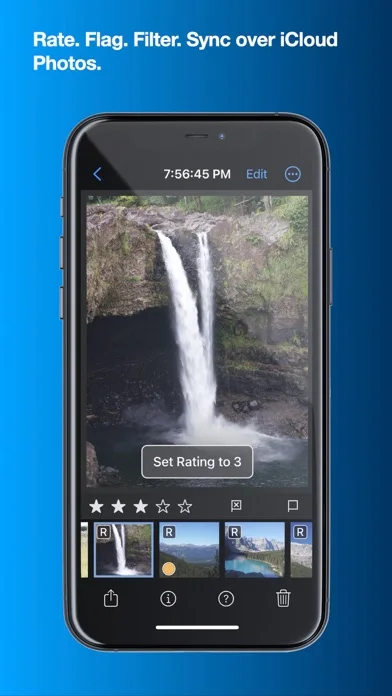
- Browse and rate photos
- Edit RAW and apply masks
- Use curves, HSL and perspective tools
- Compare images on supported iPad layouts
- Batch-process and export with metadata controls
Good for
- Photographers managing an Apple-device editing workflow
Consider alternatives for
- Users requiring confirmed support for every NAS or camera format
Limitations & considerations
- Captured minimum: iOS 16.4.
- Camera support and newer decoder features vary by OS, and the listing explicitly says UGreen NAS is incompatible.
Privacy & permissions
Photo libraries, XMP sidecars, optional iCloud synchronization and AI tools have different data paths; review the features used before processing sensitive images.
Sources & review notes Updated Nov 11, 2026
Reviewed by iApp4Me Editorial Team. Recommendations use the linked documentation and attributed accounts; device observations are identified separately.
- US App Store developer description
Complete description, download price and compatibility metadata captured 2026-11-02.
No comments yet. Be the first to share your experience.