
No Crop Photo for Social Media
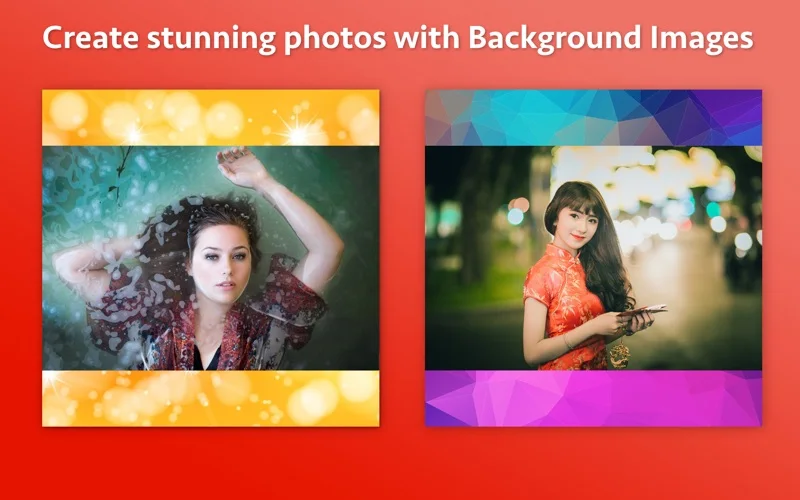
No Crop Photo places a full image against a color or picture background for social sharing.
Pick it when you want the image edges retained rather than cut to fit.
Background choices give a simple alternative to cropping out people or objects.
Keep in mind: It creates image files and does not upload them. Social platforms change their accepted shapes, so check the destination rather than relying on the listing's older Instagram wording.
Inside the app
Official product images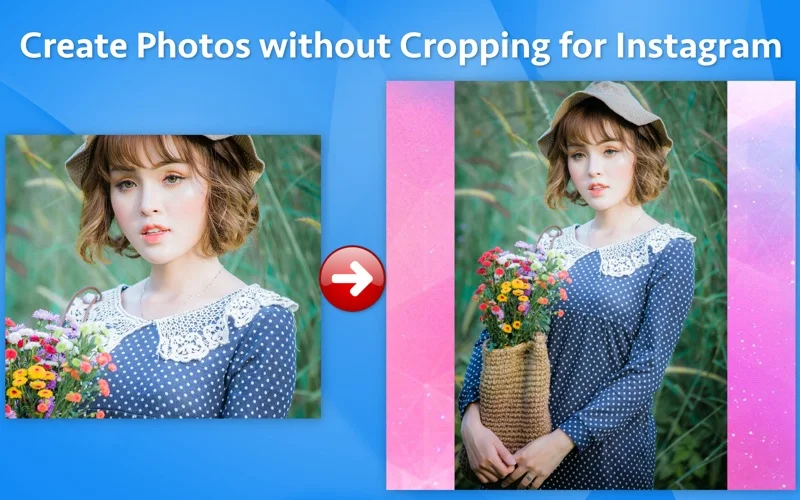
What you can do
- Fit the complete photo into a sharing canvas
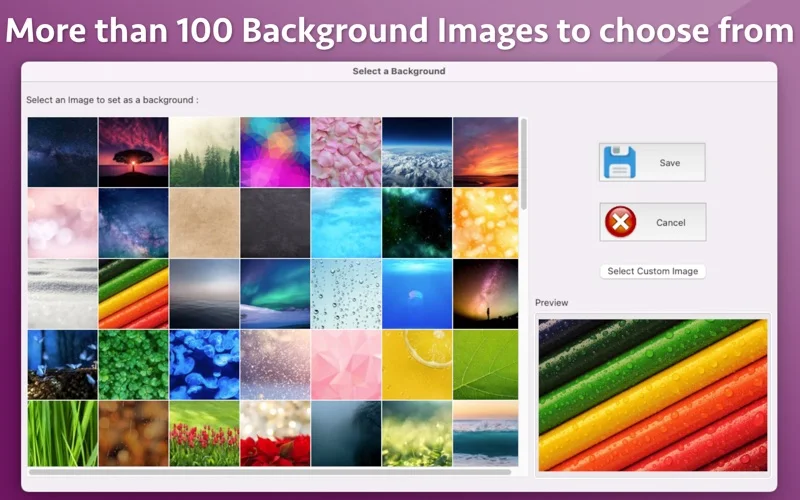
- Choose a color or one of more than 100 supplied backgrounds
- Export JPG, or PNG where transparency is retained
Good for
- People preparing padded photos for a social post.
Consider alternatives for
- Users needing automatic Instagram publishing or advanced photo retouching.
Limitations & considerations
- Captured minimum: macOS 10.11.
- It creates image files and does not upload them. Social platforms change their accepted shapes, so check the destination rather than relying on the listing's older Instagram wording.
Privacy & permissions
The developer policy says it does not collect personal data; support can request example images, so share a redacted copy when troubleshooting.
Privacy policySources & review notes Updated Nov 15, 2026
Reviewed by iApp4Me Editorial Team. Recommendations use the linked documentation and attributed accounts; device observations are identified separately.
- US App Store developer description
Complete description, release notes, download price and compatibility metadata captured 2026-11-02.
- Official developer disclosure
Official cached product or relevant disclosure text captured 2026-11-12, read or reused from the identical previously read source. Platform and edition differences retained.
- Official developer disclosure
Official cached product or relevant disclosure text captured 2026-11-12, read or reused from the identical previously read source. Platform and edition differences retained.
No comments yet. Be the first to share your experience.