
Graphics & Design
Object Removal AI Retouch
Object Removal retouches photos with erasing, cutouts, adjustments and optional AI-generated media.
Consider for creative cleanup with manual review
Brush-based selection makes common removal tasks approachable.
Keep in mind: AI fill, face swaps and enhancement can invent details; preserve originals and obtain consent for altered people.
Inside the app
Official product images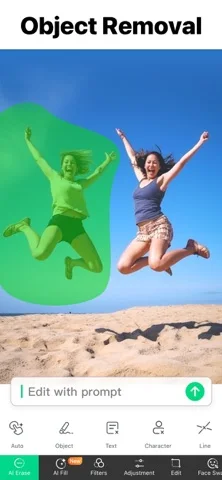
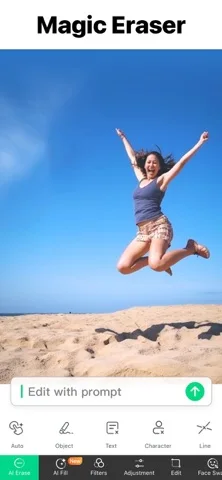
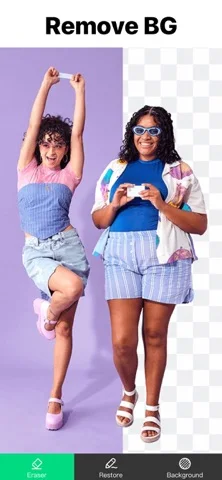
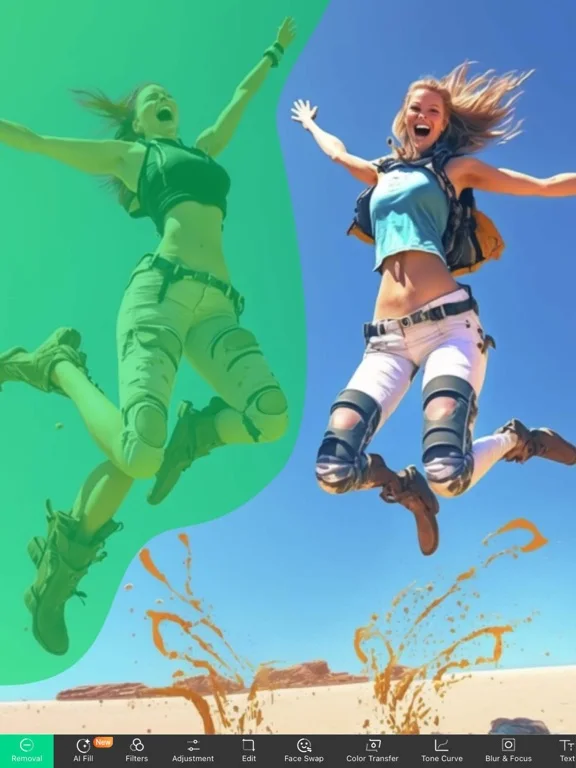
What you can do
- Erase selected photo objects
- Adjust images and create collages
- Use optional AI image, music or motion tools
Good for
- Users making intentional visual edits
Consider alternatives for
- Users needing unaltered documentary evidence
Limitations & considerations
- Captured minimum: iOS 15.0.
- AI fill, face swaps and enhancement can invent details; preserve originals and obtain consent for altered people.
Privacy & permissions
Uploaded face images and prompts are sensitive; review processing and sharing before use.
Sources & review notes Updated Nov 10, 2026
Reviewed by iApp4Me Editorial Team. Recommendations use the linked documentation and attributed accounts; device observations are identified separately.
- US App Store developer description
Complete description, download price and compatibility metadata captured 2026-11-02.
No comments yet. Be the first to share your experience.