OBS 4K
An iPhone-to-Mac camera streaming app with USB or Wi-Fi transport and optional advanced camera controls.
Consider after verifying the receiving Mac setup
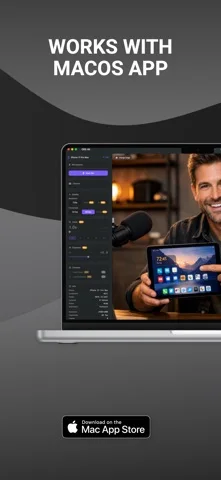
Using an existing phone as a webcam may avoid buying another camera when the supported workflow meets the need.
Keep in mind: The capture does not establish official OBS affiliation, a bundled receiver installation or compatibility with every conferencing app. Quality and latency depend on hardware and connection.
Inside the app
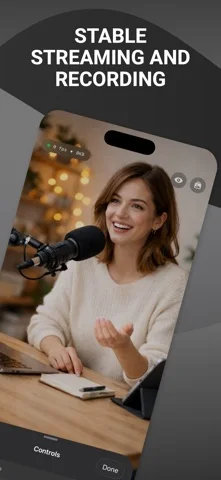
Official product images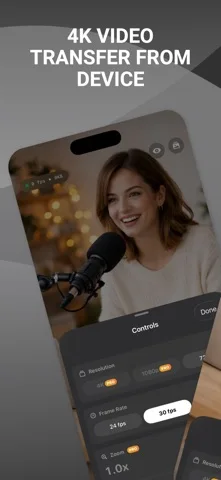
What you can do
- Stream supported 4K, 1080p or 720p camera feeds
- Choose supported lenses
- Use screen-curtain mode
- Access eligible Pro exposure, focus and profile controls
Good for
- Users able to test the complete phone-to-Mac path before a call or broadcast.
Consider alternatives for
- People expecting a standalone Mac camera without receiver setup or guaranteed 4K output in every destination.
Limitations & considerations
- Captured minimum: iOS 17.0.
- The capture does not establish official OBS affiliation, a bundled receiver installation or compatibility with every conferencing app. Quality and latency depend on hardware and connection.
Privacy & permissions
Camera streams can expose private rooms and people. Use trusted receiving devices and review microphone or network permissions.
Sources & review notes Updated Nov 11, 2026
Reviewed by iApp4Me Editorial Team. Recommendations use the linked documentation and attributed accounts; device observations are identified separately.
- US App Store developer description
Complete description, download price and compatibility metadata captured 2026-11-02.
No comments yet. Be the first to share your experience.