
Photo & Video
OBS Controller
OBS Controller provides mobile scene and output controls for an authorized OBS Studio setup.
Choose for a focused remote scene-switching workflow.
Hiding unused scenes and delaying commands can help make the remote interface fit a particular production.
Keep in mind: OBS must be reachable and configured; versions earlier than 28 require the described obs-websocket plugin.
Inside the app
Official product images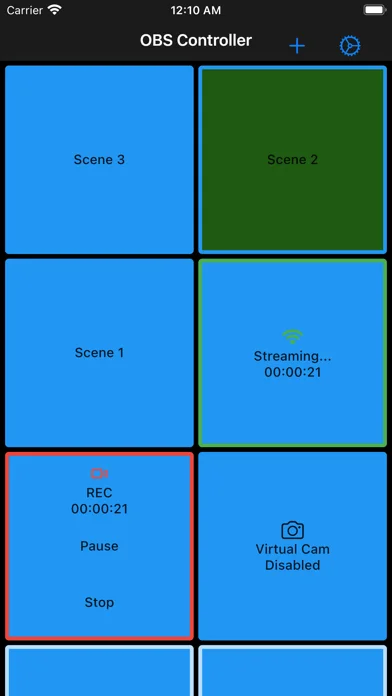
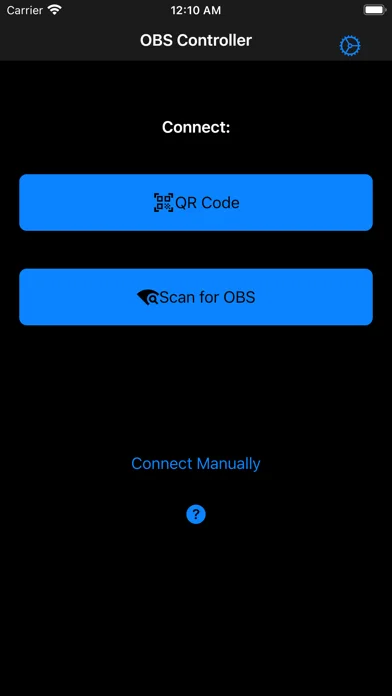
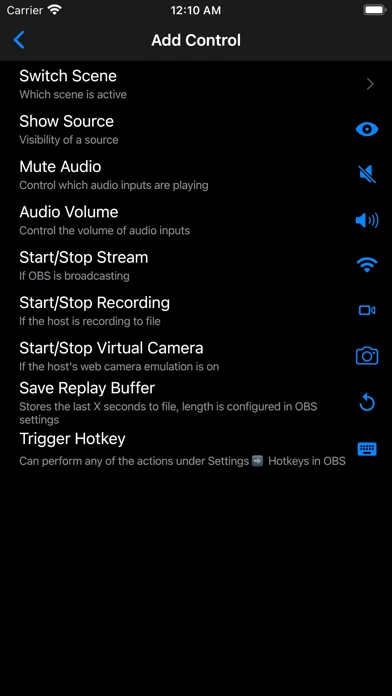
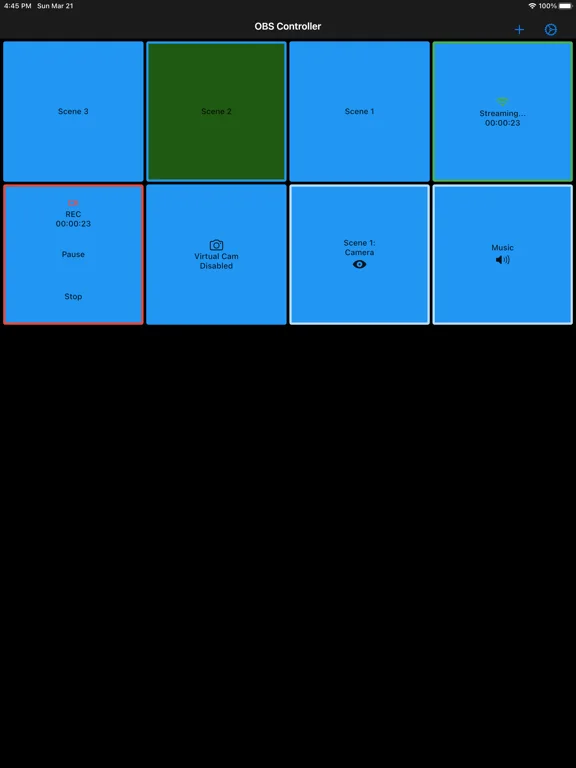
What you can do
- Switch supported OBS scenes
- Hide selected scenes from the control list
- Control streaming, recording or virtual-camera output
- Toggle scene elements
- Mute sources
- Save multiple connections
Good for
- Creators operating their own OBS installation
Consider alternatives for
- Users expecting a standalone streaming encoder or an included broadcast service
Limitations & considerations
- Captured minimum: iOS 13.0.
- OBS must be reachable and configured; versions earlier than 28 require the described obs-websocket plugin.
Privacy & permissions
Saved passwords and remote control can affect a live stream; restrict connections to authorized devices and protect credentials.
Sources & review notes Updated Nov 11, 2026
Reviewed by iApp4Me Editorial Team. Recommendations use the linked documentation and attributed accounts; device observations are identified separately.
- US App Store developer description
Complete description, download price and compatibility metadata captured 2026-11-02.
No comments yet. Be the first to share your experience.