OCR Text Scanner
Extract editable text from images, adjust perspective and copy results to other Mac apps.
Someone who needs image-to-text extraction and can review the result for errors.
Extract editable text from images, adjust perspective and copy results to other Mac apps.
Keep in mind: Speed, accuracy, language coverage and handwriting support are publisher claims rather than benchmarks. Confirm important numbers and words against the original image; capture/input behavior was not tested.
Inside the app
Official product images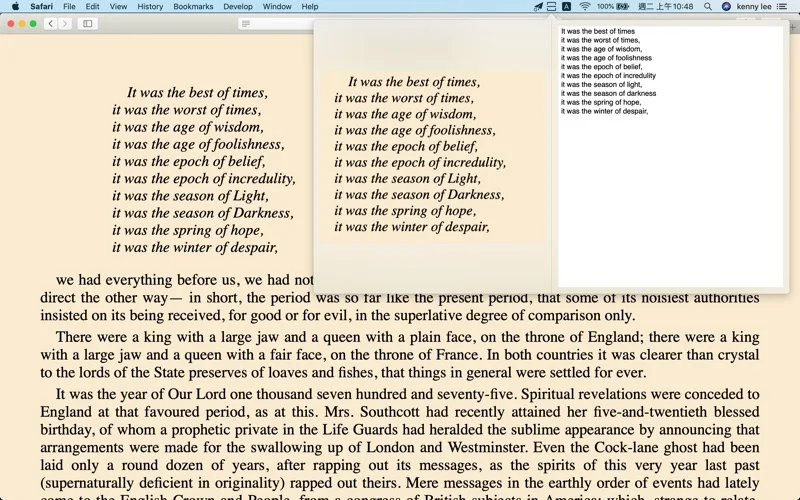
What you can do
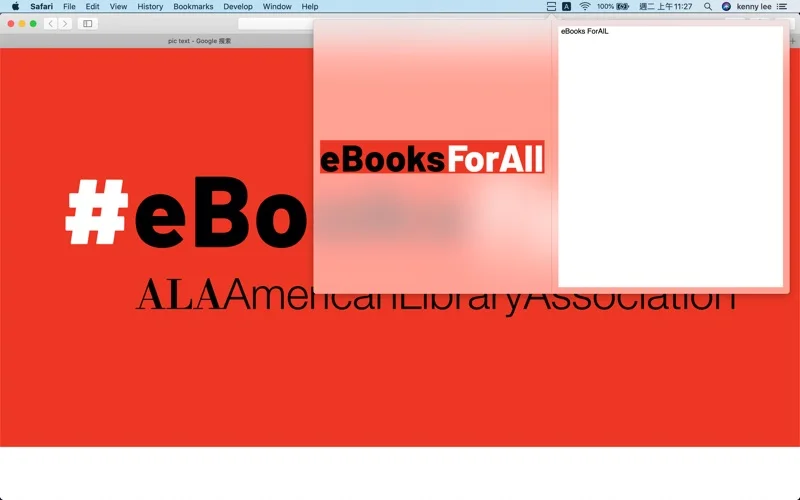
- Recognize printed text in the advertised fifty-plus languages.
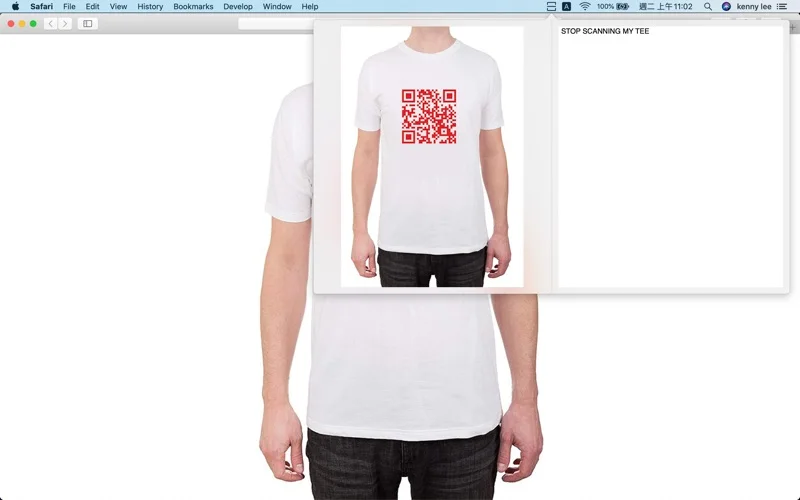
- Read QR codes and correct an image’s viewpoint.
- Edit recognized text and copy it to the clipboard.
Good for
- Someone who needs image-to-text extraction and can review the result for errors.
Consider alternatives for
- Verified best-in-class accuracy or reliable recognition of every handwritten document.
Limitations & considerations
- Speed, accuracy, language coverage and handwriting support are publisher claims rather than benchmarks. Confirm important numbers and words against the original image; capture/input behavior was not tested.
Privacy & permissions
Scanned notes, extracted text and clipboard contents can include private information. Review the store disclosure before submitting confidential images; local-only OCR is not established.
Sources & review notes Updated Nov 18, 2026
Reviewed by iApp4Me Editorial Team. Recommendations use the linked documentation and attributed accounts; device observations are identified separately.
- US App Store listing
Publisher description, version and US download price captured 2026-11-02; source-based coverage, not a device test.
No comments yet. Be the first to share your experience.