
Business
Okta Verify
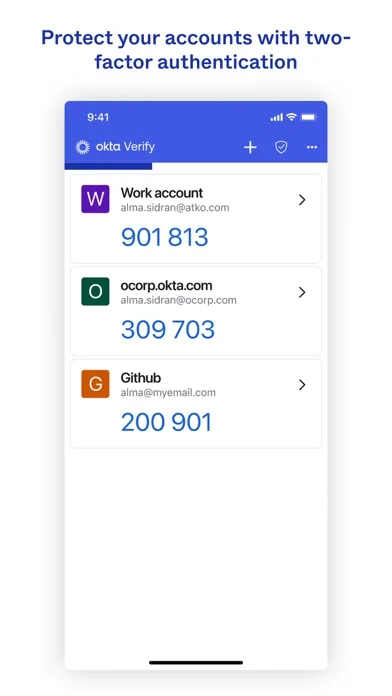
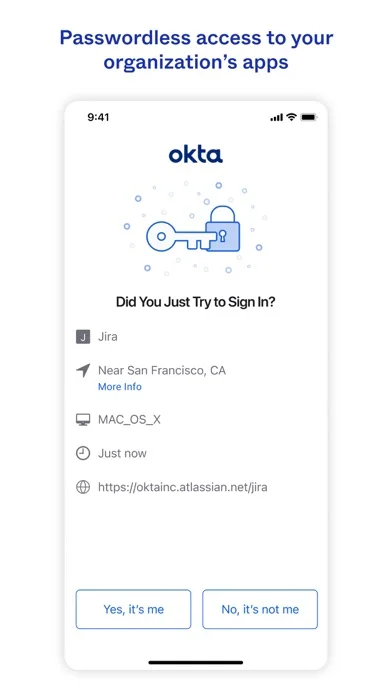
Okta Verify supplies temporary authentication codes and organization-enabled push approval for Okta account sign-ins.
Consider when an organization requires Okta verification
Multiple accounts and code-based authentication can share one app.
Keep in mind: Push availability depends on organization policy and enrollment; unexpected sign-in requests should be denied, and changing phones may require the organization’s recovery process.
Inside the app
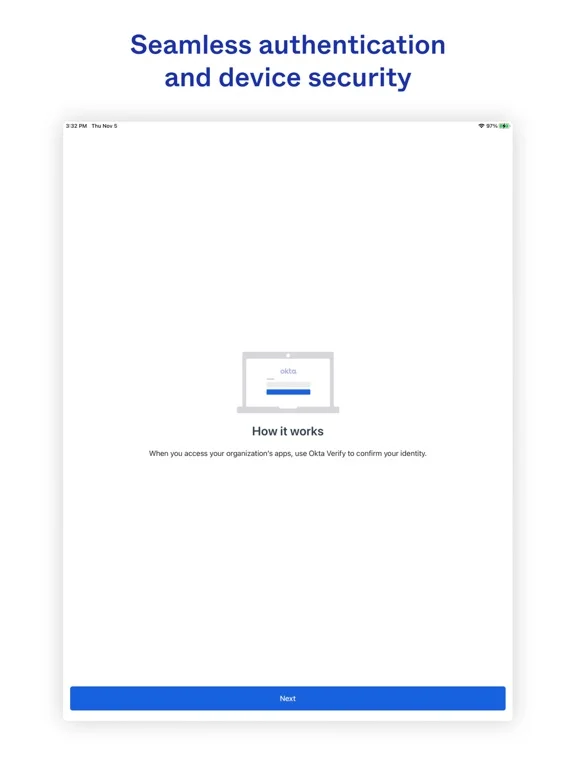
Official product images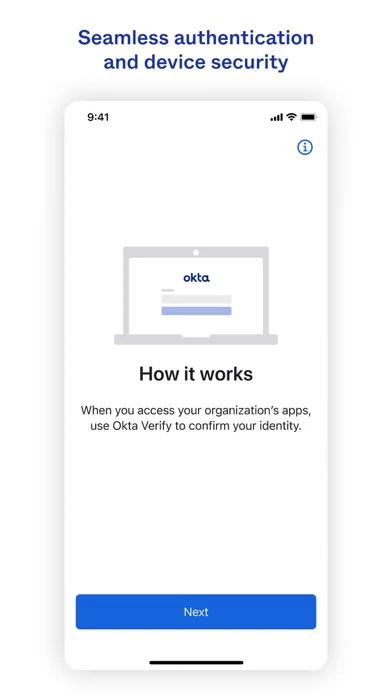
What you can do
- Enroll by scanning an account QR code
- Generate temporary six-digit codes
- Approve or deny enabled sign-in notifications
Good for
- People whose employer or service uses Okta
Consider alternatives for
- Users expecting an app purchase to replace their organization’s identity setup
Limitations & considerations
- Captured minimum: iOS 17.0.
- Push availability depends on organization policy and enrollment; unexpected sign-in requests should be denied, and changing phones may require the organization’s recovery process.
Privacy & permissions
QR enrollment uses the camera; protect the device and authentication information, and follow the organization’s account policy.
Sources & review notes Updated Nov 10, 2026
Reviewed by iApp4Me Editorial Team. Recommendations use the linked documentation and attributed accounts; device observations are identified separately.
- US App Store developer description
Complete description, download price and compatibility metadata captured 2026-11-02.
No comments yet. Be the first to share your experience.