Omnissa Horizon Client
Omnissa Horizon Client connects iPhone and iPad to a virtual desktop or hosted app from your organization.
Consider it if IT has already provided a Horizon environment and you need mobile access.
The client can open entitled resources and keep a shortcut to recently used desktops or apps.
Keep in mind: It needs the organization's server, credentials and policy approval. It does not provide a desktop subscription by itself.
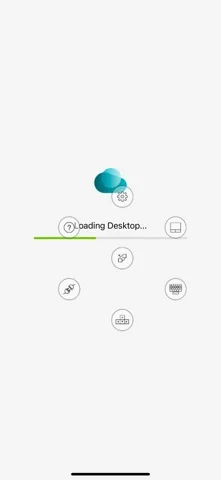
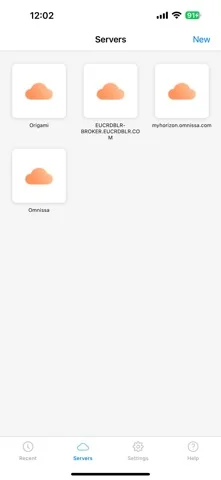
Inside the app
Official product images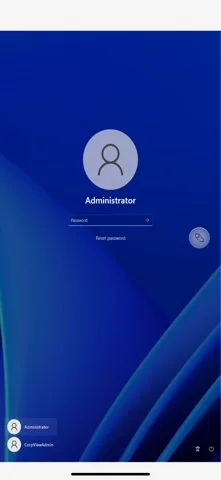
What you can do
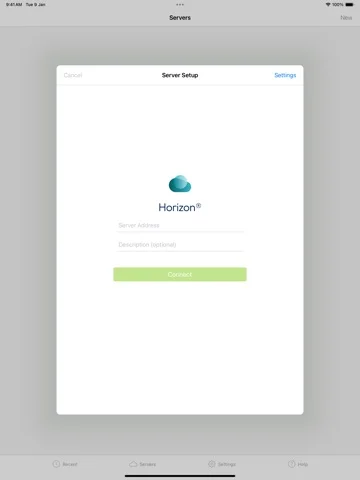
- Add a compatible Horizon server
- Sign in using the organization's method
- Open an assigned desktop or published app
Good for
- People with an existing Horizon deployment
Consider alternatives for
- Anyone who wants standalone remote access to an unmanaged personal computer
Limitations & considerations
- Captured minimum: iOS 16.0.
- It needs the organization's server, credentials and policy approval. It does not provide a desktop subscription by itself.
Privacy & permissions
Credentials, remote work and optional sharing are governed by your organization's setup. Use its approved access methods.
Sources & review notes Updated Nov 11, 2026
Reviewed by iApp4Me Editorial Team. Recommendations use the linked documentation and attributed accounts; device observations are identified separately.
- US App Store developer description
Complete description, download price and compatibility metadata captured 2026-11-02.
- Omnissa Horizon iOS connection guide
Documents organization server, credentials and shortcuts to assigned remote resources.
No comments yet. Be the first to share your experience.