Productivity
OneDollar: To Do List
Organize tasks, recurring reminders and calendar-aware plans with local storage and optional iCloud.
Useful for individuals wanting a one-time task purchase
Quick Add, templates and persistent reminders connect entry with daily follow-through.
Keep in mind: Notification delivery still depends on system permissions/settings; constant reminders may overwhelm, and optional iCloud is separate from fully local use.
Inside the app
Official product images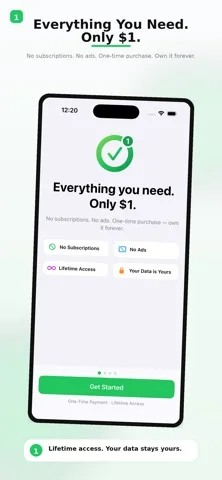
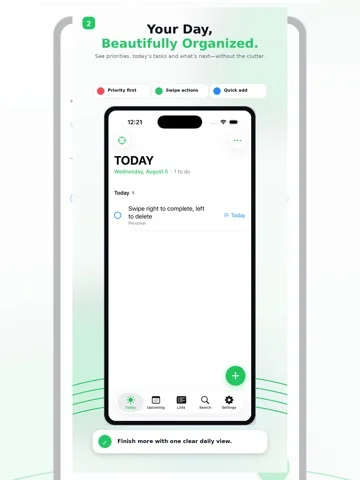
What you can do
- Tasks/subtasks, notes and attachments
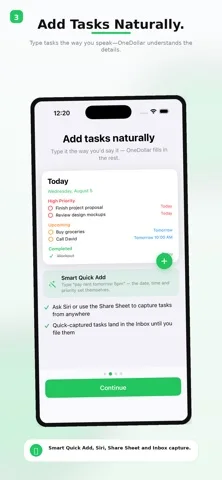
- Natural-language recurring scheduling and reminders
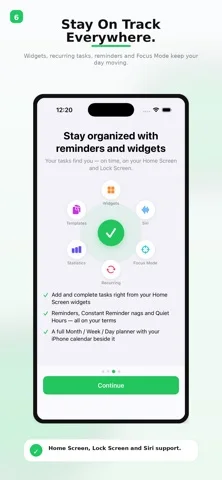
- Planner, widgets and JSON/CSV backup
Good for
- People choosing their reminder intensity and backup plan
Consider alternatives for
- Team project administration or guaranteed time-critical alarms
Limitations & considerations
- Captured minimum: iOS 17.0.
- Notification delivery still depends on system permissions/settings; constant reminders may overwhelm, and optional iCloud is separate from fully local use.
Privacy & permissions
Publisher states no own server/account and optional private iCloud sync; grant calendar/reminder access deliberately and protect exports/attachments.
Sources & review notes Updated Nov 12, 2026
Reviewed by iApp4Me Editorial Team. Recommendations use the linked documentation and attributed accounts; device observations are identified separately.
- US App Store developer description
Complete description, download price and compatibility metadata captured 2026-11-02.
No comments yet. Be the first to share your experience.