
OneOpen: File Viewer
View documents, Markdown and packaged websites from Files or Mail, with separately purchased specialist CAD, 3D and archive previews.
Opening a packaged local website or shared document on iPhone/iPad
Consider OneOpen when a shared file needs a readable preview without first moving it to a desktop application. A distinctive free workflow is opening HTML inside a ZIP with its bundled relative images and styles. Check the exact format limits before paying for Advanced Access, and choose offline or Safe Preview deliberately when the package contains executable web content.
Keep in mind: US lifetime IAP displays $0.00 while the publisher’s China reference is ¥19.90; the cause, offer duration and actual checkout eligibility are unknown.
Inside the app
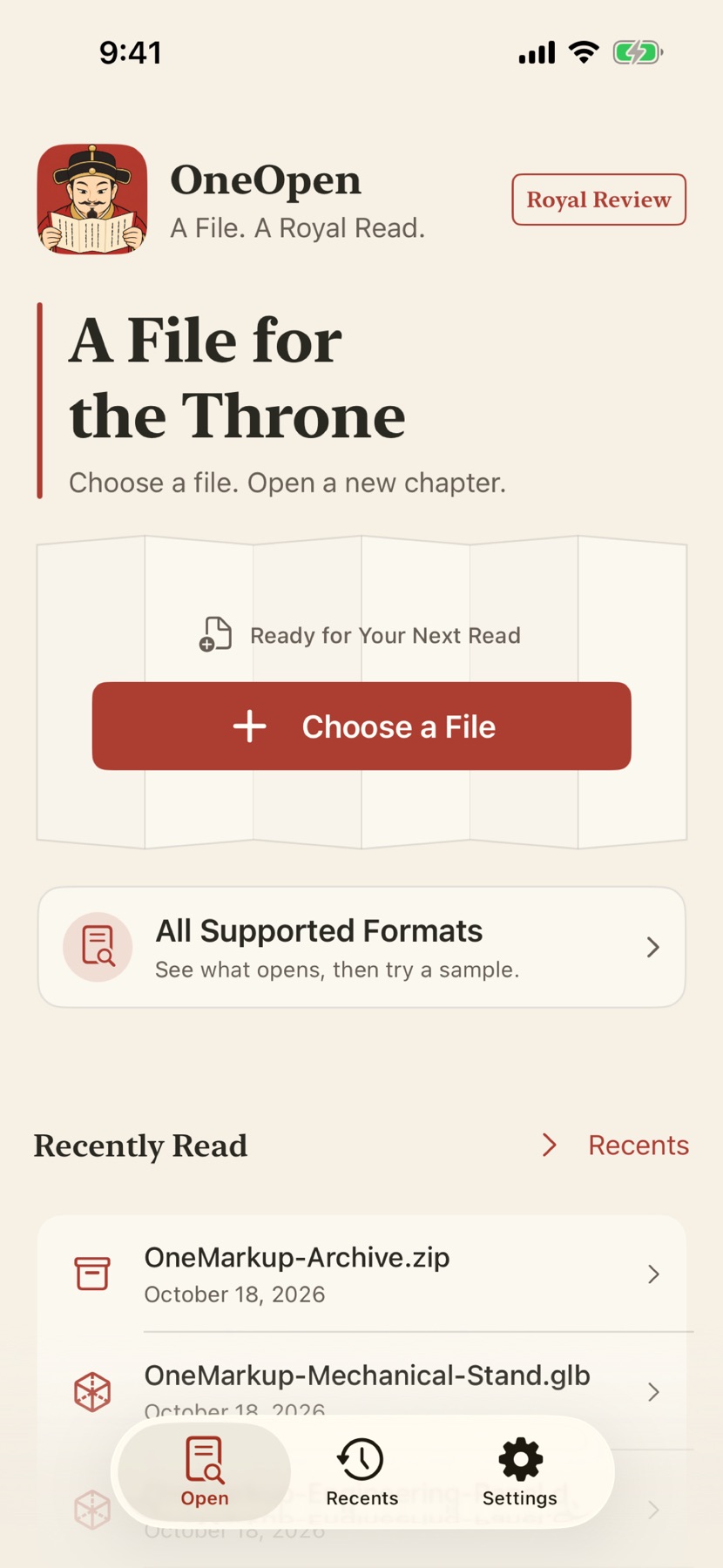
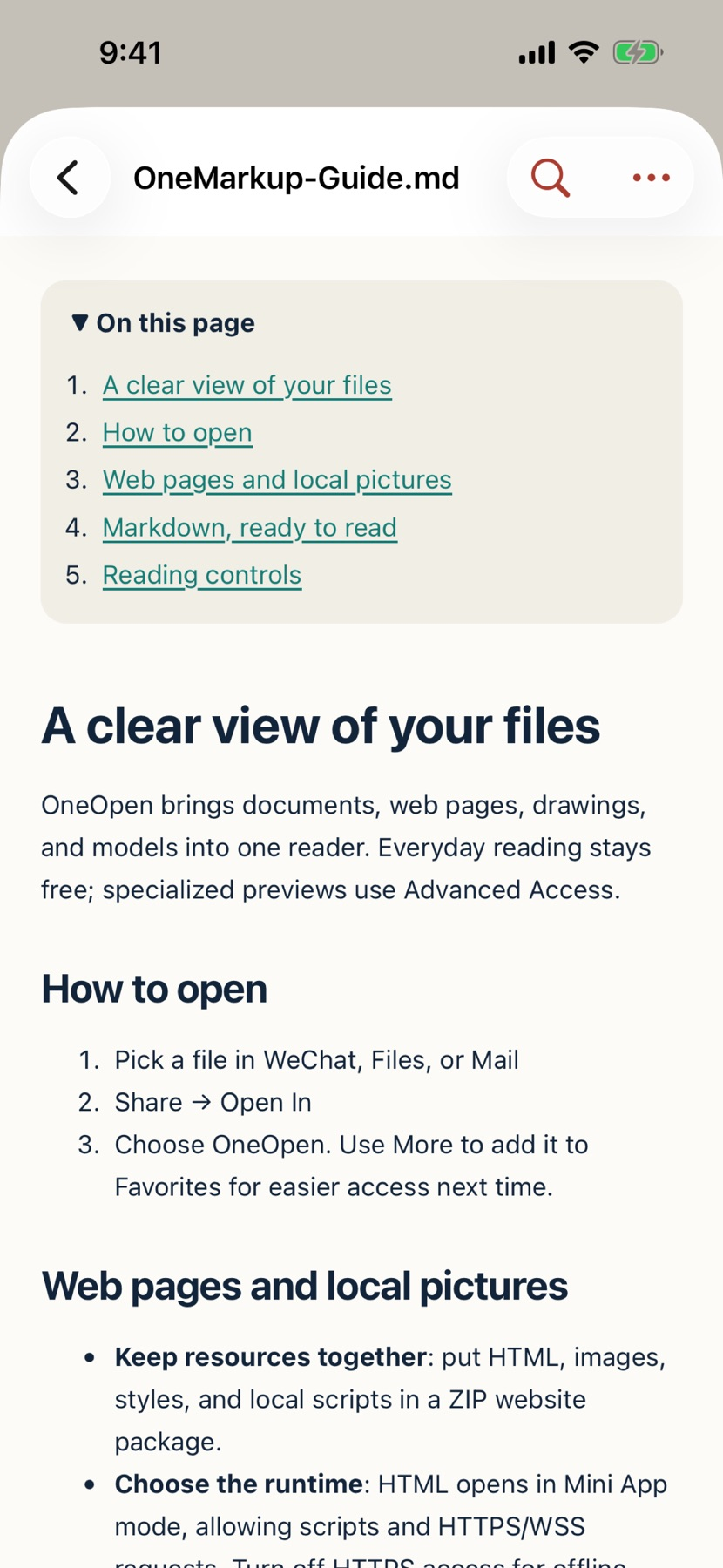
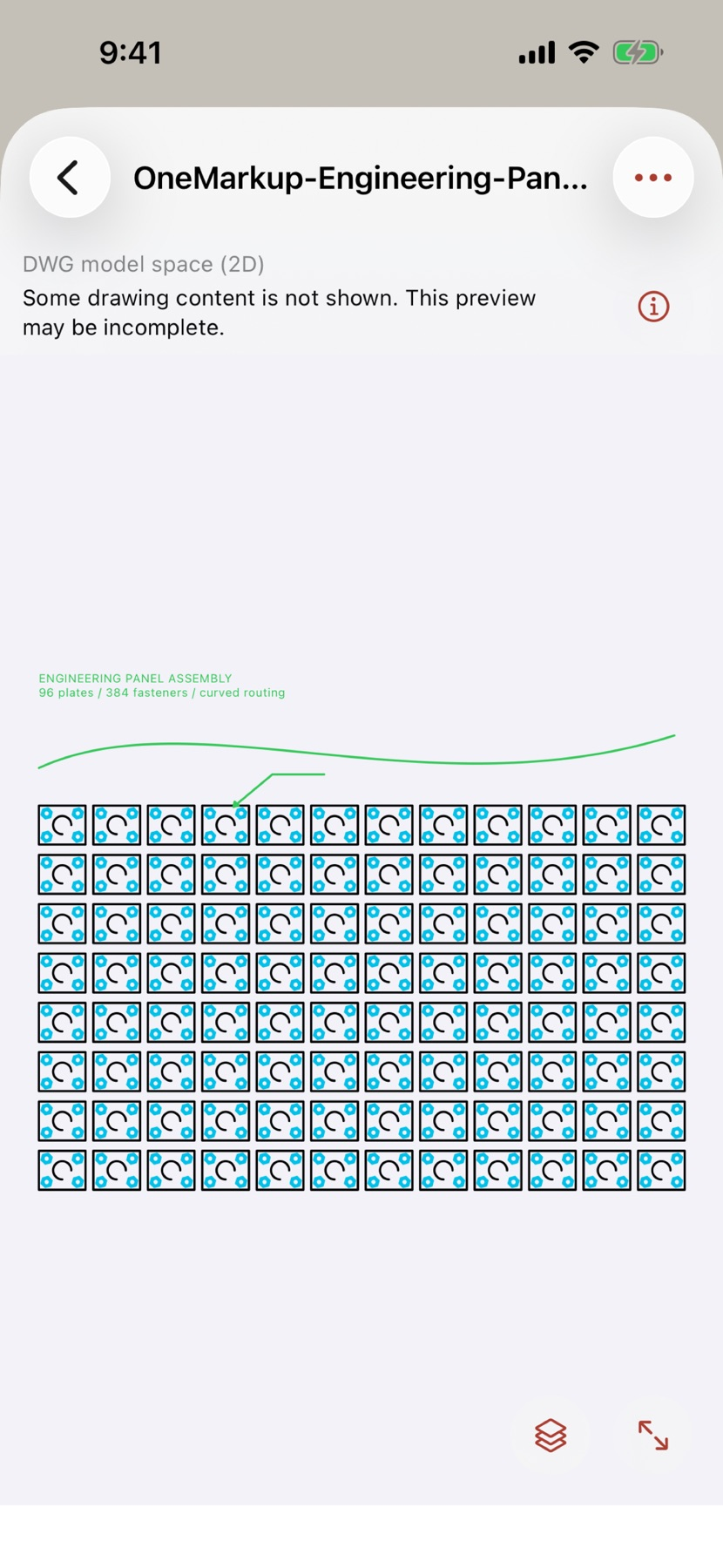
Official product images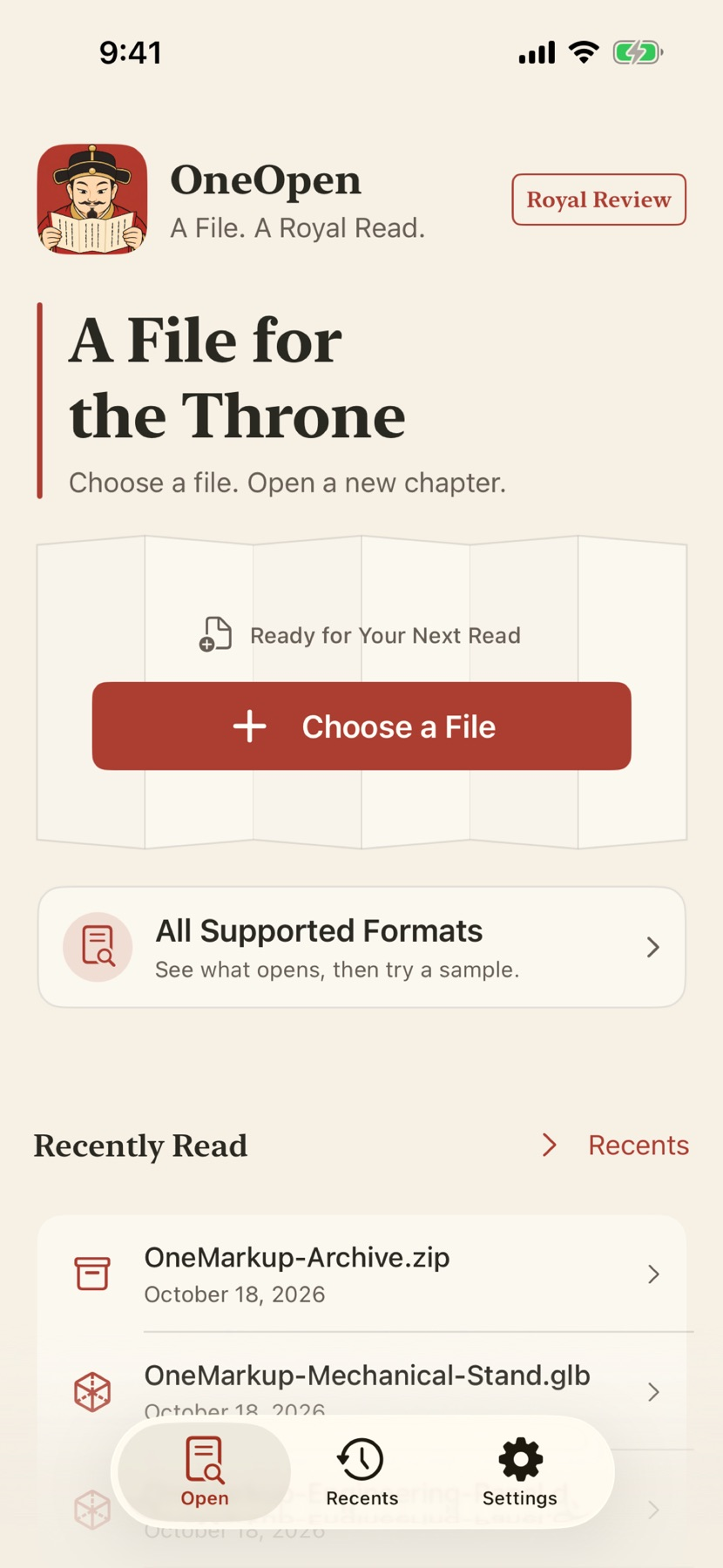


What you can do
- Free everyday viewing for HTML/ZIP websites, Markdown, PDF, Office and common media/data formats
- Browse archive entries and extract to Files; ZIP/EPUB are free while some other archives need Advanced Access
- Specialist previews for supported CAD, 3D, RAW/design images, certificates and binary formats
- HTML runtime with restricted HTTPS/WSS plus offline and Safe Preview options; Markdown does not execute scripts
Good for
- Opening a packaged local website or shared document on iPhone/iPad
- Checking a specific supported specialist format before buying a full editor
Consider alternatives for
- Complete CAD editing, engineering measurement or unrestricted format compatibility
- Assuming all HTML previews remain offline or that a $0.00 IAP entry is a permanent universal offer
Keep a website’s resources together
The submitted workflow starts with a ZIP website in Files. Open the archive and select its HTML document so supported relative styles and images can stay with it. A loose HTML file or model may not be allowed to read private neighboring files; a complete package preserves an explicit resource boundary. No package was opened on a device for this guide.
Separate everyday viewing from specialist access
The current iOS listing says everyday HTML, ZIP websites, Markdown, PDF, Office and common media/data viewing are free. Specialist formats use Advanced Access, with annual and one-time lifetime purchases unlocking the same advanced set.
US IAP currently displays $0.99 annual and $0.00 lifetime. The official website quotes ¥9.90 annually or ¥19.90 lifetime for China and says regional prices vary. We cannot explain the zero-dollar entry or verify what a user can purchase, so it is not presented as guaranteed free lifetime access.
Check platform and format limits
Current iOS version 1.9.6 requires iOS/iPadOS 17 or later. The official site also offers Android APK 1.0.1, build 2, for Android 8 or later, with a separate release manifest and format limits; no APK was installed here.
The store and official website/demo were checked November 7, 2026. The onemarkup URL and Chinese name refer to the current OneOpen product. The three official images show the home screen, Markdown and CAD, not a complete screenshot sequence of the submitted ZIP-HTML workflow. CAD is a limited viewer rather than an editor, and the gallery retains its incomplete-preview warning.
Limitations & considerations
- US lifetime IAP displays $0.00 while the publisher’s China reference is ¥19.90; the cause, offer duration and actual checkout eligibility are unknown.
- DWG supports selected 2D model-space content; unsupported entities can be absent. 3D animation is static and some compression/materials require conversion.
- The Android APK has separate verified format coverage; included Android features are free and should not be equated with the iOS membership.
- The supplied demo is an edited, sometimes accelerated historical 1.9.x recording with Chinese UI; it is not a new English-language capture or our ZIP-resource test.
Privacy & permissions
The current store describes no app account, ads, analytics or document uploads, with non-HTML previews kept offline. Ordinary HTML and ZIP websites can run JavaScript and connect over HTTPS/WSS in an isolated environment.
Those web requests are distinct from document upload. Use offline/Safe Preview where appropriate and review the product-specific privacy notice rather than assume every format has identical behavior.
Privacy policyUse it for
Sources & review notes Updated Nov 7, 2026
Reviewed by iApp4Me Editorial Team. Recommendations use the linked documentation and attributed accounts; device observations are identified separately.
- OneOpen · official product page
Everyday/Advanced split, China price references and separate Android APK coverage.
- OneOpen · US App Store
Version 1.9.6, supported/unsupported formats, networking behavior and unresolved lifetime IAP display.
- OneOpen · official demo notes
Historical real 1.9.x recordings, editing/speed and language limitations explicitly disclosed by the publisher.
- One Apps · privacy policy
Product-specific notices; not every One Apps product has the same processing.
No comments yet. Be the first to share your experience.