Password Manager Data Vault
DataVault stores password records and supports autofill, generators, backups and selected device synchronization.
Consider only after a tested backup/import and recovery workflow
Templates and search organize credentials alongside supported autofill.
Keep in mind: Encryption/superlative security claims are not an independent audit; a forgotten master password or enabled failed-login wipe can lose access, and cross-manager import may require a separate desktop app.
Inside the app
Official product images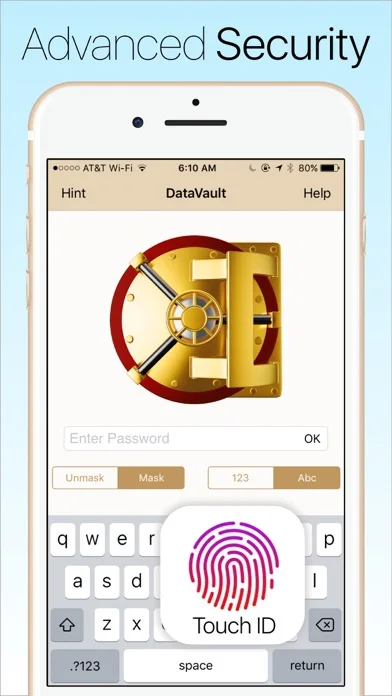
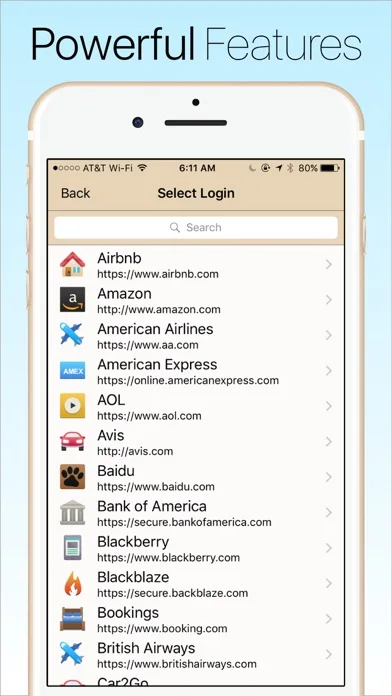
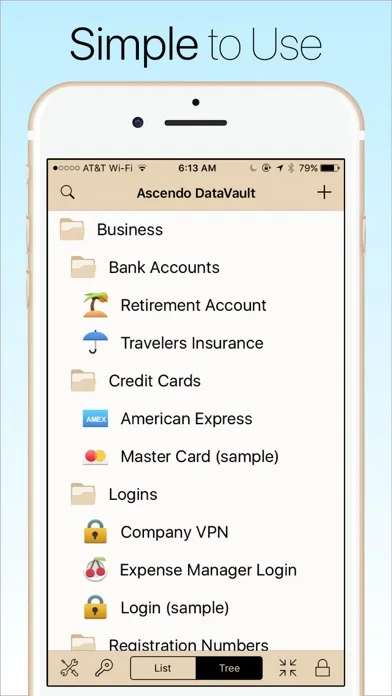
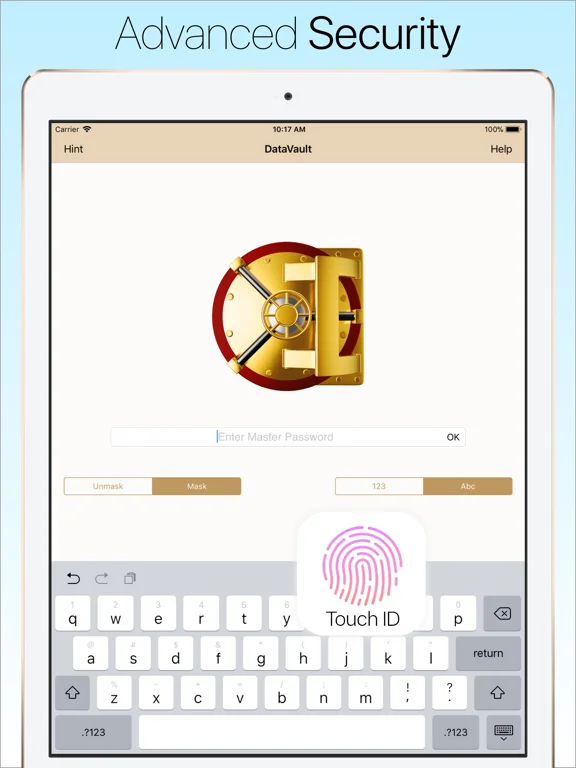
What you can do
- Organize encrypted record templates
- Use supported autofill and password generation
- Back up or sync through selected destinations
Good for
- Users who can securely manage the master password and backups
Consider alternatives for
- Users expecting guaranteed recovery or every desktop feature included
Limitations & considerations
- Captured minimum: iOS 15.6.
- Encryption/superlative security claims are not an independent audit; a forgotten master password or enabled failed-login wipe can lose access, and cross-manager import may require a separate desktop app.
Privacy & permissions
Credentials, recovery hints and backup files are highly sensitive; check auto-lock, wipe settings and trusted iCloud/Dropbox/Wi-Fi destinations.
Sources & review notes Updated Nov 11, 2026
Reviewed by iApp4Me Editorial Team. Recommendations use the linked documentation and attributed accounts; device observations are identified separately.
- US App Store developer description
Complete description, download price and compatibility metadata captured 2026-11-02.
No comments yet. Be the first to share your experience.