Business
PDF Editor ®
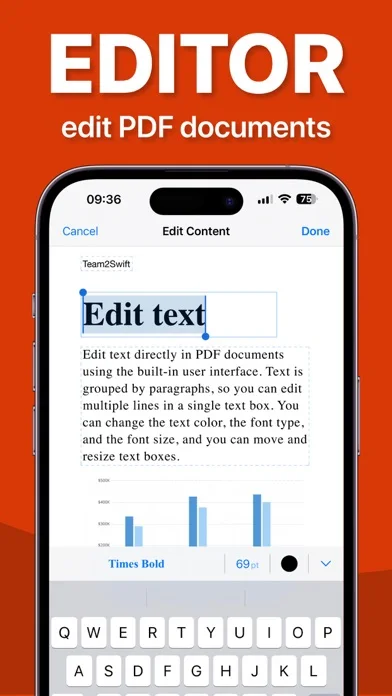
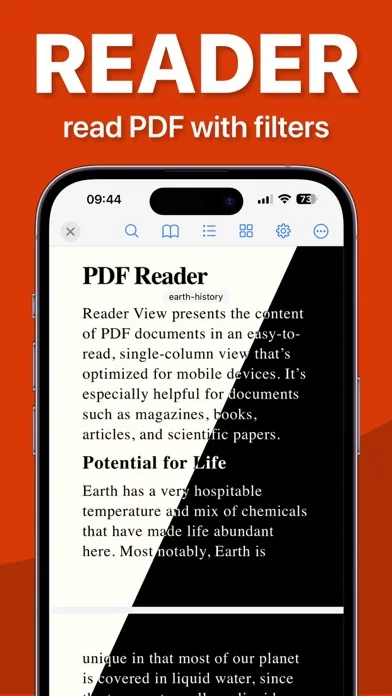
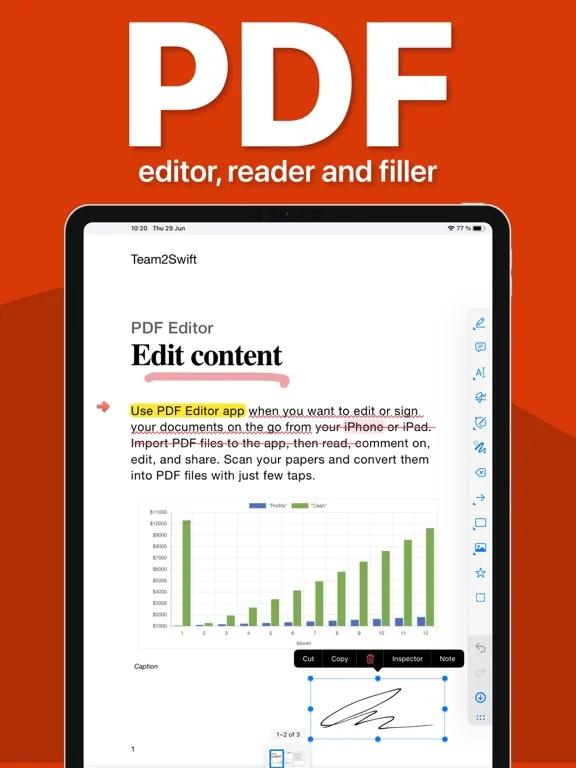
PDF Editor imports, scans and annotates PDFs with typed form entries and drawn signatures.
Consider for routine document markups on a compatible iPhone or iPad
Scanning and signing can happen near the same local document.
Keep in mind: Typed fields and drawn marks are not a verified digital-signature certificate; complex forms, OCR or original text replacement are not fully specified.
Inside the app
Official product images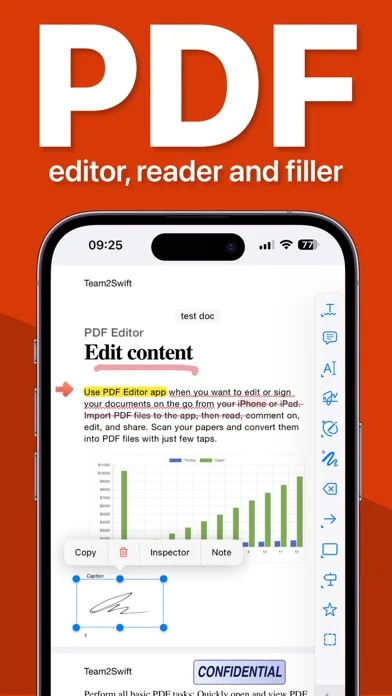
What you can do
- Scan pages and adjust their appearance
- Add notes, highlights or drawings
- Type form entries and draw signatures
Good for
- Users handling authorized basic PDF documents
Consider alternatives for
- Users requiring certified signatures or guaranteed complex-form compatibility
Limitations & considerations
- Captured minimum: iOS 17.0.
- Typed fields and drawn marks are not a verified digital-signature certificate; complex forms, OCR or original text replacement are not fully specified.
Privacy & permissions
The developer says documents stay local until export; saved signatures and exported copies still need controlled access.
Sources & review notes Updated Nov 10, 2026
Reviewed by iApp4Me Editorial Team. Recommendations use the linked documentation and attributed accounts; device observations are identified separately.
- US App Store developer description
Complete description, download price and compatibility metadata captured 2026-11-02.
No comments yet. Be the first to share your experience.