Business
PDF Editor: Read, Scan & Sign
A1 PDF Editor scans, annotates, converts and signs supported documents with sharing permissions.
Consider after testing representative files
A single workflow connects camera capture to form completion.
Keep in mind: Complex conversions can alter layout; drawn signatures do not establish legal validity, and advertised offline sync needs verification for critical files.
Inside the app
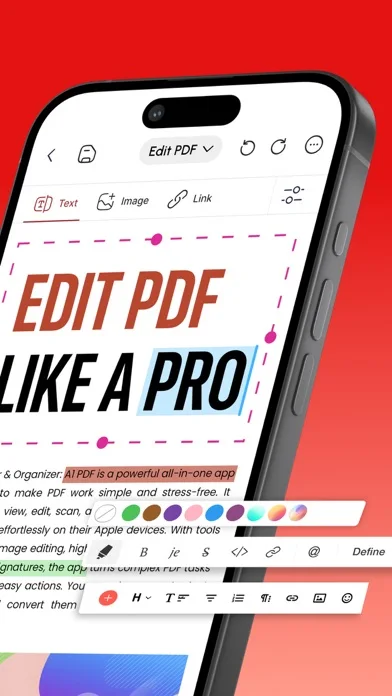
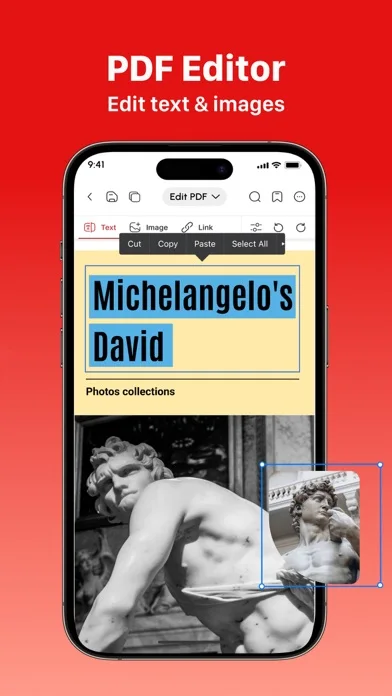
Official product images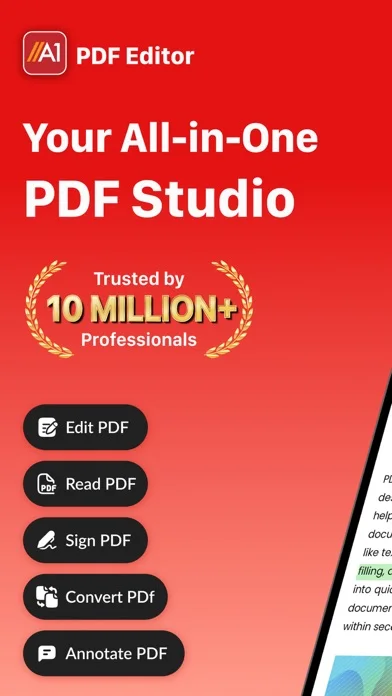
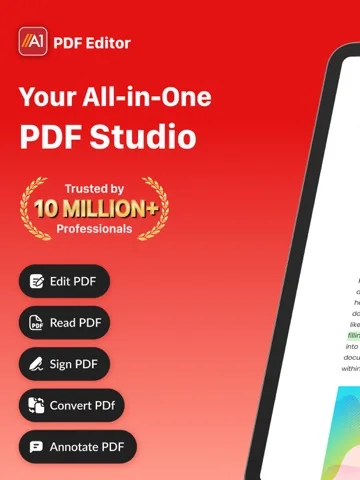
What you can do
- Scan supported pages with cropping
- Add text, notes and signatures
- Use entitled conversion or recipient permissions
Good for
- Users handling routine PDF workflows
Consider alternatives for
- Users requiring guaranteed conversion fidelity or legal acceptance
Limitations & considerations
- Captured minimum: iOS 15.0.
- Complex conversions can alter layout; drawn signatures do not establish legal validity, and advertised offline sync needs verification for critical files.
Privacy & permissions
Documents and signatures are sensitive; review cloud sync and recipient access.
Sources & review notes Updated Nov 10, 2026
Reviewed by iApp4Me Editorial Team. Recommendations use the linked documentation and attributed accounts; device observations are identified separately.
- US App Store developer description
Complete description, download price and compatibility metadata captured 2026-11-02.
No comments yet. Be the first to share your experience.