PDF Expert – Edit, Sign PDFs
Read, edit, annotate, fill and sign PDFs with OCR and document-conversion tools.
Useful for users checking representative forms and scans
Form fields, signatures and page tools serve repeated document work.
Keep in mind: Signature validity/form compatibility and OCR/redaction/conversion need checks; electronic marks are not automatically certified digital signatures. Mac-only lifetime differs from cross-device annual access.
Inside the app
Official product images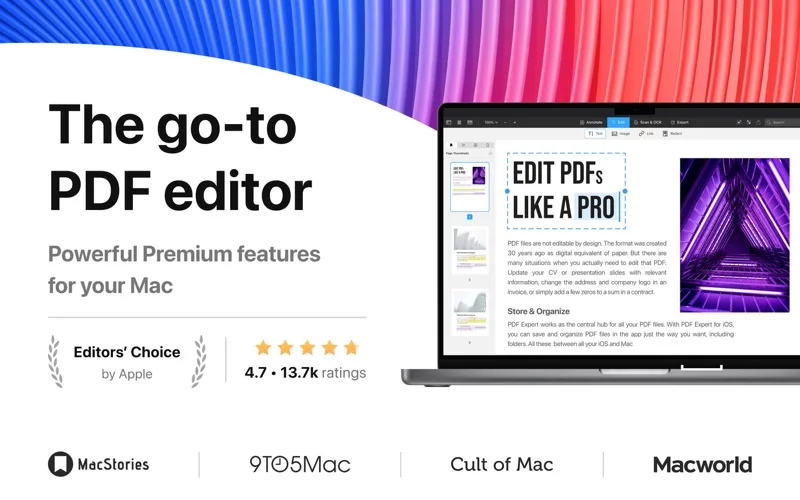
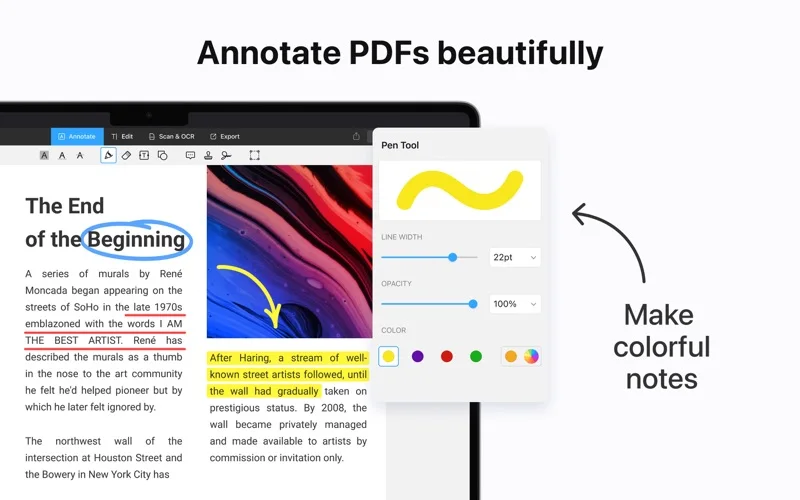
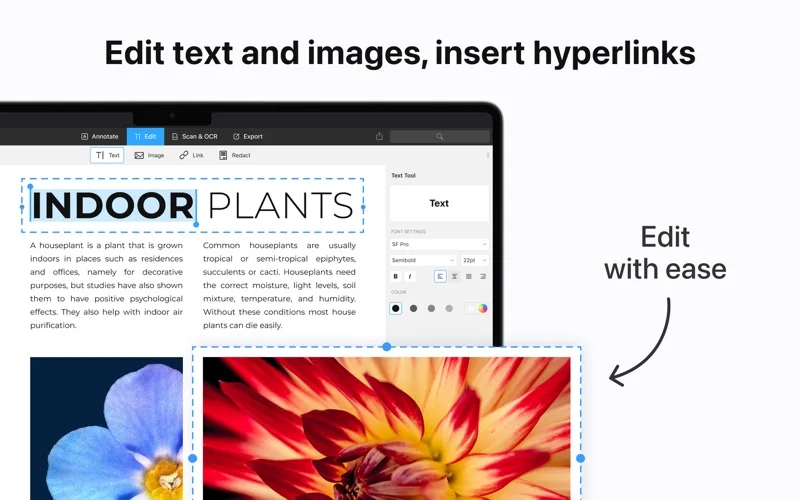
What you can do
- Interactive-field filling and reusable signatures
- Text/images/annotations/pages and redaction
- OCR, scan enhancement and format export
Good for
- Users reviewing saved documents before sending
Consider alternatives for
- Guaranteed everyPDF form or wholly local online features
Limitations & considerations
- Captured minimum: macOS 12.0.
- Signature validity/form compatibility and OCR/redaction/conversion need checks; electronic marks are not automatically certified digital signatures. Mac-only lifetime differs from cross-device annual access.
Privacy & permissions
Policy describes diagnostics/account data, temporary conversion files up to3hours and optionalAI providers; inspect sensitive-file workflows before enabling them.
Privacy policySources & review notes Updated Nov 15, 2026
Reviewed by iApp4Me Editorial Team. Recommendations use the linked documentation and attributed accounts; device observations are identified separately.
- US App Store developer description
Complete description, release notes, download price and compatibility metadata captured 2026-11-02.
- Official developer disclosure
Cached official pricing evidence captured 2026-11-08; product-relevant content reviewed2026-11-15.
- Official developer disclosure
Cached official privacy evidence captured 2026-11-08; product-relevant content reviewed2026-11-15.
- Official developer disclosure
Cached official product evidence captured 2026-11-12; product-relevant content reviewed2026-11-15.
No comments yet. Be the first to share your experience.