PDF Office: Acrobat Pro Expert
Edit, annotate, sign and convert PDFs through a toolkit published by heytopia.
Someone comparing a PDF toolkit who can verify the exact upgraded features needed.
Edit, annotate, sign and convert PDFs through a toolkit published by heytopia.
Keep in mind: The product title uses Acrobat wording, but the listed publisher is heytopia. Conversion is explicitly server-side while OCR is advertised on-device; do not treat the whole app as offline. Signature placement is not proof of a certificate-backed digital-signature workflow.
Inside the app
Official product images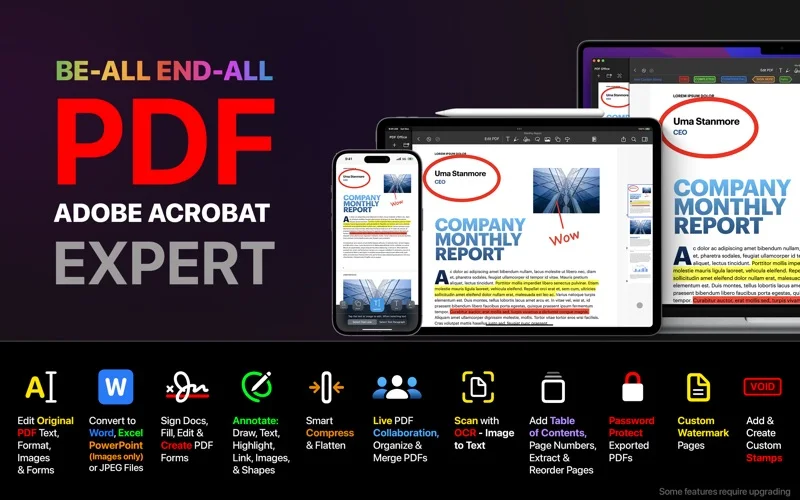
What you can do
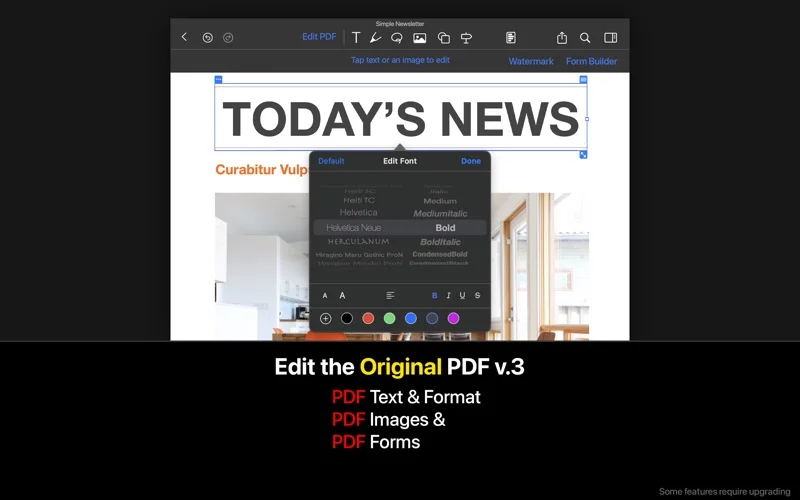
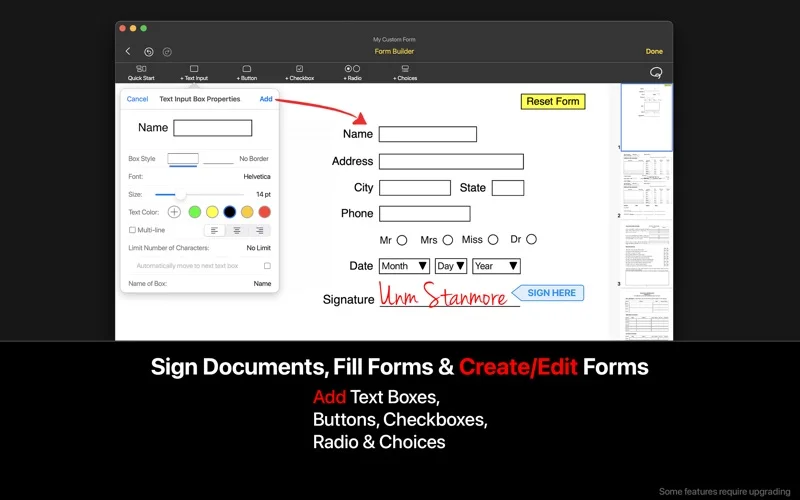
- Change PDF content, fill forms and place reusable signatures.
- Create form fields, merge/compress documents and organize annotations.
- Use described OCR, conversions, iCloud folders and collaboration features.
Good for
- Someone comparing a PDF toolkit who can verify the exact upgraded features needed.
Consider alternatives for
- An Adobe product, guaranteed digital-signature validation or fully on-device document processing.
Limitations & considerations
- The product title uses Acrobat wording, but the listed publisher is heytopia. Conversion is explicitly server-side while OCR is advertised on-device; do not treat the whole app as offline. Signature placement is not proof of a certificate-backed digital-signature workflow.
Privacy & permissions
Server conversions and shared folders can send document contents off-device. The on-device OCR claim is a publisher statement, not a guarantee covering conversion or collaboration; check terms before uploading confidential forms.
Sources & review notes Updated Nov 18, 2026
Reviewed by iApp4Me Editorial Team. Recommendations use the linked documentation and attributed accounts; device observations are identified separately.
- US App Store listing
Publisher description, version and US download price captured 2026-11-02; source-based coverage, not a device test.
No comments yet. Be the first to share your experience.