PDF Reader: PDF Editor,Convert
Read and annotate PDFs with signing-image tools and paid conversion/page operations.
Someone comparing PDF tools with clearly separated paid functions.
Read and annotate PDFs with signing-image tools and paid conversion/page operations.
Keep in mind: Conversions, compression and form behavior were not tested. A visual signature does not verify identity or document integrity.
Inside the app
Official product images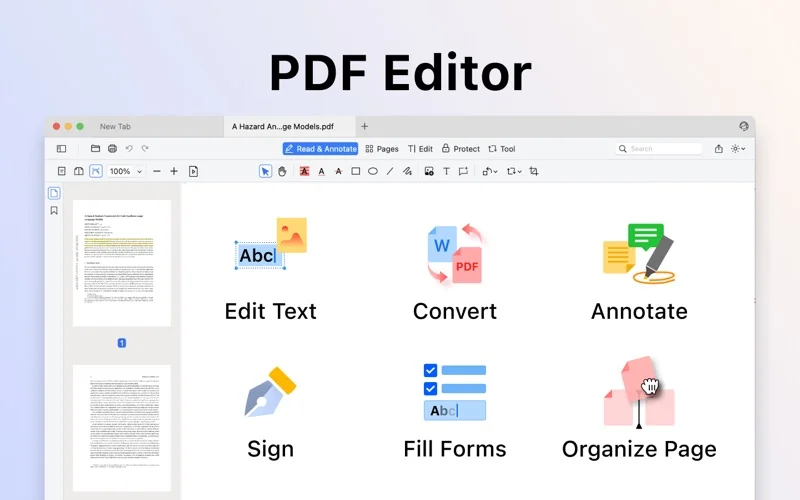
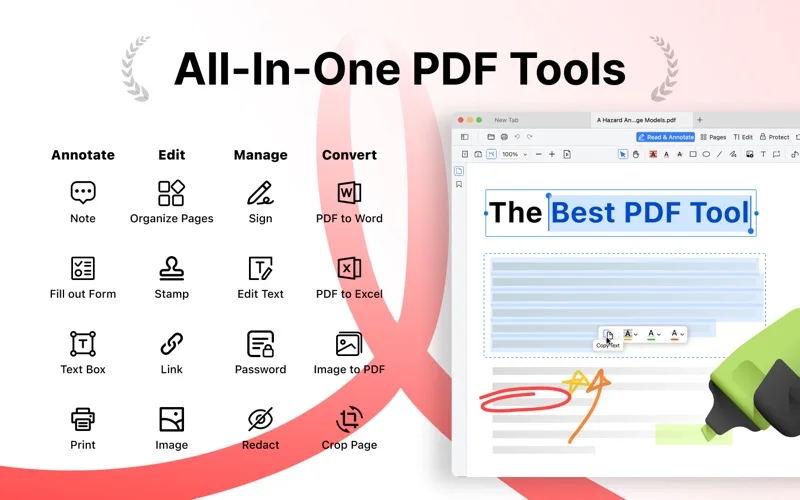
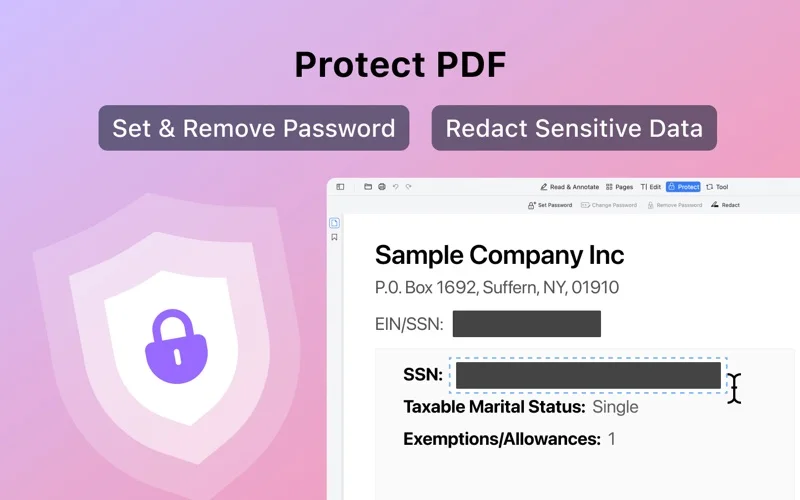
What you can do
- Add text, shapes, ink and notes.
- Place typed/drawn/image signatures or stamps.
- Use premium conversion, page reorganization, merging and compression.
Good for
- Someone comparing PDF tools with clearly separated paid functions.
Consider alternatives for
- All editing/conversion free or verified certificate-backed signatures.
Limitations & considerations
- Conversions, compression and form behavior were not tested. A visual signature does not verify identity or document integrity.
Privacy & permissions
Documents and reusable signatures can be sensitive. The linked provider policy describes Firebase analytics/error logs; actual Mac integrations and document-processing location were not audited.
Privacy policySources & review notes Updated Nov 19, 2026
Reviewed by iApp4Me Editorial Team. Recommendations use the linked documentation and attributed accounts; device observations are identified separately.
- US App Store listing
Full publisher description, version and US download price captured 2026-11-02; source-based coverage, not a device test.
- Developer/provider privacy overview
Relevant cached disclosure read; no full legal/security audit.
No comments yet. Be the first to share your experience.