
Graphics & Design
PicRef - for reference picture
A reference-image board for arranging several pictures alongside creative work, with crop, rotation, mirroring and iPad notes.
Consider for artists building a focused visual workspace
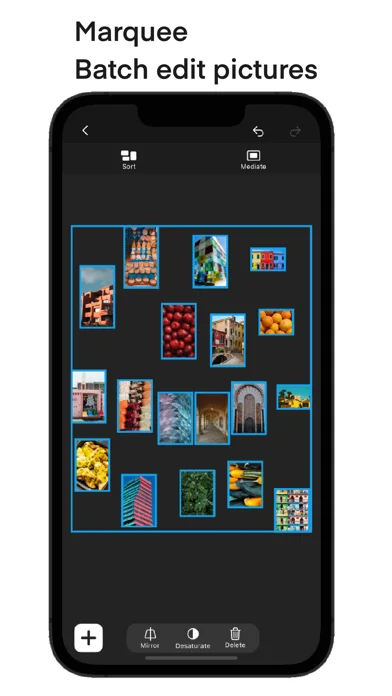
Batch transformations and split-screen use can keep references accessible while drawing in another app.
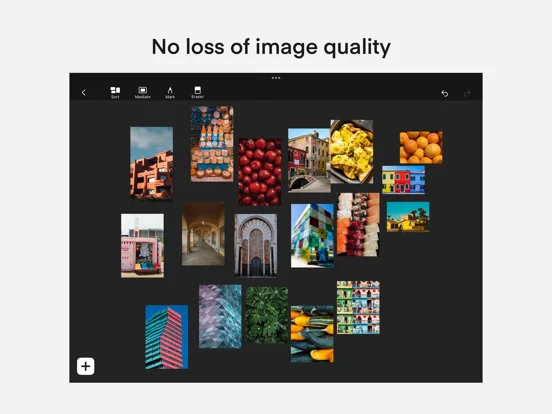
Keep in mind: Claims of no image-quality loss are not independently tested, and handwritten marking is explicitly iPad-only.
Inside the app
Official product images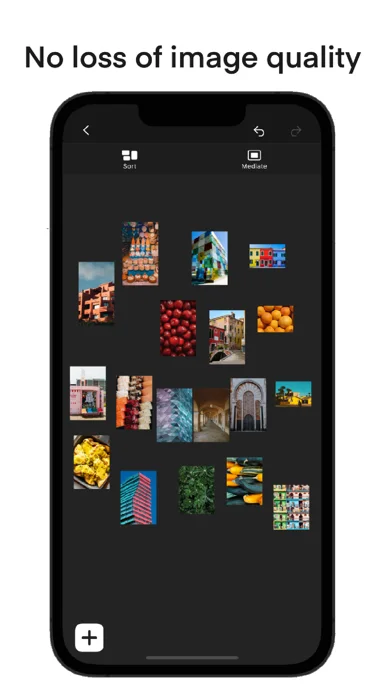
What you can do
- Drag, crop, resize and rotate images
- Mirror or desaturate selected pictures
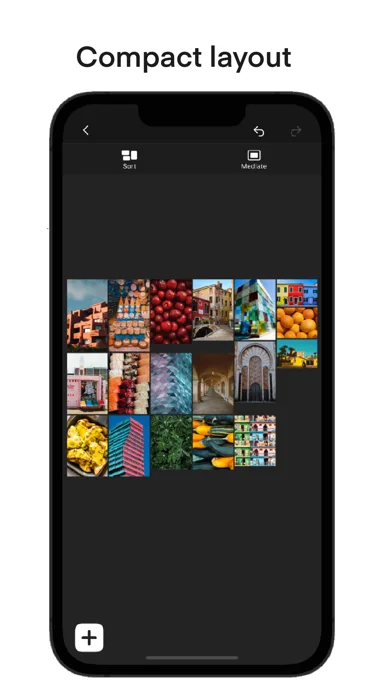
- Arrange compact layouts and focus on one reference
- Add supported iPad marks and use split screen
Good for
- Artists who want a reference board rather than a full image editor.
Consider alternatives for
- People expecting layer-based photo retouching, shared live boards or identical marking features on phones.
Limitations & considerations
- Captured minimum: iOS 14.0.
- Claims of no image-quality loss are not independently tested, and handwritten marking is explicitly iPad-only.
Privacy & permissions
Reference images may include copyrighted or confidential work. Check export and storage behavior before importing sensitive material.
Sources & review notes Updated Nov 11, 2026
Reviewed by iApp4Me Editorial Team. Recommendations use the linked documentation and attributed accounts; device observations are identified separately.
- US App Store developer description
Complete description, download price and compatibility metadata captured 2026-11-02.
No comments yet. Be the first to share your experience.