
Graphics & Design
Picsart Color: Draw & Paint
Picsart Color draws layered digital illustrations with brushes, color tools and optional templates.
Consider for creative sketching on supported devices
Layers and symmetry can reduce repetitive drawing work.
Keep in mind: Pencil pressure depends on hardware; auto-recovery is not a substitute for backup and paid templates require an active subscription.
Inside the app
Official product images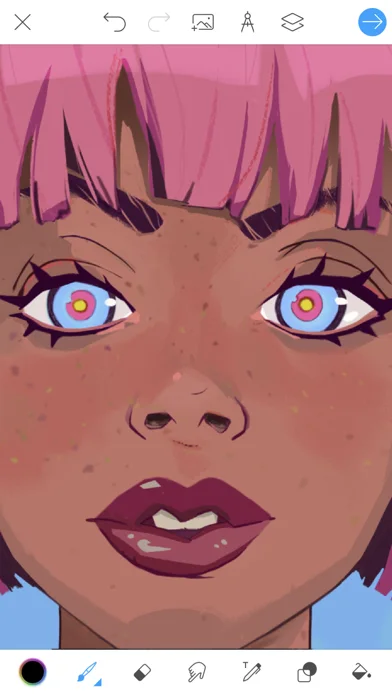
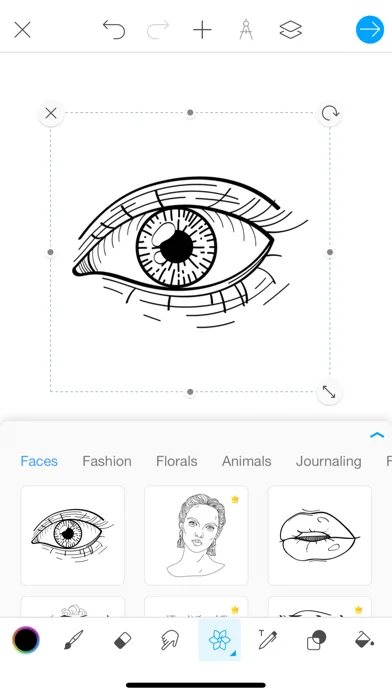
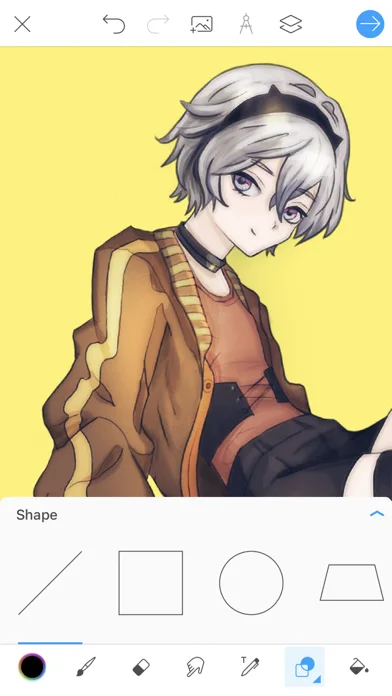
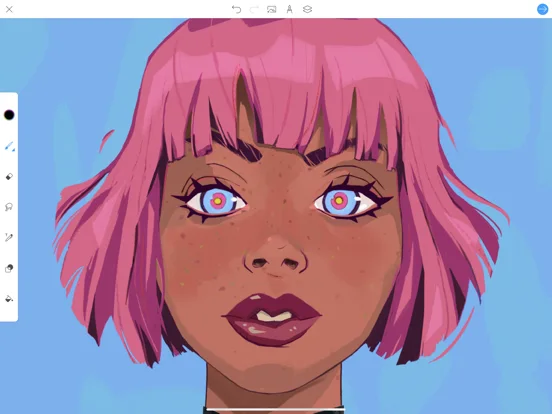
What you can do
- Paint with customizable brushes and layers
- Use color mixing, fills and symmetry
- Add photos, shapes or text to drawings
Good for
- Users creating digital sketches and illustrations
Consider alternatives for
- Users needing guaranteed file recovery or perpetual premium templates
Limitations & considerations
- Captured minimum: iOS 15.0.
- Pencil pressure depends on hardware; auto-recovery is not a substitute for backup and paid templates require an active subscription.
Privacy & permissions
Artwork and imported photos may be private; review storage and sharing.
Sources & review notes Updated Nov 10, 2026
Reviewed by iApp4Me Editorial Team. Recommendations use the linked documentation and attributed accounts; device observations are identified separately.
- US App Store developer description
Complete description, download price and compatibility metadata captured 2026-11-02.
No comments yet. Be the first to share your experience.