
Pixea
Pixea combines Mac media browsing with photo adjustments, masks and batch conversion.
Try it for viewing varied media formats and making edits in one interface.
Folder and archive navigation sit beside color tools and image cleanup instead of requiring a separate viewer for every format.
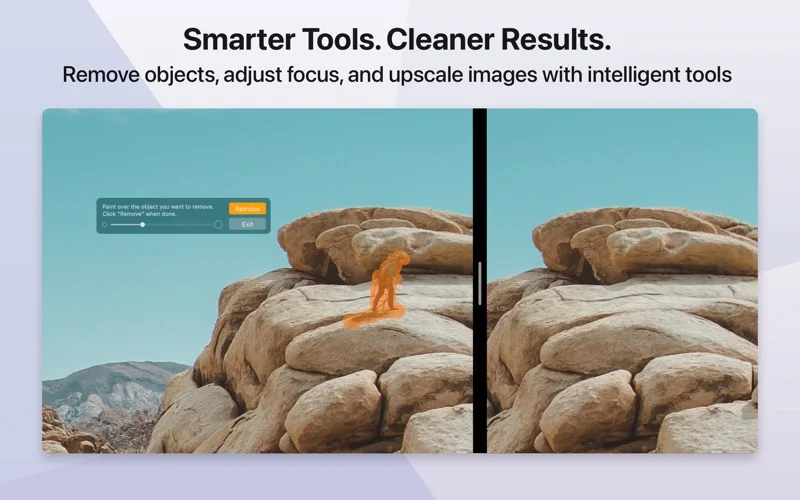
Keep in mind: Some features need Pixea Plus; opening PSD or Sketch previews does not imply full native editing, and AI cleanup or upscaling can alter details.
Inside the app
Official product images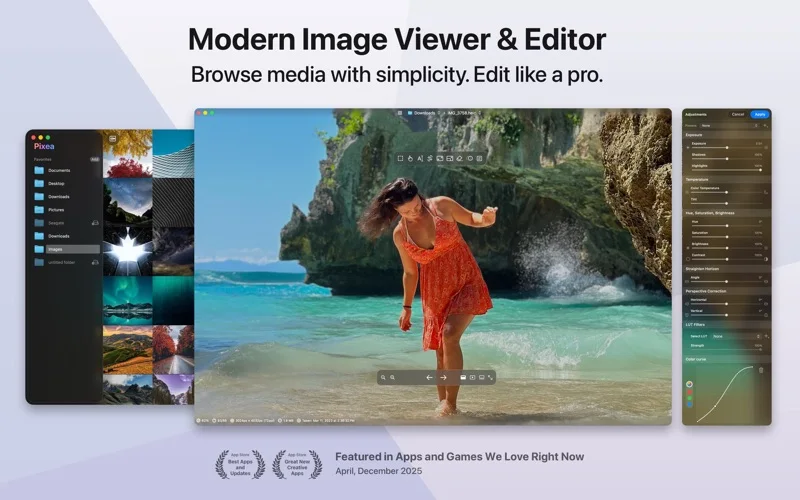
What you can do
- Browse images, videos, photo libraries and archives
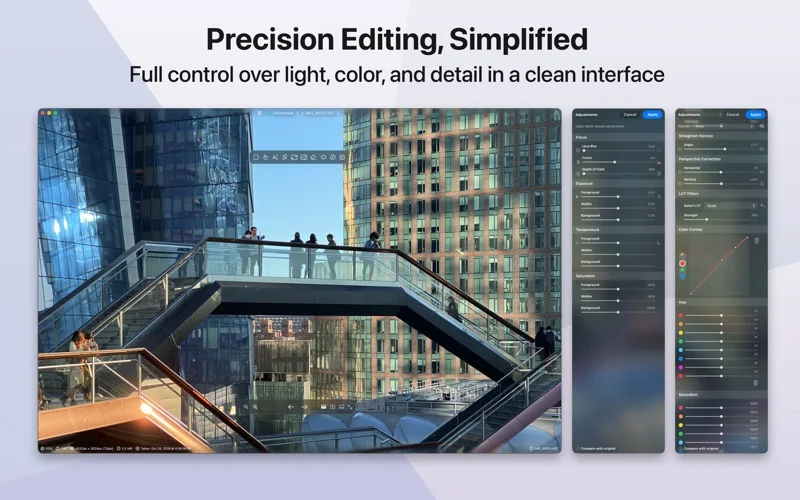
- Adjust color, exposure, perspective and selective masks
- Convert and edit multiple images with optional intelligent enhancement
Good for
- Mac users who review mixed media folders and make regular photo adjustments.
Consider alternatives for
- Designers requiring complete Photoshop-layer editing or guaranteed RAW compatibility for every camera.
Limitations & considerations
- Captured minimum: macOS 11.0.
- Some features need Pixea Plus; opening PSD or Sketch previews does not imply full native editing, and AI cleanup or upscaling can alter details.
Privacy & permissions
Media and library access can expose personal photos and locations; review the installed feature's processing disclosure before using sensitive images or sharing exports.
Sources & review notes Updated Nov 15, 2026
Reviewed by iApp4Me Editorial Team. Recommendations use the linked documentation and attributed accounts; device observations are identified separately.
- US App Store developer description
Complete description, release notes, download price and compatibility metadata captured 2026-11-02.
- Official developer disclosure
Cached official text captured 2026-11-13 read for product scope and relevant disclosures; source date preserved. A page without substantive policy text is not treated as a full privacy policy.
No comments yet. Be the first to share your experience.