Games
Pixel Art - Color by Number
Number-guided pixel coloring with photo conversion, 3D pictures, events and optional Premium access.
Consider it for guided coloring without choosing a palette
Numbered cells and area-fill tools make it easier to work through intricate images.
Keep in mind: Premium is required for the described all-content and ad-free entitlement; free download does not unlock everything.
Inside the app
Official product images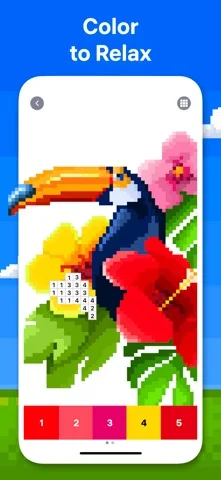
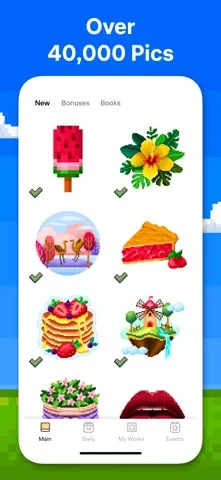

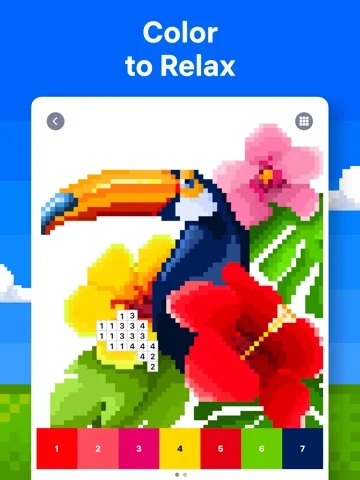
What you can do
- Color numbered cells and 3D images.
- Convert a selected photo into pixel art.
- Use Magic Wand and Color Splash.
- Share coloring timelapse videos.
Good for
- Players who like structured coloring and personal-photo puzzles.
Consider alternatives for
- Artists seeking unrestricted painting or detailed layer editing.
Limitations & considerations
- Captured minimum: iOS 15.0.
- Event availability and future library updates can change.
- No therapeutic stress-reduction effect is independently established.
Privacy & permissions
Camera/photo features need access to selected images; shared timelapses expose the artwork to recipients or social platforms.
Sources & review notes Updated Nov 8, 2026
Reviewed by iApp4Me Editorial Team. Recommendations use the linked documentation and attributed accounts; device observations are identified separately.
- US App Store developer description
Complete description, download price and compatibility metadata captured 2026-11-02.
- Easybrain privacy reference
Developer-linked reference.
No comments yet. Be the first to share your experience.