Pixel Studio for pixel art
Draw layered pixel art and frame animations, then export sprites, GIFs or videos subject to plan limits.
Pixel artists and game developers comparing a portable sprite editor.
Draw layered pixel art and frame animations, then export sprites, GIFs or videos subject to plan limits.
Keep in mind: The listing describes Pro as a one-time purchase but also includes subscription terms; confirm the actual product before paying. Aseprite support is import-only, and large-project limits vary by tier despite broad canvas marketing.
Inside the app
Official product images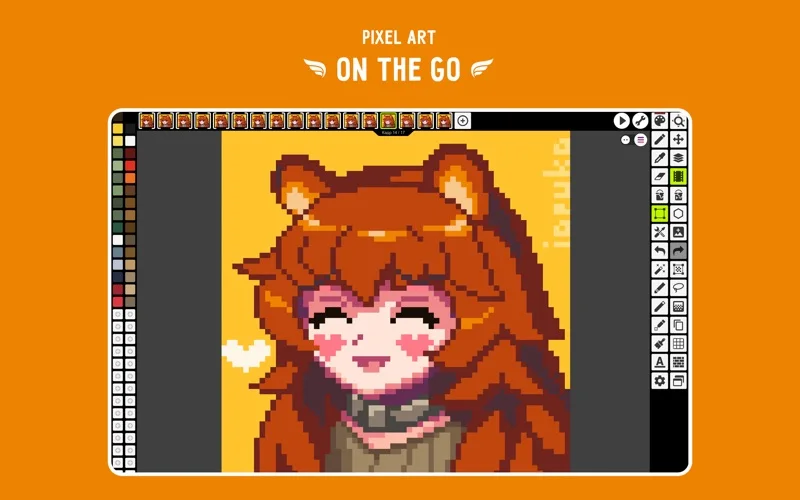
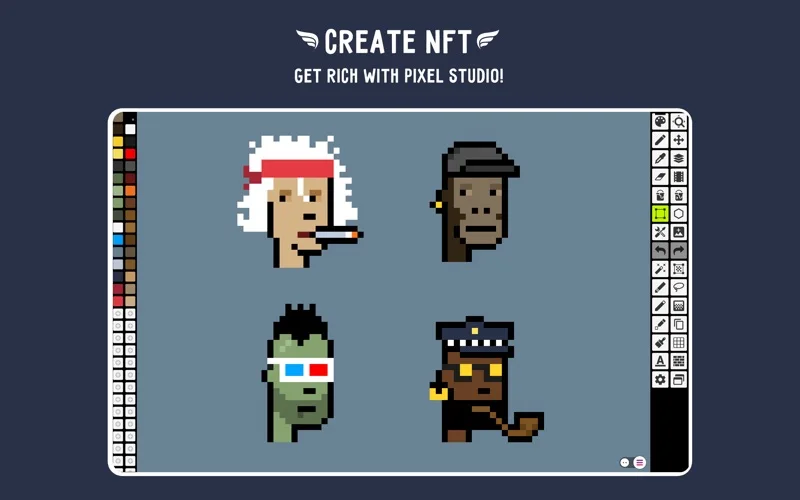
What you can do
- Use layers, palettes, onion skin, brushes and symmetry tools.
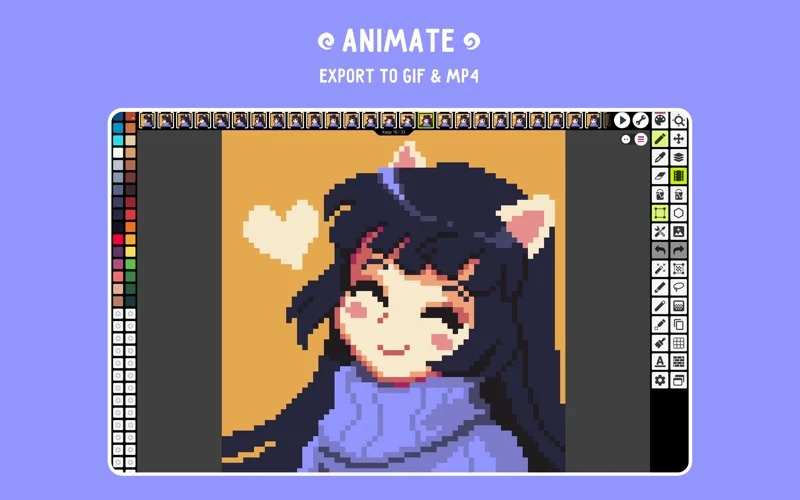
- Export GIFs and sprite sheets or create music-backed MP4 animations.
- Optionally sync through Google Drive and share on Pixel Network.
Good for
- Pixel artists and game developers comparing a portable sprite editor.
Consider alternatives for
- Unrestricted free cloud sync, large projects or MP4 exports.
Limitations & considerations
- The listing describes Pro as a one-time purchase but also includes subscription terms; confirm the actual product before paying. Aseprite support is import-only, and large-project limits vary by tier despite broad canvas marketing.
Privacy & permissions
The linked 2018 developer policy mentions Unity Ads/Analytics and diagnostic data. Optional Drive sync and public Pixel Network sharing add distinct data destinations; that older policy is not a current security audit.
Sources & review notes Updated Nov 18, 2026
Reviewed by iApp4Me Editorial Team. Recommendations use the linked documentation and attributed accounts; device observations are identified separately.
- US App Store listing
Publisher description, version and US download price captured 2026-11-02; source-based coverage, not a device test.
- Pixel Studio developer privacy policy
Official wiki policy edited July 24, 2018; captured 2026-11-11. Dated developer declarations, not a current audit.
No comments yet. Be the first to share your experience.