
Plist Converter
Plist Converter batches conversions among plist, XML, JSON and binary representations, with CSV import and source-code output.
Pick for repeated format conversion rather than interactive configuration editing.
Drag-and-drop batches reduce repetitive conversion steps.
Keep in mind: Changing format does not validate application semantics, and not every JSON/CSV value maps cleanly to a plist type. Inspect generated Swift or Objective-C before using it.
Inside the app
Official product images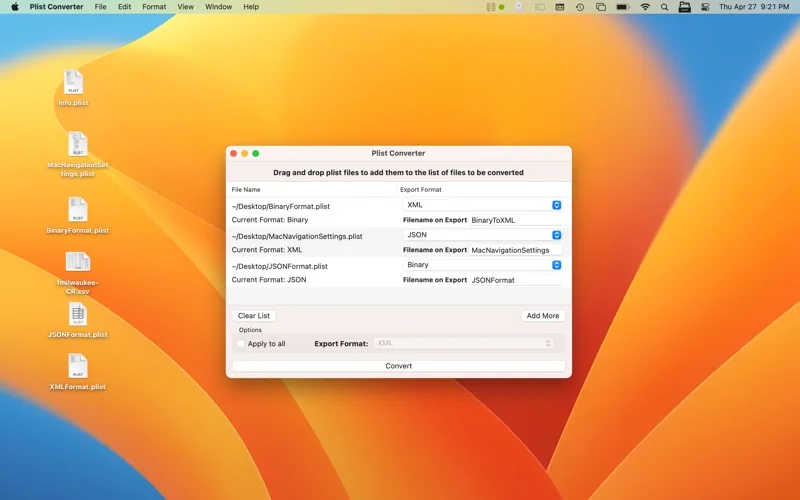
What you can do
- Convert plist XML, JSON and binary forms
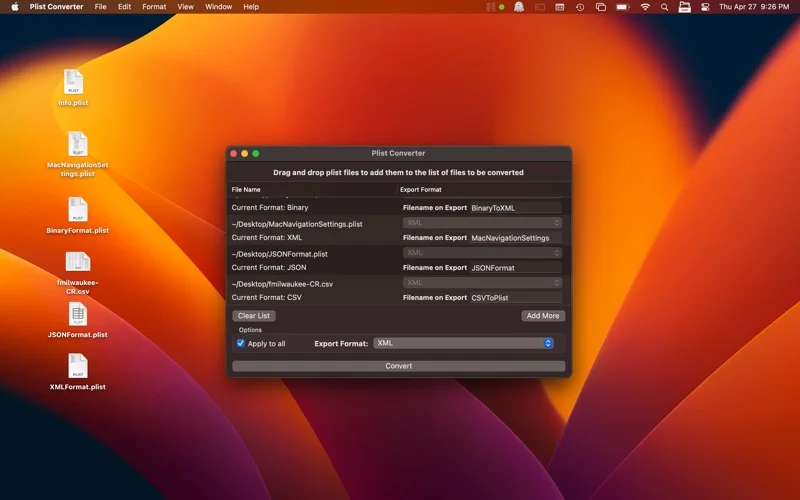
- Import CSV into plist data
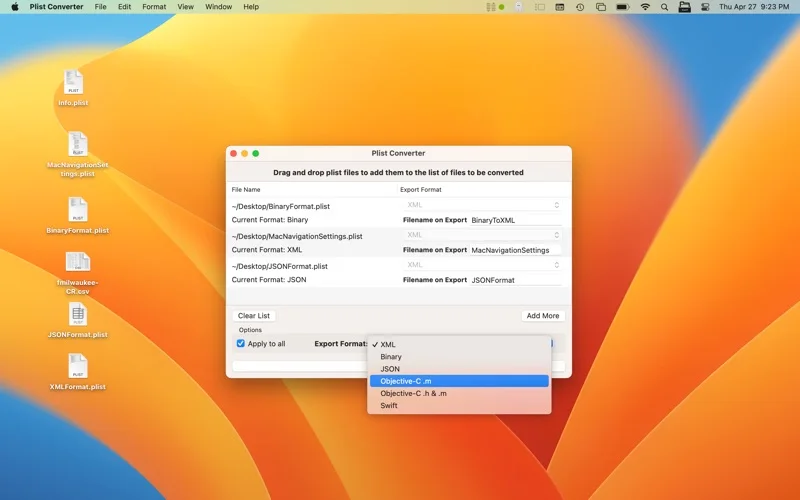
- Generate Swift or Objective-C representations
Good for
- Developers moving structured configuration between supported formats.
Consider alternatives for
- People seeking a full IDE or guaranteed schema correctness.
Limitations & considerations
- Captured minimum: macOS 12.0.
- Changing format does not validate application semantics, and not every JSON/CSV value maps cleanly to a plist type. Inspect generated Swift or Objective-C before using it.
Privacy & permissions
Configuration files can contain identifiers or secrets. A different output format does not redact them; keep generated files out of unintended repositories.
Sources & review notes Updated Nov 15, 2026
Reviewed by iApp4Me Editorial Team. Recommendations use the linked documentation and attributed accounts; device observations are identified separately.
- US App Store developer description
Complete description, release notes, download price and compatibility metadata captured 2026-11-02.
- Official developer disclosure
Full cached official text reviewed, with continuation reads where needed; captured 2026-11-12. Newer products and historical listing terms are distinguished.
No comments yet. Be the first to share your experience.