
PLIST Editor
PLIST Editor combines a property-list tree and synchronized text view, supporting XML, binary and OpenStep formats plus CMS payload inspection.
Pick for frequent plist work without opening a full IDE.
Preserving dictionary order and switching between structure and text can make repository diffs easier to review.
Keep in mind: Syntax feedback does not prove a configuration is semantically safe. Back up files before bulk edits, and inspect signatures separately when modifying signed configuration content.
Inside the app
Official product images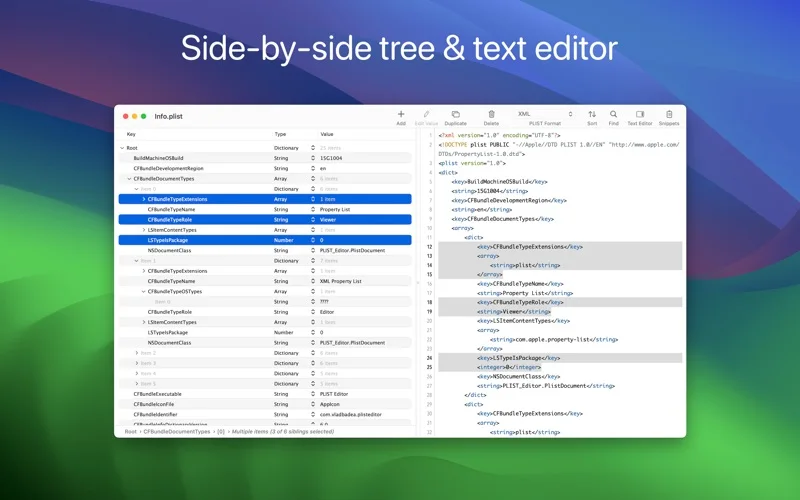
What you can do
- Edit a plist in tree and text views
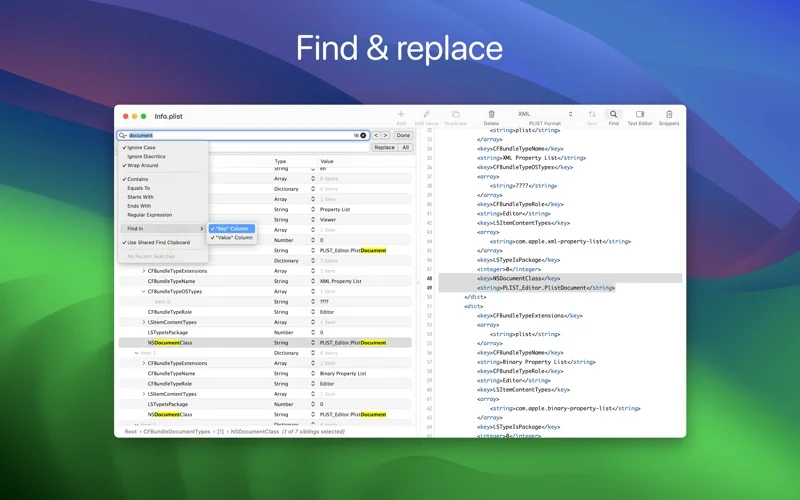
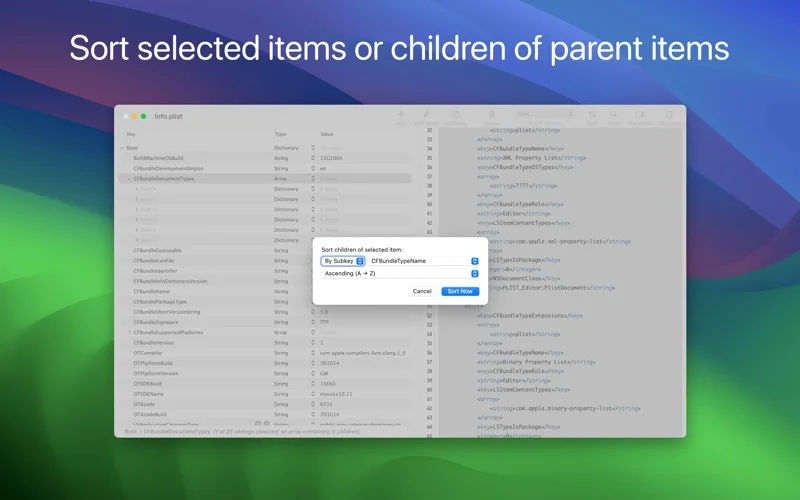
- Find, replace, reorder and reuse snippets
- Inspect CMS-contained plist data and preview files in Finder
Good for
- Developers and power users editing structured Mac configuration files.
Consider alternatives for
- People expecting a plist editor to validate an application's behavior or deploy managed configurations.
Limitations & considerations
- Captured minimum: macOS 11.0.
- Syntax feedback does not prove a configuration is semantically safe. Back up files before bulk edits, and inspect signatures separately when modifying signed configuration content.
Privacy & permissions
Configuration files can expose server details, identifiers or secrets. Grant folder access narrowly and avoid sharing extracted provisioning or configuration payloads indiscriminately.
Sources & review notes Updated Nov 15, 2026
Reviewed by iApp4Me Editorial Team. Recommendations use the linked documentation and attributed accounts; device observations are identified separately.
- US App Store developer description
Complete description, release notes, download price and compatibility metadata captured 2026-11-02.
- Official developer disclosure
Full cached official product text reviewed; captured 2026-11-12. Edition-specific requirements and offer boundaries retained.
No comments yet. Be the first to share your experience.