Presentify - Screen Annotation
Presentify draws temporary annotations over a Mac screen and highlights, spotlights or magnifies the cursor area.
Pick it for explaining a live demo, lesson or shared screen.
Global shortcuts and temporary drawing let you emphasize content without editing the underlying app or document.
Keep in mind: Screen annotations are an overlay, not saved PDF edits. Confirm your meeting or recording setup captures the intended screen and overlays.
Inside the app
Official product images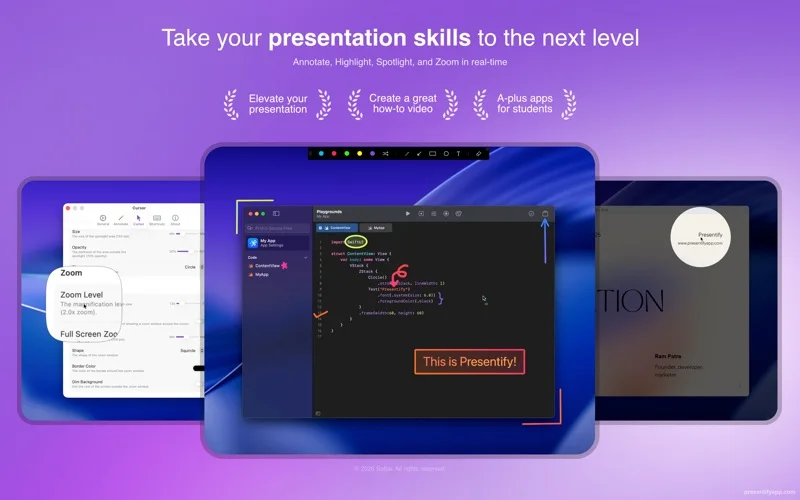
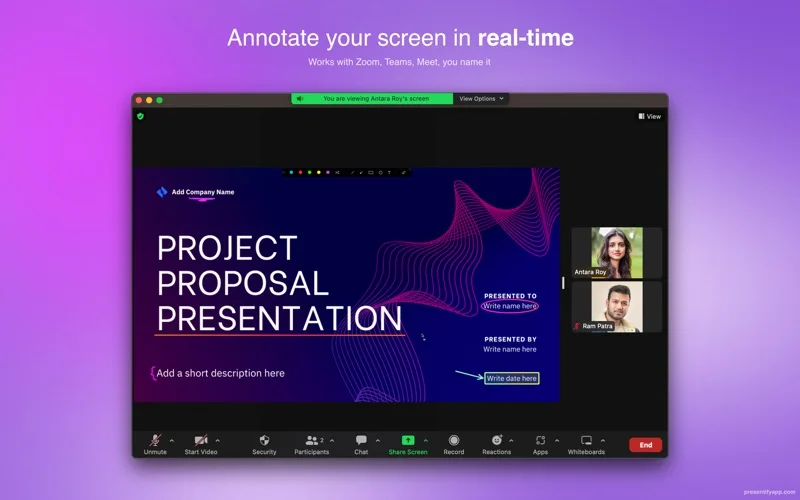
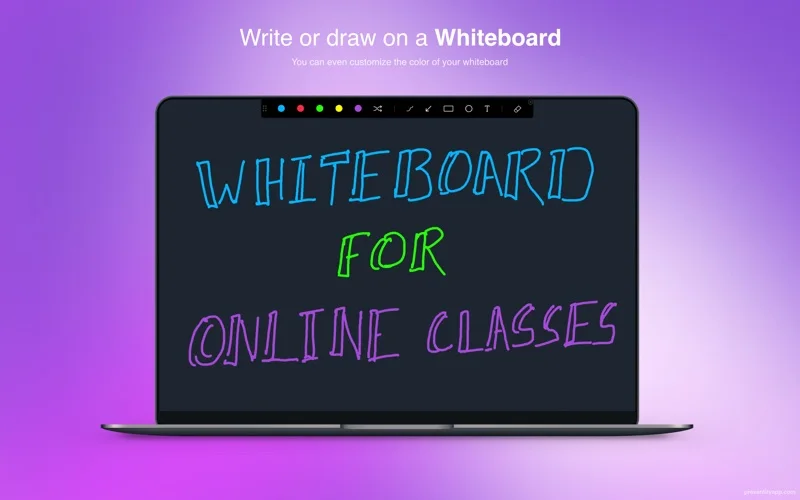
What you can do
- Draw text, shapes and highlights over other apps
- Use a whiteboard and automatic annotation erasing
- Customize cursor highlights, spotlight, zoom and shortcuts
Good for
- Teachers, presenters and tutorial creators demonstrating on a Mac.
Consider alternatives for
- Users needing permanent document markup or a complete video-recording editor.
Limitations & considerations
- Captured minimum: macOS 13.0.
- Screen annotations are an overlay, not saved PDF edits. Confirm your meeting or recording setup captures the intended screen and overlays.
Privacy & permissions
The developer policy says Presentify collects no user data; screen sharing and recording tools can still reveal anything visible, so hide private notifications before presenting.
Privacy policySources & review notes Updated Nov 15, 2026
Reviewed by iApp4Me Editorial Team. Recommendations use the linked documentation and attributed accounts; device observations are identified separately.
- US App Store developer description
Complete description, release notes, download price and compatibility metadata captured 2026-11-02.
- Official developer disclosure
Cached official text captured 2026-11-13 read for product scope and relevant disclosures; source date preserved. A page without substantive policy text is not treated as a full privacy policy.
- Official developer disclosure
Cached official text captured 2026-11-13 read for product scope and relevant disclosures; source date preserved. A page without substantive policy text is not treated as a full privacy policy.
No comments yet. Be the first to share your experience.