
PreviewCode
PreviewCode adds syntax-highlighted source-code previews and thumbnails to Finder's Quick Look.
Choose it for inspecting a file before opening your development editor.
Readable highlighting, line numbers and configurable fonts make folders of code easier to browse.
Keep in mind: Run the container app once to register extensions. File-type conflicts prevent some extensions such as .ts and .edn from rendering, and preview is not editing or execution.
Inside the app
Official product images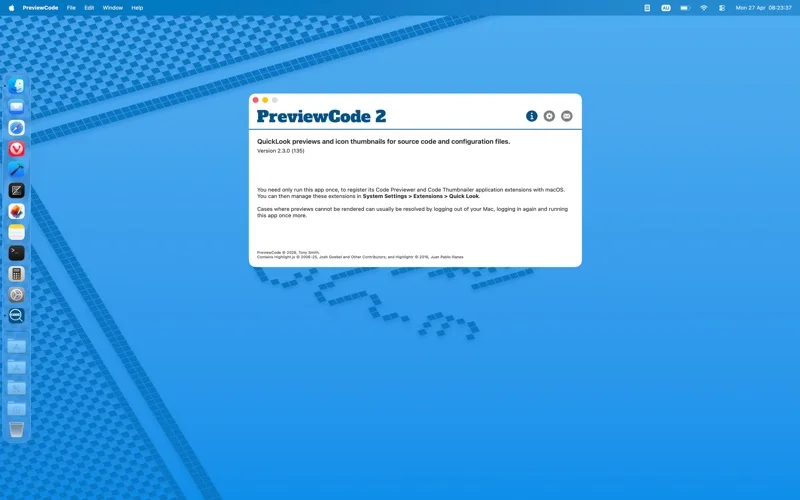
What you can do
- Preview supported source and data files in Finder
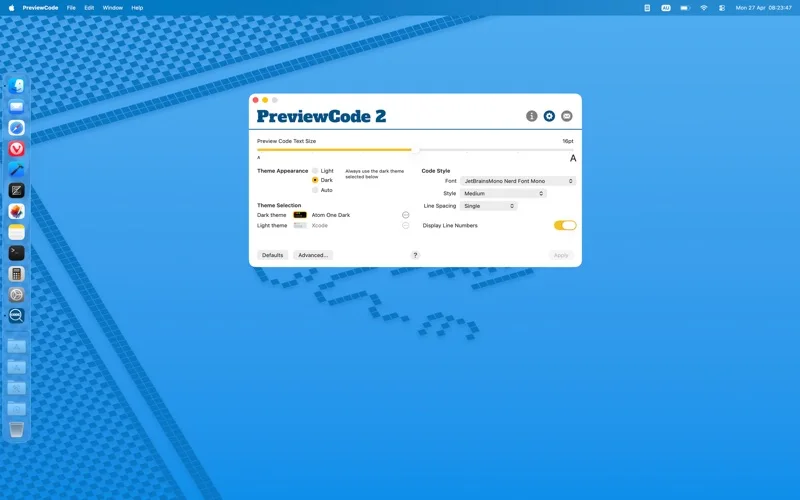
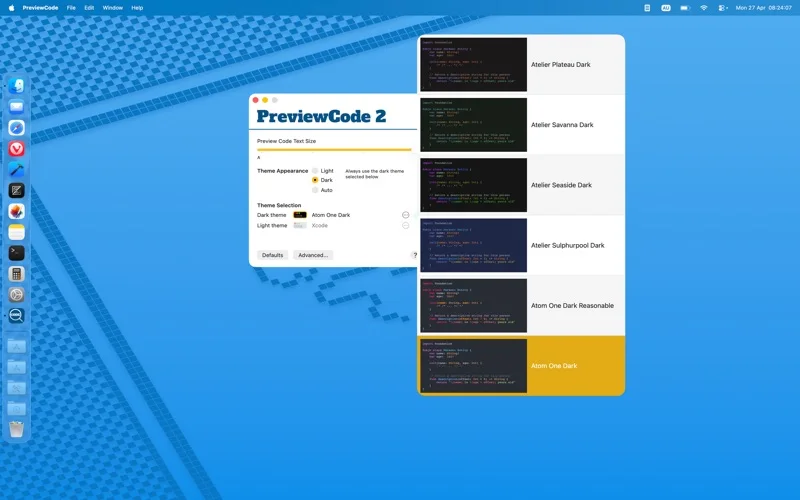
- Customize light or dark themes, type size and line spacing
- Use optional line numbers and thumbnail previews
Good for
- Mac developers browsing mixed source-code folders.
Consider alternatives for
- Users expecting a full IDE or guaranteed support for every file extension.
Limitations & considerations
- Captured minimum: macOS 12.4.
- Run the container app once to register extensions. File-type conflicts prevent some extensions such as .ts and .edn from rendering, and preview is not editing or execution.
Privacy & permissions
The preview extension reads selected source files, which may contain secrets; avoid including private paths or code in feedback screenshots.
Sources & review notes Updated Nov 15, 2026
Reviewed by iApp4Me Editorial Team. Recommendations use the linked documentation and attributed accounts; device observations are identified separately.
- US App Store developer description
Complete description, release notes, download price and compatibility metadata captured 2026-11-02.
- Official developer disclosure
Complete saved listing and release notes compared with official cached product text captured 2026-11-13; edition, platform and paid extras kept distinct.
No comments yet. Be the first to share your experience.