
PreviewMarkdown
PreviewMarkdown adds rendered Markdown previews and thumbnails to Finder's Quick Look.
Choose it for reading Markdown quickly without opening an editor.
Preview fonts, code highlighting and optional YAML front matter make technical files easier to inspect in Finder.
Keep in mind: Launch the host app once to register extensions. The official page says image links show placeholders, and conflicting file-type ownership can prevent previews.
Inside the app
Official product images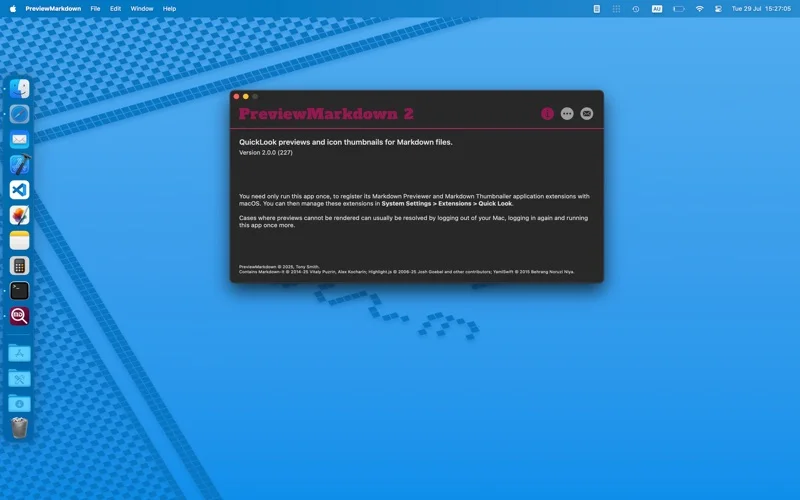
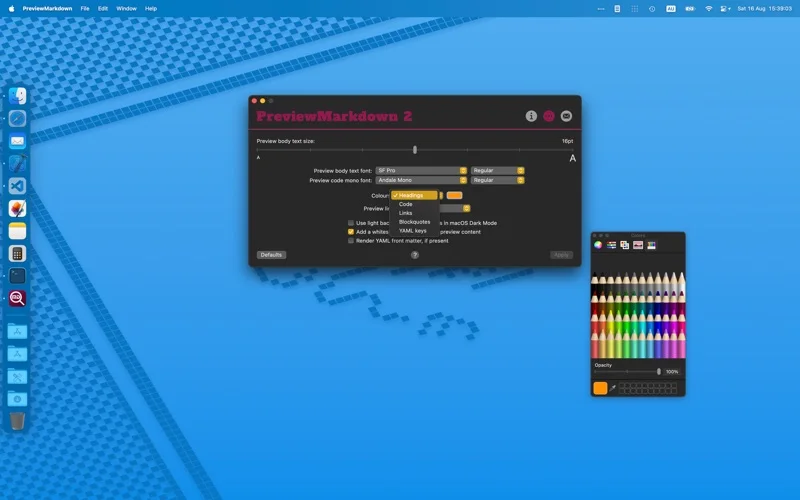
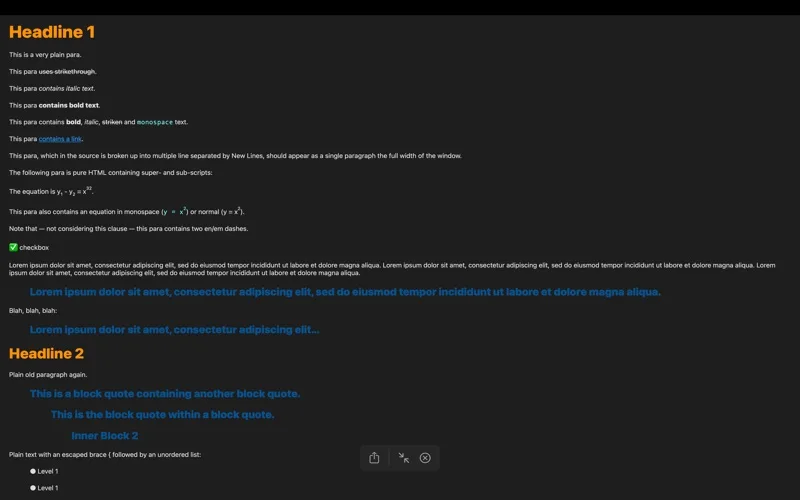
What you can do
- Finder Quick Look previews and thumbnails
- Adjust fonts, colors, spacing and preview size
- Render code blocks, tables, checkboxes and optional YAML metadata
Good for
- Mac users browsing Markdown notes or documentation folders.
Consider alternatives for
- Authors seeking a full editor or guaranteed embedded-image rendering.
Limitations & considerations
- Captured minimum: macOS 12.4.
- Launch the host app once to register extensions. The official page says image links show placeholders, and conflicting file-type ownership can prevent previews.
Privacy & permissions
The extension reads files selected for preview; avoid including sensitive file paths in feedback and supply a contact address only if you want a reply.
Sources & review notes Updated Nov 15, 2026
Reviewed by iApp4Me Editorial Team. Recommendations use the linked documentation and attributed accounts; device observations are identified separately.
- US App Store developer description
Complete description, release notes, download price and compatibility metadata captured 2026-11-02.
- Official developer disclosure
Official product or purchase information read from the complete cached page captured 2026-11-13; dated evidence, not a live price check.
No comments yet. Be the first to share your experience.