
PrintCentral Pro for iPhone
PrintCentral Pro for iPhone organizes printable files and connects to supported local and network printers.
Choose it when AirPrint alone does not cover your printer or document workflow.
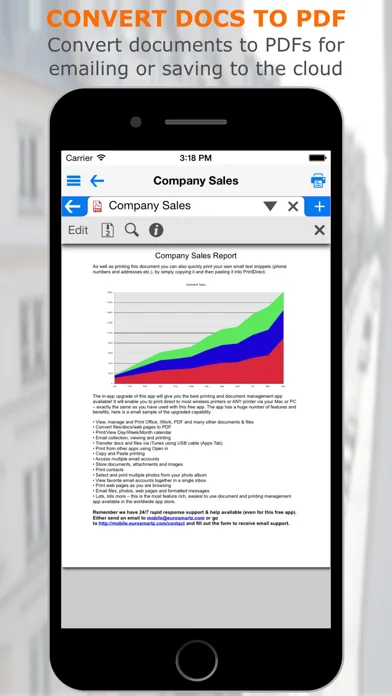
It combines previews, PDF conversion and cloud access, and a desktop companion can help with USB or unsupported direct setups.
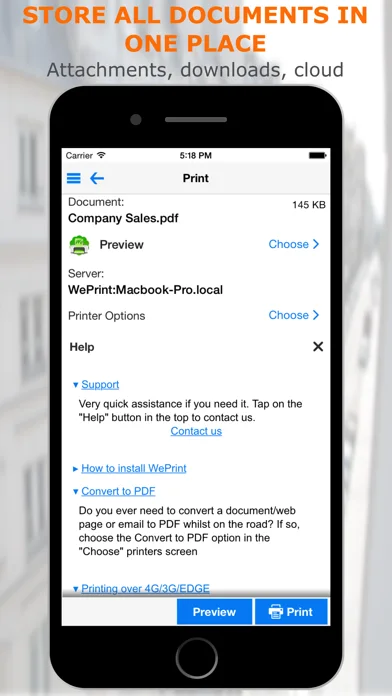
Keep in mind: Confirm the model and driver route; some printers need the free WePrint utility on a computer.
Inside the app
Official product images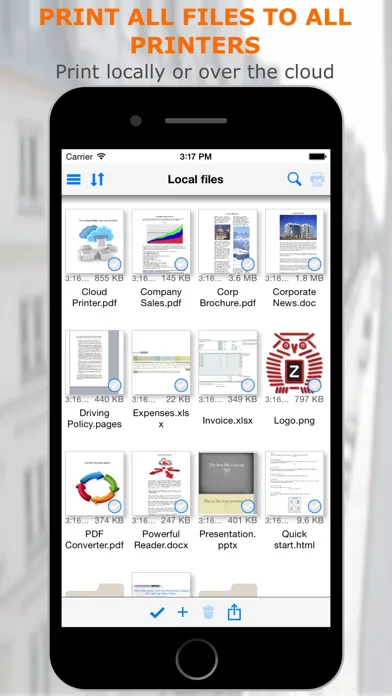
What you can do
- Print files, photos or selected pages
- Convert compatible content to PDF
- Use WePrint or supported printer connections
Good for
- An iPhone user who needs more print options than the system share sheet.
Consider alternatives for
- Someone expecting every printer to work directly without a desktop or network setup.
Limitations & considerations
- Captured minimum: iOS 15.0.
- Confirm the model and driver route; some printers need the free WePrint utility on a computer.
Privacy & permissions
Email, cloud documents and local transfers may contain sensitive files; connect only the accounts you need.
Sources & review notes Updated Nov 11, 2026
Reviewed by iApp4Me Editorial Team. Recommendations use the linked documentation and attributed accounts; device observations are identified separately.
- US App Store developer description
Complete description, download price and compatibility metadata captured 2026-11-02.
- EuroSmartz printer setup guide
Explains model-specific direct setup and optional WePrint desktop routing.
No comments yet. Be the first to share your experience.