Printroom - AI Photo Generator
Turn a photo into a stylised print or magazine-like image by choosing a preset instead of writing a prompt.
Trying several visual treatments for an ordinary photo
Start with a single image you are comfortable uploading. Compare how two styles handle the same subject, especially text, small details and colours, before using a result elsewhere.
Keep in mind: Output varies by style and image. The initial free credit allowance was not verified. App Store examples depict selected results.
Inside the app
Official product images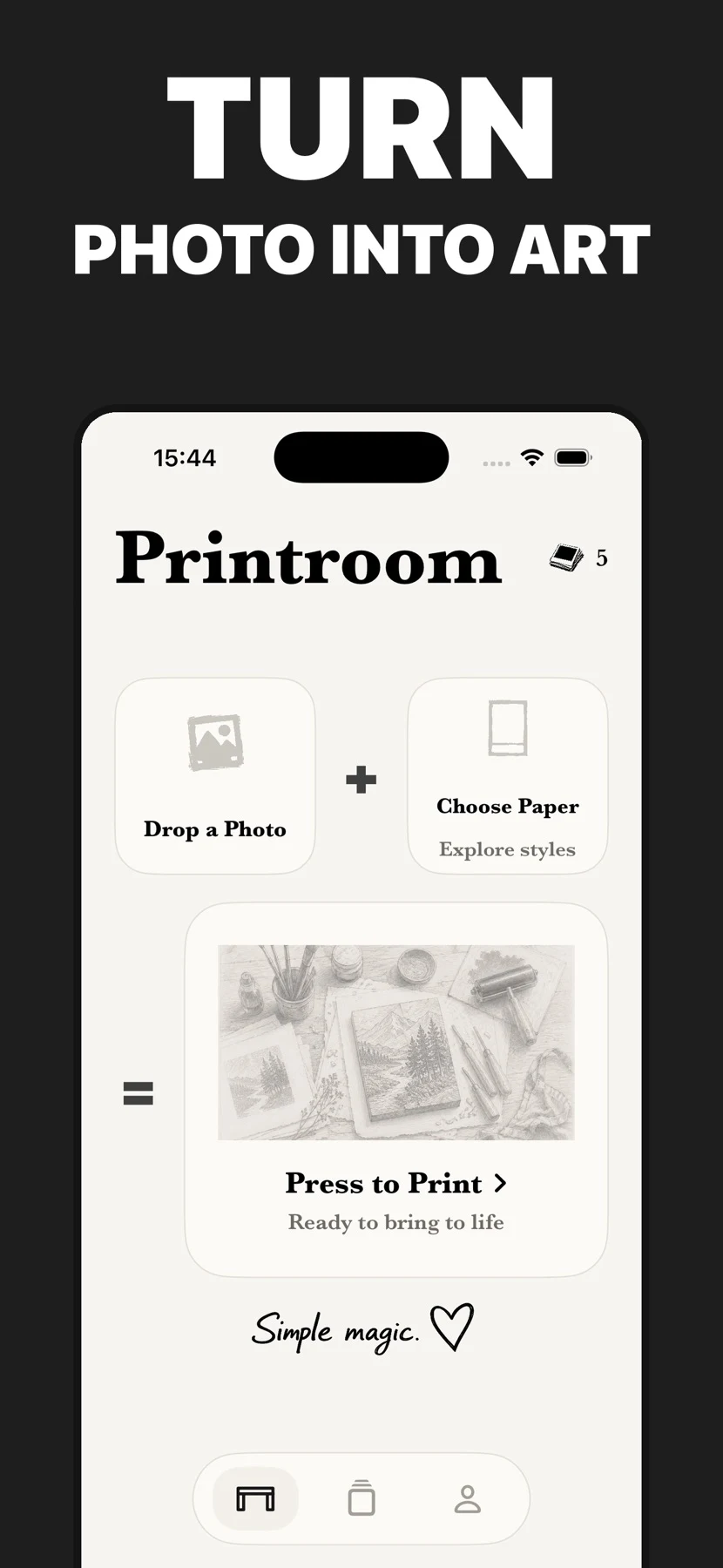



What you can do
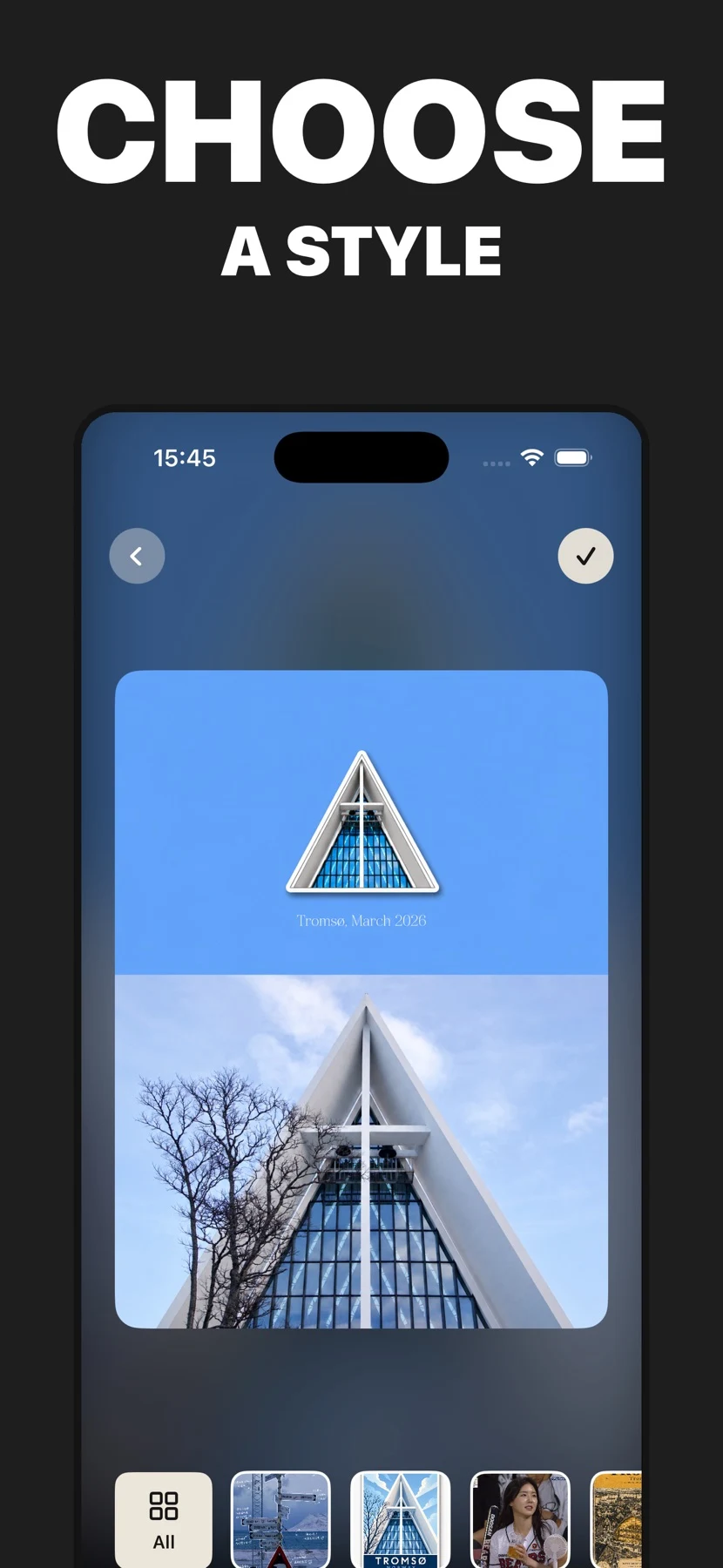
- Select a source photo and choose a preset style
- Generate and compare a finished print with the original
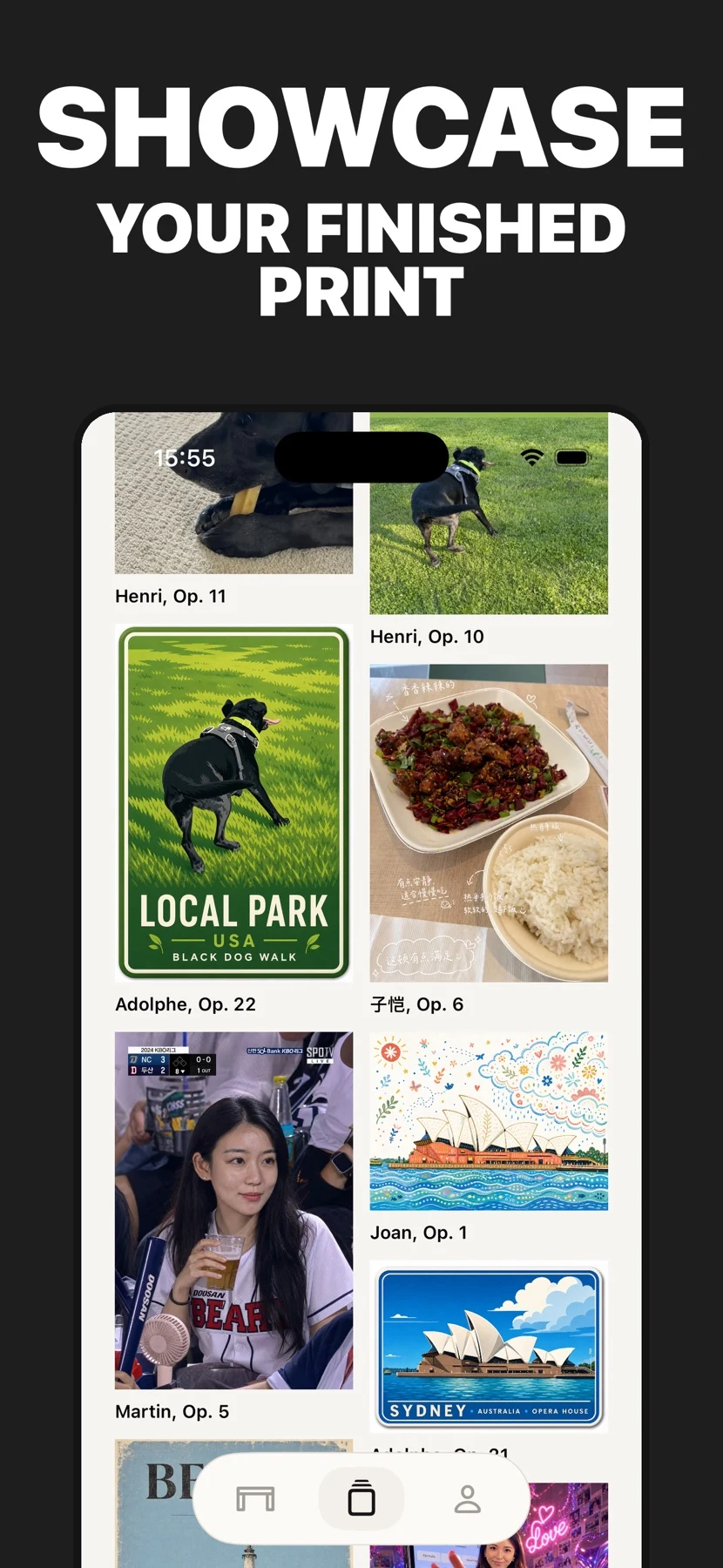
- Review finished work and track available paper credits
Good for
- Trying several visual treatments for an ordinary photo
Consider alternatives for
- Output varies by style and image. The initial free credit allowance was not verified. App Store examples depict selected results.
Where it fits
Start with a single image you are comfortable uploading. Compare how two styles handle the same subject, especially text, small details and colours, before using a result elsewhere.
Output varies by style and image. The initial free credit allowance was not verified. App Store examples depict selected results.
Limitations & considerations
- Output varies by style and image. The initial free credit allowance was not verified. App Store examples depict selected results.
Privacy & permissions
Check the developer's photo-handling policy before submitting personal or sensitive photos. Use a photo you have permission to process when comparing styles.
Sources & review notes Updated Nov 25, 2026
Reviewed by iApp4Me Editorial Team. Recommendations use the linked documentation and attributed accounts; device observations are identified separately.
- US App Store listing
Official listing, version 1.4.1 and regional purchase options.
- Additional publisher documentation
Source checked November 25, 2026.
No comments yet. Be the first to share your experience.