
Photo & Video
ProMovie Recorder +
ProMovie Recorder manually controls compatible device cameras and audio for video capture.
Consider after testing the exact lens, frame rate and microphone
Separate focus/exposure controls and audio monitoring support deliberate recording.
Keep in mind: Four-K/high-FPS, codec and microphone modes depend on hardware; maximum bitrate increases storage needs and professional results are not automatic.
Inside the app
Official product images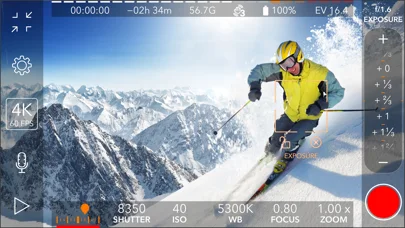
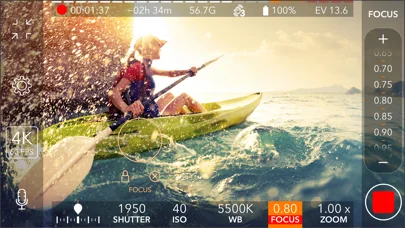
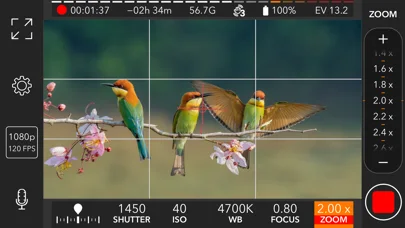
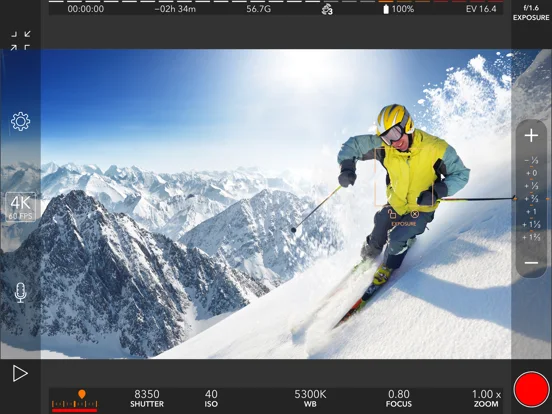
What you can do
- Set focus/exposure/white balance
- Choose supported resolution/frame rate/codec
- Monitor eligible external or stereo audio
Good for
- Creators testing a specific capture setup
Consider alternatives for
- Users expecting every camera mode on every device
Limitations & considerations
- Captured minimum: iOS 16.0.
- Four-K/high-FPS, codec and microphone modes depend on hardware; maximum bitrate increases storage needs and professional results are not automatic.
Privacy & permissions
Camera/microphone captures can identify people and locations; obtain consent and inspect photo/storage permissions.
Sources & review notes Updated Nov 11, 2026
Reviewed by iApp4Me Editorial Team. Recommendations use the linked documentation and attributed accounts; device observations are identified separately.
- US App Store developer description
Complete description, download price and compatibility metadata captured 2026-11-02.
No comments yet. Be the first to share your experience.