
Developer Tools
Prompt 3
Prompt 3 is Panic's terminal client for remote systems and local shells on Mac.
Consider it if you use several connection protocols or want clips and hosts available across Apple devices.
Mosh and Eternal Terminal complement SSH where the target host supports them.
Keep in mind: Local shells are a Mac feature. Remote connections require compatible authorized hosts; Telnet does not offer SSH's protection.
Inside the app
Official product images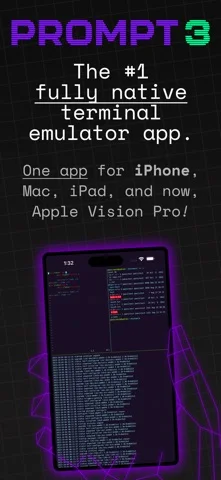
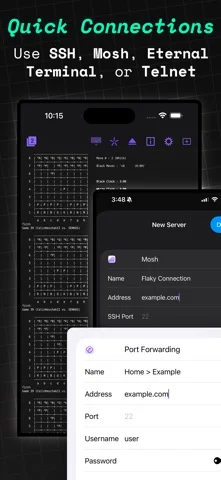
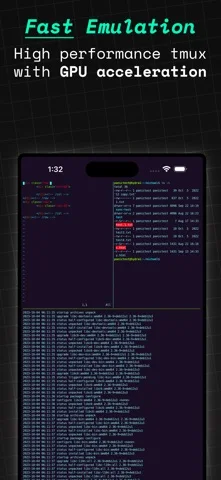
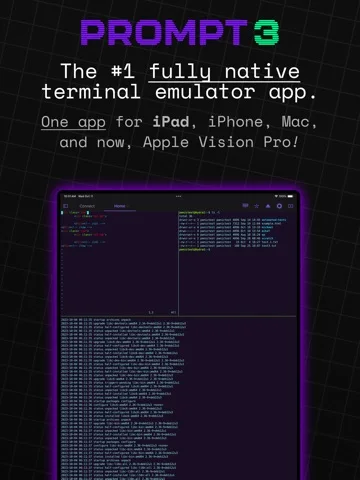
What you can do
- Connect through SSH, Mosh or other supported protocols
- Save command clips and configure jump hosts
- Use optional Panic Sync for host records
Good for
- Developers and administrators working on authorized systems
Consider alternatives for
- Anyone seeking an included hosted development machine
Limitations & considerations
- Captured minimum: iOS 26.0.
- Local shells are a Mac feature. Remote connections require compatible authorized hosts; Telnet does not offer SSH's protection.
Privacy & permissions
Host records, private keys and passwords are sensitive. Check optional Panic Sync and device security settings before enabling it.
Sources & review notes Updated Nov 11, 2026
Reviewed by iApp4Me Editorial Team. Recommendations use the linked documentation and attributed accounts; device observations are identified separately.
- US App Store developer description
Complete description, download price and compatibility metadata captured 2026-11-02.
- Panic Prompt product page
Publisher identifies connection options, platform coverage and cross-device features.
No comments yet. Be the first to share your experience.