
Utilities
ProPresenter Stage
ProPresenter Stage displays supported stage-screen layouts from an existing ProPresenter system over a local network.
Add a portable view of a stage display
Following the active layout or selecting a prepared one can keep performers informed.
Keep in mind: A compatible ProPresenter installation and reliable local network are required; Planning Center Live elements are explicitly unsupported.
Inside the app
Official product images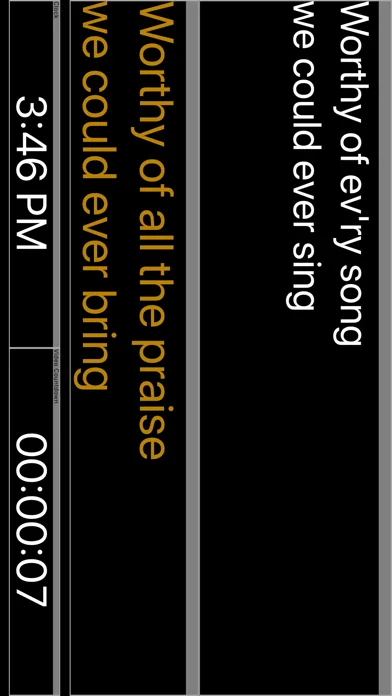
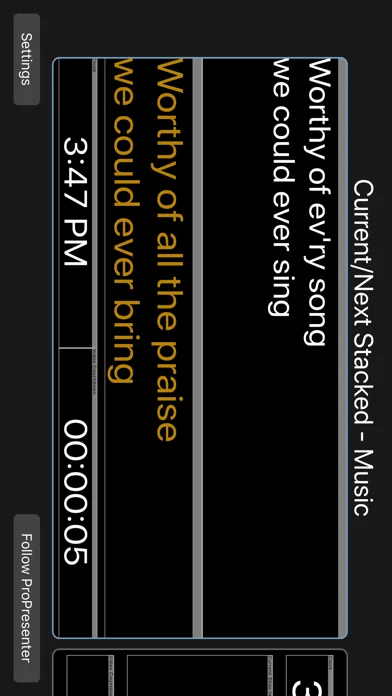
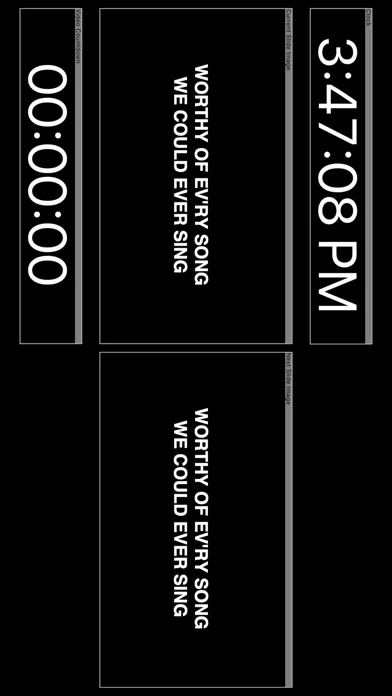
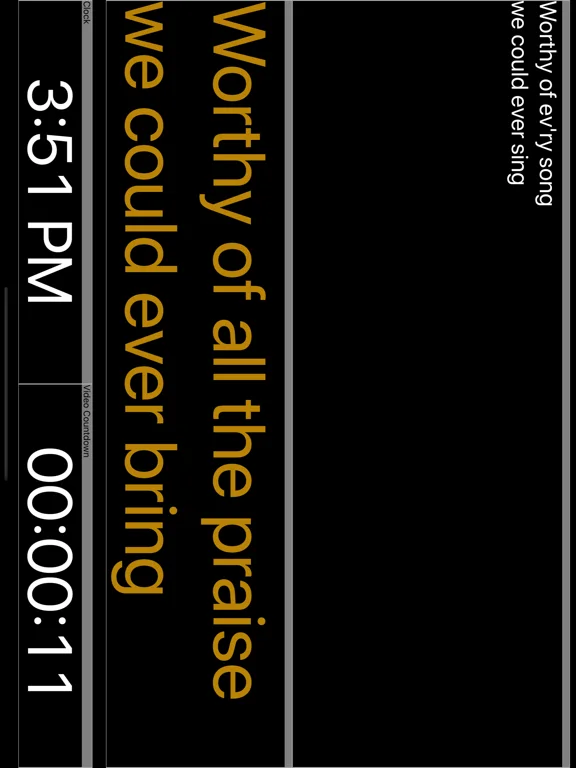
What you can do
- View created stage layouts
- Follow the currently active layout
- Use a supported HDMI adapter for an external display
Good for
- Production teams already running a compatible ProPresenter setup.
Consider alternatives for
- Users expecting a standalone presentation authoring or control application.
Limitations & considerations
- Captured minimum: iOS 9.1.
- A compatible ProPresenter installation and reliable local network are required; Planning Center Live elements are explicitly unsupported.
Privacy & permissions
Stage text and production information become visible to connected devices; limit local-network access appropriately.
Sources & review notes Updated Nov 11, 2026
Reviewed by iApp4Me Editorial Team. Recommendations use the linked documentation and attributed accounts; device observations are identified separately.
- US App Store developer description
Complete description, download price and compatibility metadata captured 2026-11-02.
No comments yet. Be the first to share your experience.