
PXPlay: Remote Play
PXPlay streams a compatible PlayStation console to a supported Apple device as an independent remote-play client.
Consider it if you already own a compatible console and want controller and stream options beyond a basic setup.
The developer's guide describes registering the console on the same network and then choosing local or remote connection.
Keep in mind: Internet access requires separate setup. Upscaling and latency vary with the device and connection.
Inside the app
Official product images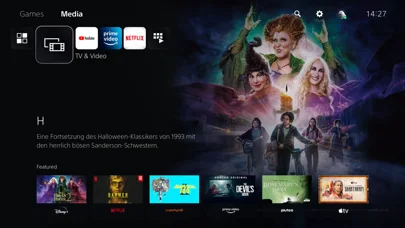
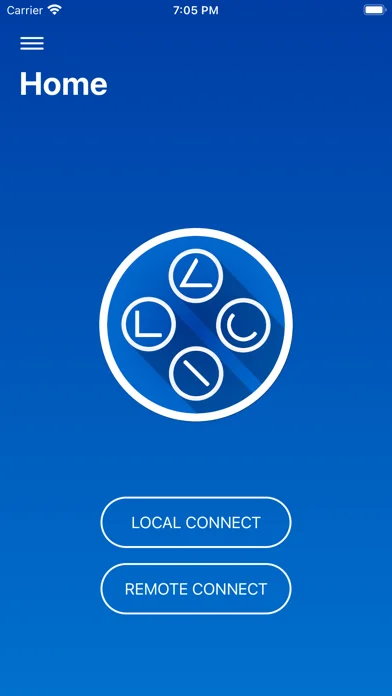
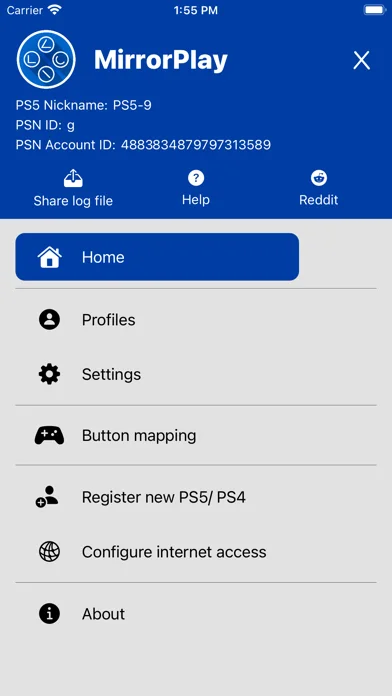
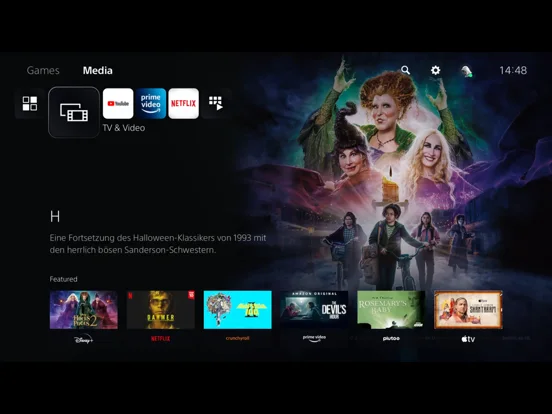
What you can do
- Register a compatible console
- Stream locally or use configured remote access
- Adjust controller mappings and stream options
Good for
- People streaming games from their own compatible console
Consider alternatives for
- Anyone without a console or seeking a game subscription library
Limitations & considerations
- Captured minimum: iOS 14.
- Internet access requires separate setup. Upscaling and latency vary with the device and connection.
Privacy & permissions
The developer describes account identifiers for registration; use the official sign-in flow and review local connection storage.
Sources & review notes Updated Nov 11, 2026
Reviewed by iApp4Me Editorial Team. Recommendations use the linked documentation and attributed accounts; device observations are identified separately.
- US App Store developer description
Complete description, download price and compatibility metadata captured 2026-11-02.
- PXPlay developer manual
Registration, network and account sections checked 2026-11-11. Not a hands-on test or a live purchase quote.
No comments yet. Be the first to share your experience.