
Python IDE & Jupyter – Juno
A Python and Jupyter workspace for editing files and running code locally on iPhone or iPad.
Choose it for local Python projects with a clear one-time execution upgrade.
Notebook editing, scientific packages and iOS integrations support substantial work beyond a text editor.
Keep in mind: Editing is free but execution becomes paid after a trial; arbitrary compiled Python packages are not promised, and remote AI usage can have separate costs.
Inside the app
Official product images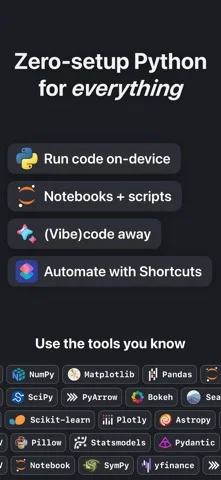
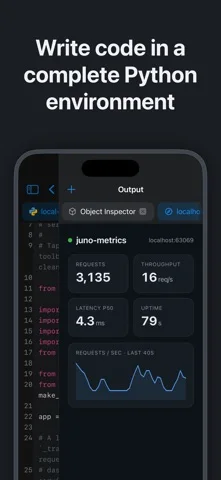
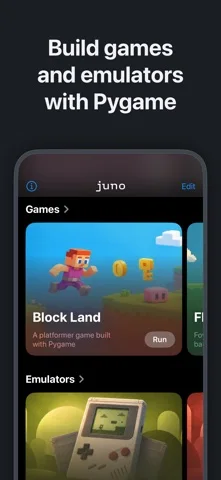
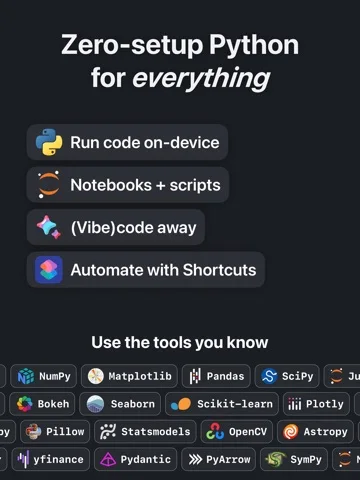
What you can do
- Edit scripts and notebooks and organise project folders
- Run Python 3.13 locally with included scientific libraries after trial/unlock
- Use Shortcuts and optional account/API-key coding assistance
Good for
- Python users who want an integrated local iPad coding environment.
Consider alternatives for
- Users requiring a full desktop package ecosystem or unlimited free execution.
Limitations & considerations
- Captured minimum: iOS 17.0.
- Editing is free but execution becomes paid after a trial; arbitrary compiled Python packages are not promised, and remote AI usage can have separate costs.
Privacy & permissions
Local code execution differs from optional AI assistance: provider accounts or API keys send requests directly to the chosen provider, with its own charges and privacy terms.
Sources & review notes Updated Nov 11, 2026
Reviewed by iApp4Me Editorial Team. Recommendations use the linked documentation and attributed accounts; device observations are identified separately.
- US App Store developer description
Complete description, download price and compatibility metadata captured 2026-11-02.
No comments yet. Be the first to share your experience.