Quick Access for Dropbox
This independent Dropbox client exposes files in Finder with downloads on demand and optional offline copies.
Consider it if you want to edit Dropbox files in Finder without keeping a full local copy.
The Finder integration supports the usual rename, move, upload, and save operations.
Keep in mind: The core Finder workflow requires Pro. Verify whether offline changes and sync suit your own files.
Inside the app
Official product images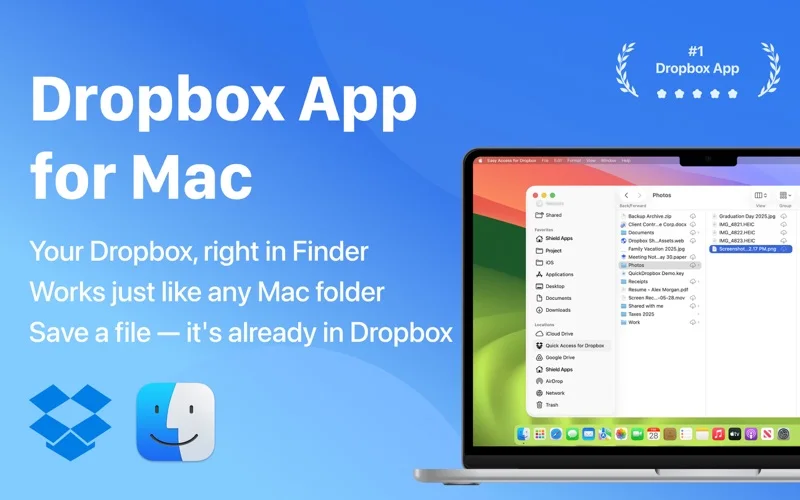
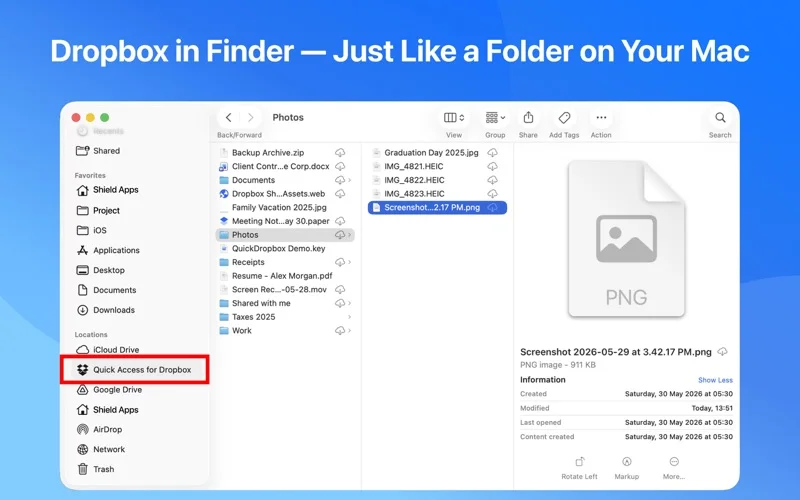
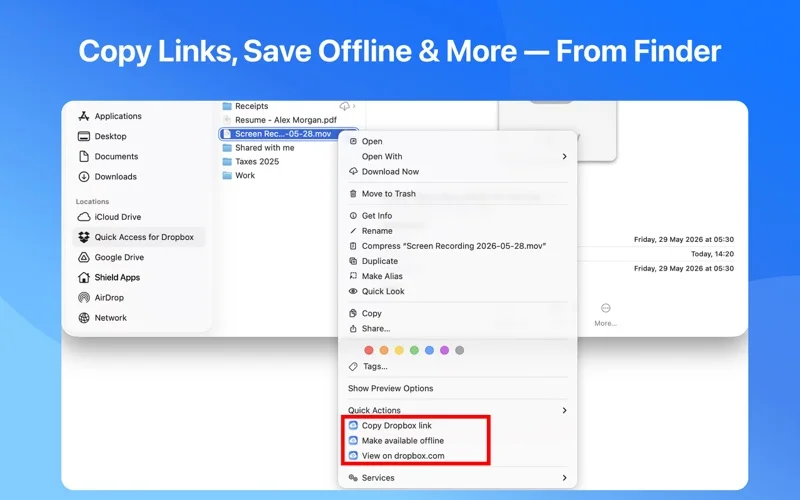
What you can do
- Upload files or folders by dragging them into Finder
- Search by name in folders you have opened
- Choose local copies or online-only access
App Store review themes
Recurring praise and complaints, grouped by topic.
3 reviews · US App Store · Written feedback; review platforms are not identified
What reviewers like
No recurring positive theme has at least three supporting reviews.
What reviewers dislike
No recurring negative theme has at least three supporting reviews.
Good for
- Mac users who already have a Dropbox account
Consider alternatives for
- Anyone who expects the Finder integration to work without buying Pro
Limitations & considerations
- Captured minimum: macOS 12.0.
- The core Finder workflow requires Pro. Verify whether offline changes and sync suit your own files.
Privacy & permissions
It uses Dropbox sign-in; the publisher says it does not store your password. The integration still needs access to Dropbox files.
Sources & review notes Updated Nov 11, 2026
Reviewed by iApp4Me Editorial Team. Recommendations use the linked documentation and attributed accounts; device observations are identified separately.
- US App Store developer description
Complete description, download price and compatibility metadata captured 2026-11-02.
No comments yet. Be the first to share your experience.