
Graphics & Design
Quick Draw: AR Tracing
An AR image-reference overlay for tracing on real surfaces through a compatible device screen.
Consider for testing a drawing layout
Scaling and opacity controls can align a reference with a work area.
Keep in mind: It is not a physical light projector. Tracking/LiDAR availability varies; anchoring is not guaranteed dimensionally exact.
Inside the app
Official product images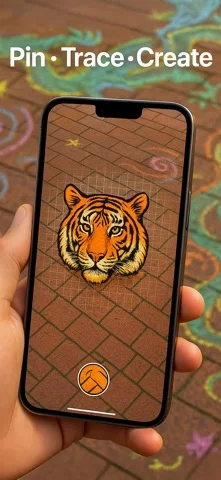
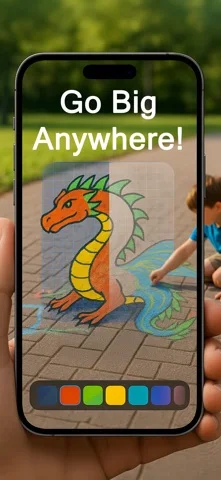
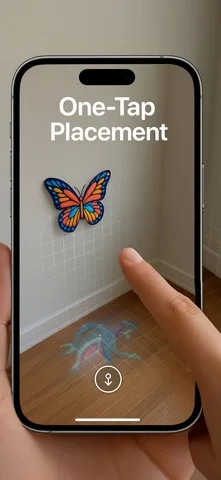
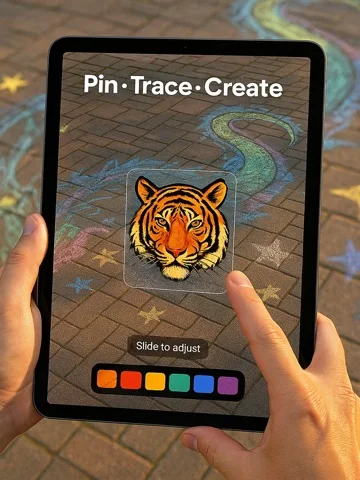
What you can do
- Choose a photo
- Anchor an eligible surface
- Scale/rotate/move
- Adjust transparency
Good for
- Artists checking proportions before permanent marks.
Consider alternatives for
- People requiring survey-grade placement.
Limitations & considerations
- Captured minimum: iOS 18.0.
- It is not a physical light projector. Tracking/LiDAR availability varies; anchoring is not guaranteed dimensionally exact.
Privacy & permissions
Camera/room images and imported photos can be sensitive. Review permissions.
Sources & review notes Updated Nov 11, 2026
Reviewed by iApp4Me Editorial Team. Recommendations use the linked documentation and attributed accounts; device observations are identified separately.
- US App Store developer description
Complete description, download price and compatibility metadata captured 2026-11-02.
No comments yet. Be the first to share your experience.