Record It Pro-Screen Recorder
Record It Pro captures Mac screens and audio, with annotations, schedules and MP4 or GIF export.
Consider for demonstrations after checking audio setup
Custom capture areas and annotations can focus a tutorial.
Keep in mind: System-audio capture requires the separate RecordItAudioDevice driver; the mixed free/Pro description means entitlement should be checked for scheduled recording and other Pro tools.
Inside the app
Official product images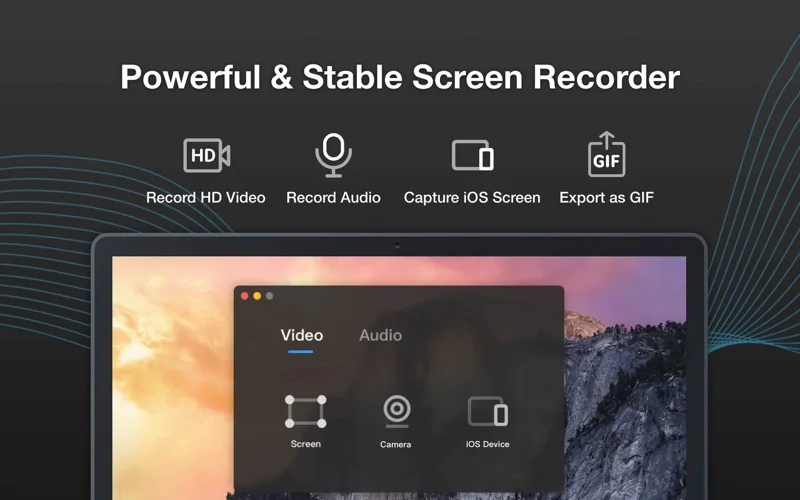
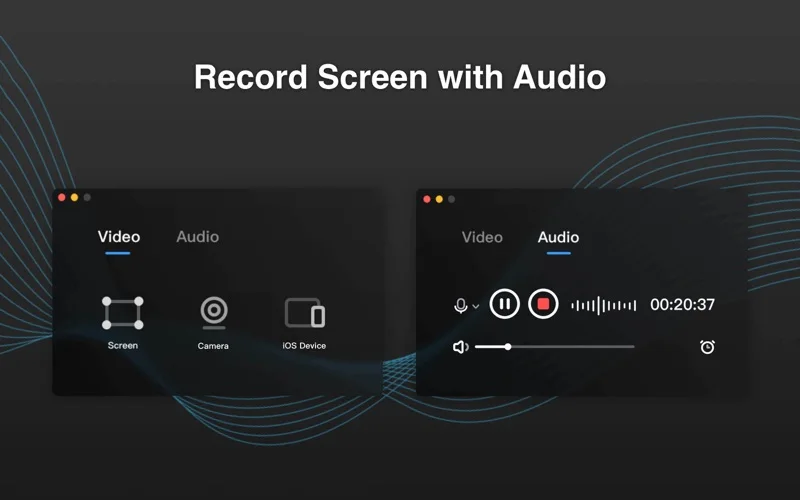
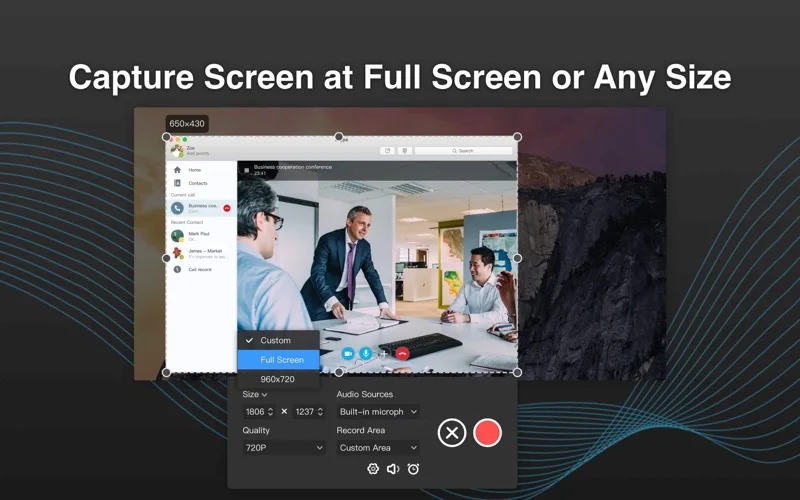
What you can do
- Record a window or chosen screen area
- Annotate and trim supported recordings
- Export MP4 or GIF and mirror supported iOS screens
App Store review themes
Recurring praise and complaints, grouped by topic.
3 reviews · US App Store · Written feedback; review platforms are not identified
What reviewers like
No recurring positive theme has at least three supporting reviews.
What reviewers dislike
No recurring negative theme has at least three supporting reviews.
Good for
- Mac users preparing instructional clips
Consider alternatives for
- Users expecting system audio with no extra setup
Limitations & considerations
- Captured minimum: macOS 10.13.
- System-audio capture requires the separate RecordItAudioDevice driver; the mixed free/Pro description means entitlement should be checked for scheduled recording and other Pro tools.
Privacy & permissions
Screen, microphone and camera capture can expose private data; select only intended content and participants.
Sources & review notes Updated Nov 10, 2026
Reviewed by iApp4Me Editorial Team. Recommendations use the linked documentation and attributed accounts; device observations are identified separately.
- US App Store developer description
Complete description, download price and compatibility metadata captured 2026-11-02.
No comments yet. Be the first to share your experience.