reMarkable desktop
reMarkable desktop connects a Mac to a paired paper tablet and account for document organization, import/export, screen sharing and supported note editing.
Pick for extending an existing reMarkable workflow to a Mac.
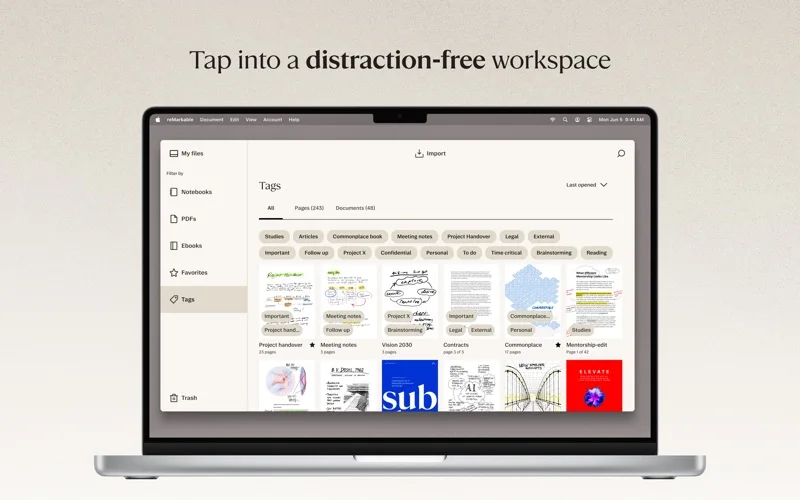
Folders, tags and PDF or EPUB transfers keep tablet material accessible at the desktop.
Keep in mind: It requires a paired tablet/account and is not a free replacement for the hardware. Some editing and notebook-paste functions depend on Connect membership.
Inside the app
Official product images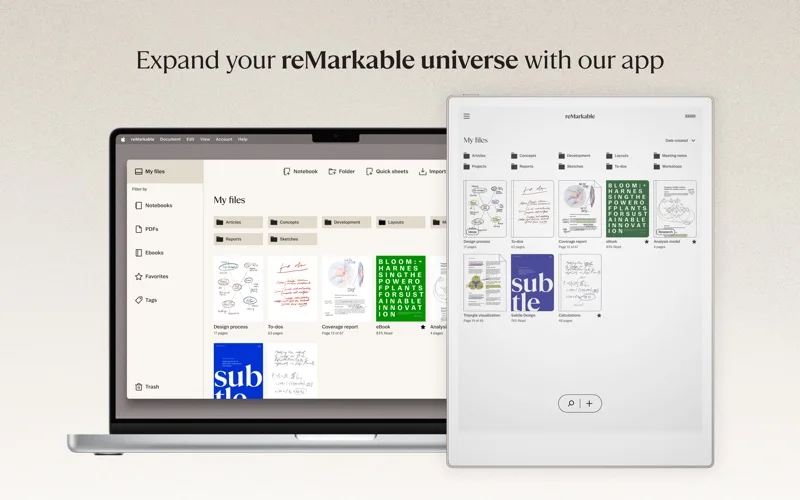
What you can do
- Organize files, notebooks and tags
- Import PDF/EPUB and export PDF, PNG or SVG
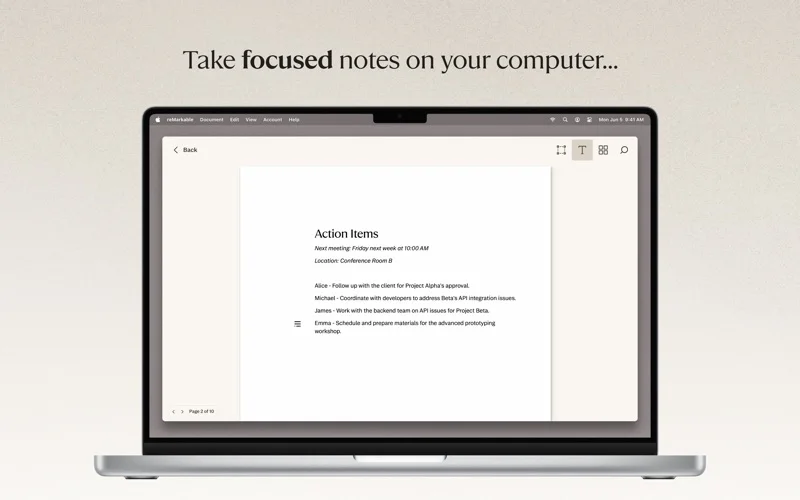
- Use screen sharing and supported note editing
Good for
- People who already own and use a reMarkable paper tablet.
Consider alternatives for
- Users expecting a standalone tablet experience or all Connect services without a subscription.
Limitations & considerations
- Captured minimum: macOS 13.0.
- It requires a paired tablet/account and is not a free replacement for the hardware. Some editing and notebook-paste functions depend on Connect membership.
Privacy & permissions
Cloud sync transfers notes and documents to the reMarkable account. Screen Share can expose private pages in a meeting; check account and sharing scope.
Sources & review notes Updated Nov 15, 2026
Reviewed by iApp4Me Editorial Team. Recommendations use the linked documentation and attributed accounts; device observations are identified separately.
- US App Store developer description
Complete description, release notes, download price and compatibility metadata captured 2026-11-02.
No comments yet. Be the first to share your experience.