Remote Desktop - RDP
An RDP client for connecting an iPhone or iPad to a supported Windows workstation, with input controls and optional peripheral functions.
Consider only after testing the free Lite edition against the intended PC
Zoom, extra keys and mouse support make a configured workstation more accessible from a smaller screen.
Keep in mind: The captured listing explicitly excludes Windows Home and Windows 200x Servers and names older Windows versions; current workstation compatibility must be checked.
Inside the app
Official product images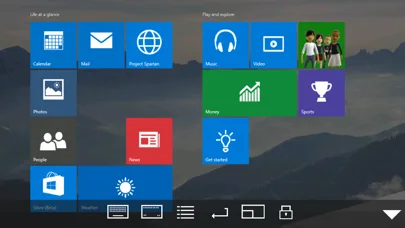
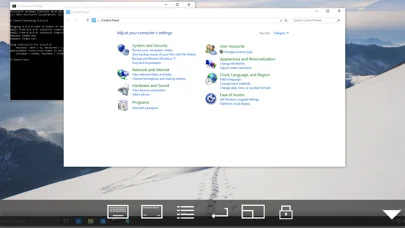
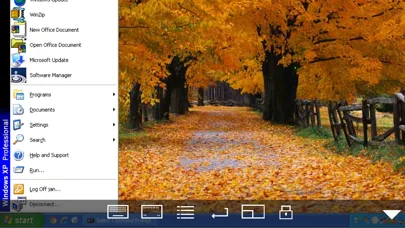
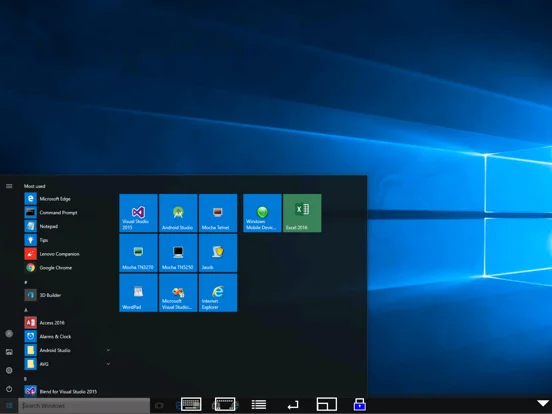
What you can do
- Connect using supported RDP settings
- Zoom or use view-only mode
- Send keyboard and mouse input
- Use eligible printing, barcode or wake-on-LAN features
Good for
- Users with authorized access to a compatible configured workstation.
Consider alternatives for
- People expecting a Windows license, server support contrary to the listed limits or setup-free internet access.
Limitations & considerations
- Captured minimum: iOS 15.6.
- The captured listing explicitly excludes Windows Home and Windows 200x Servers and names older Windows versions; current workstation compatibility must be checked.
Privacy & permissions
Remote credentials and the full desktop can expose sensitive work. Use trusted network access and the organization's approved remote policy.
Sources & review notes Updated Nov 11, 2026
Reviewed by iApp4Me Editorial Team. Recommendations use the linked documentation and attributed accounts; device observations are identified separately.
- US App Store developer description
Complete description, download price and compatibility metadata captured 2026-11-02.
No comments yet. Be the first to share your experience.