Utilities
Remote Mouse Pro
Remote Mouse Pro uses a phone or tablet to control a computer through companion server software.
Consider for a trusted computer/network setup
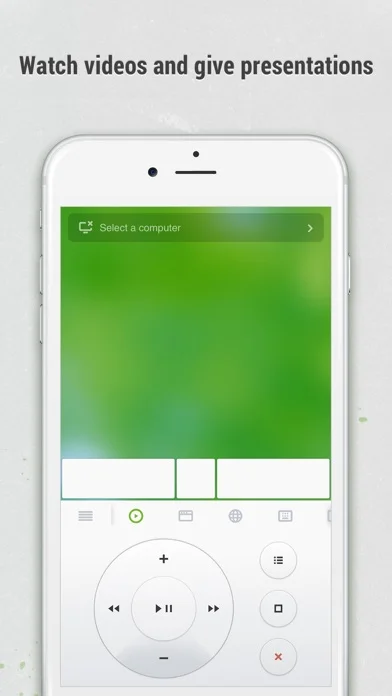
Mouse, keyboard and media panels consolidate common remote actions.
Keep in mind: Requires installing and running the computer server; Bluetooth/Wi-Fi and OS features differ. Control does not stream every protected video to the phone.
Inside the app
Official product images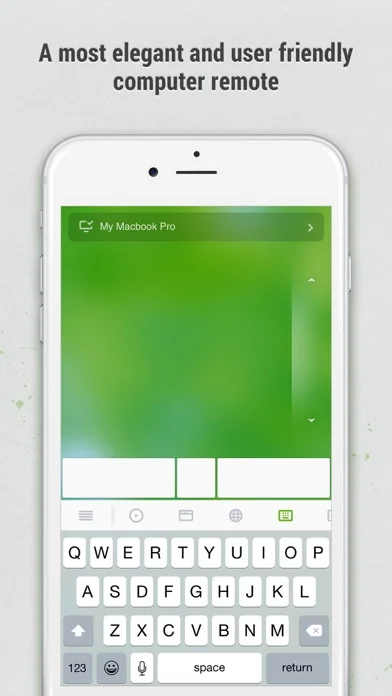
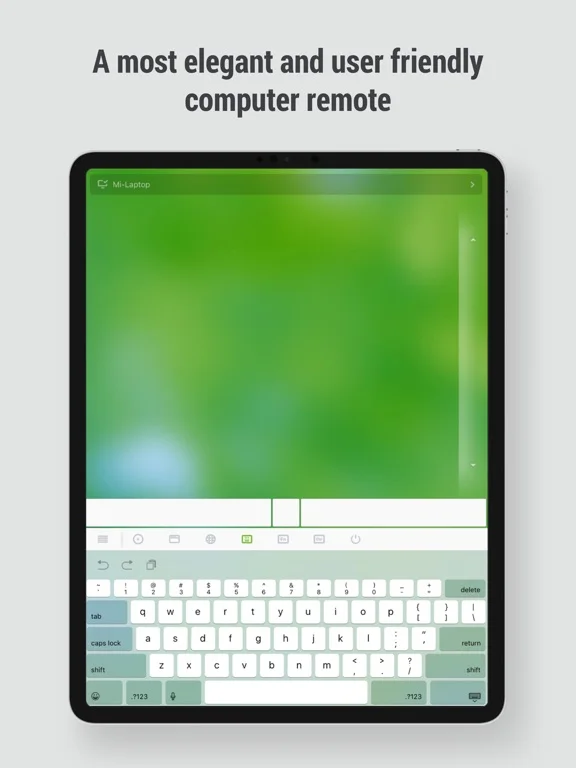
What you can do
- Use eligible mouse/touchpad/keyboard inputs
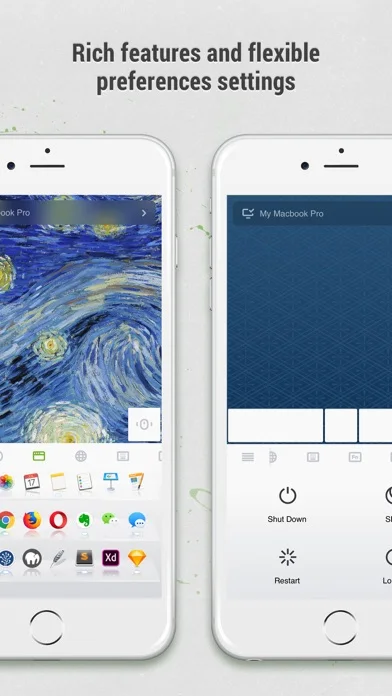
- Control supported media/apps and power actions
- Transfer text/images through the clipboard
Good for
- Users securing a personal computer connection
Consider alternatives for
- Users expecting control without pairing or companion software
Limitations & considerations
- Captured minimum: iOS 15.0.
- Requires installing and running the computer server; Bluetooth/Wi-Fi and OS features differ. Control does not stream every protected video to the phone.
Privacy & permissions
Typed passwords, clipboard images and shutdown access are sensitive; set a connection password and use trusted networks.
Sources & review notes Updated Nov 11, 2026
Reviewed by iApp4Me Editorial Team. Recommendations use the linked documentation and attributed accounts; device observations are identified separately.
- US App Store developer description
Complete description, download price and compatibility metadata captured 2026-11-02.
No comments yet. Be the first to share your experience.