
Graphics & Design
Remove Background -
Remove Background cuts subjects out of photos and lets you refine the edges or replace the background.
Consider it for a quick transparent cutout before you open a larger editor.
Automatic removal is paired with adjustable brushes and an undo history.
Keep in mind: Check fine edges before sharing; the listing does not specify export formats or resolution limits.
Inside the app
Official product images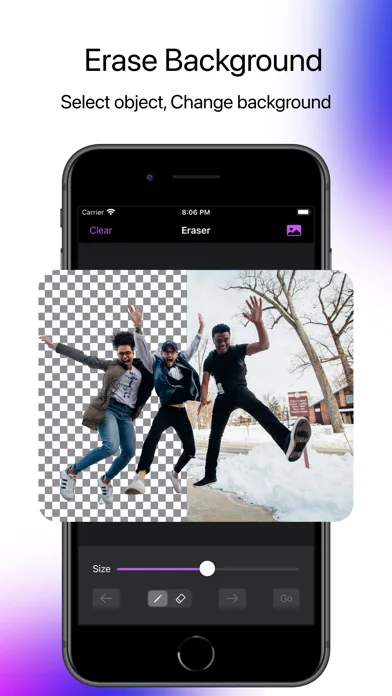
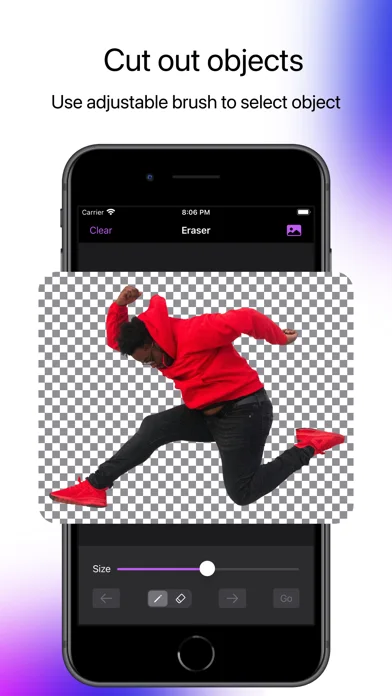
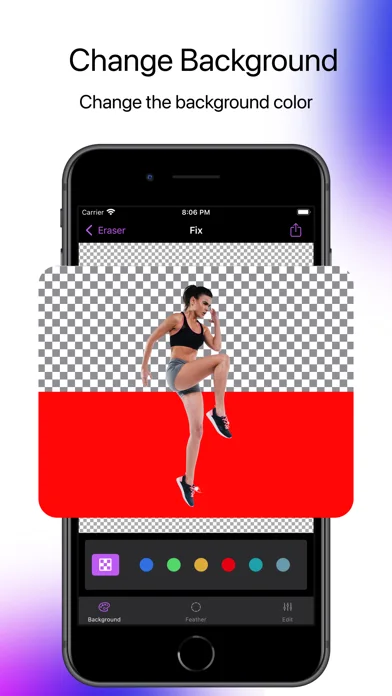
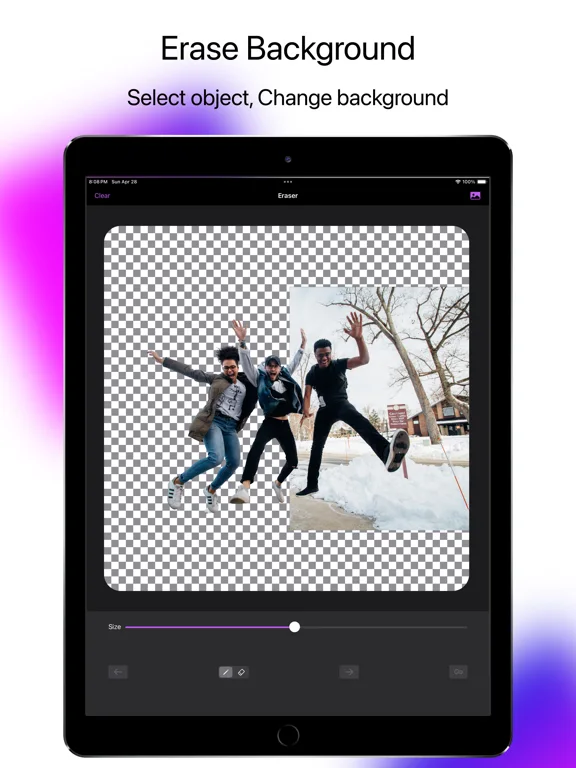
What you can do
- Remove a photo background automatically
- Refine a selection with adjustable brush and eraser sizes
- Crop the image or fill the background with color
Good for
- People making quick cutouts for a post or graphic
Consider alternatives for
- Anyone who needs documented batch exports or layer interchange
Limitations & considerations
- Captured minimum: iOS 15.0.
- Check fine edges before sharing; the listing does not specify export formats or resolution limits.
Privacy & permissions
The listing does not explain where automatic image processing runs; review before using private photos.
Sources & review notes Updated Nov 11, 2026
Reviewed by iApp4Me Editorial Team. Recommendations use the linked documentation and attributed accounts; device observations are identified separately.
- US App Store developer description
Complete description, download price and compatibility metadata captured 2026-11-02.
No comments yet. Be the first to share your experience.