
Photo & Video
Resize it - compress any image
Resize and compress up to 20 images per batch on the device.
Try it with copies before removing originals.
Batch processing and several listed formats can reduce the effort of preparing images for sharing.
Keep in mind: Compression can affect visible detail despite the publisher's no-loss wording; recovery from Recently Deleted is temporary and device-dependent.
Inside the app
Official product images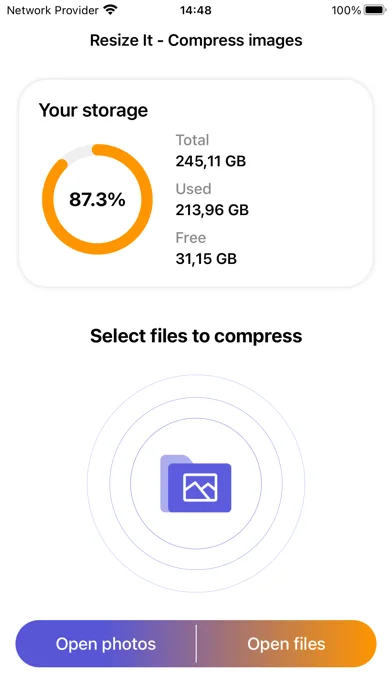
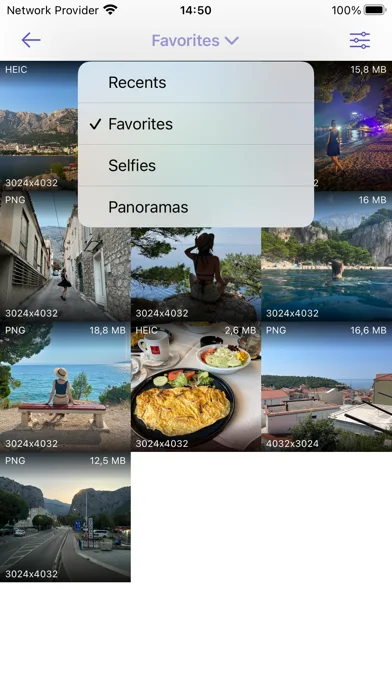
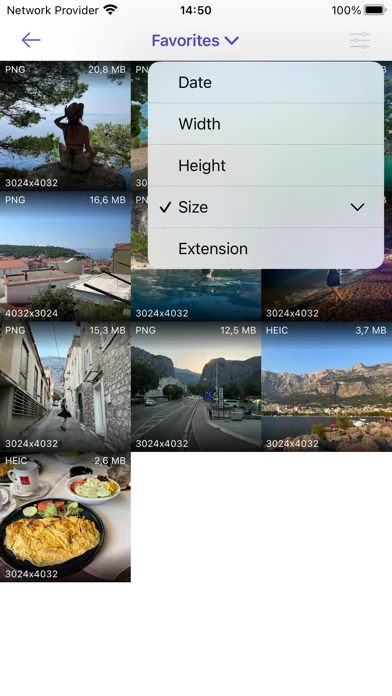
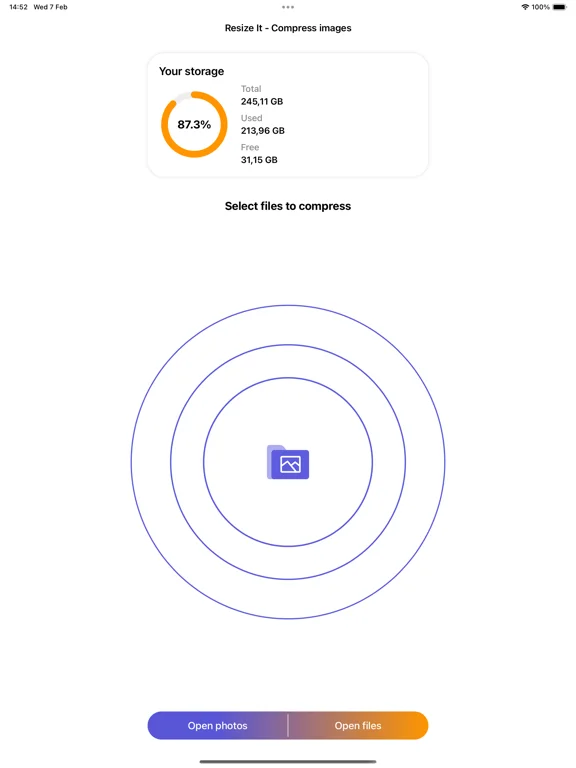
What you can do
- Compress or resize one image or a batch of up to 20
- Handle listed formats including JPEG, PNG, HEIC and WebP
- Choose whether to retain original photos
Good for
- Users preparing smaller image files while keeping sensitive images local.
Consider alternatives for
- Users requiring guaranteed lossless size reduction for every format.
Limitations & considerations
- Captured minimum: iOS 15.0.
- Compression can affect visible detail despite the publisher's no-loss wording; recovery from Recently Deleted is temporary and device-dependent.
Privacy & permissions
The publisher explicitly says image formatting is local and images are not sent to servers or clouds; this describes image processing, not every possible app data practice.
Sources & review notes Updated Nov 11, 2026
Reviewed by iApp4Me Editorial Team. Recommendations use the linked documentation and attributed accounts; device observations are identified separately.
- US App Store developer description
Complete description, download price and compatibility metadata captured 2026-11-02.
No comments yet. Be the first to share your experience.