
Graphics & Design
Resize Video
Resize and crop videos to chosen dimensions or social aspect presets, including batches and background adjustments.
Choose for preparing several clips for a selected frame size.
Batch processing can reduce repeated changes across a short series.
Keep in mind: Cropping can remove important content and presets can lag platform changes; export quality depends on settings and source.
Inside the app
Official product images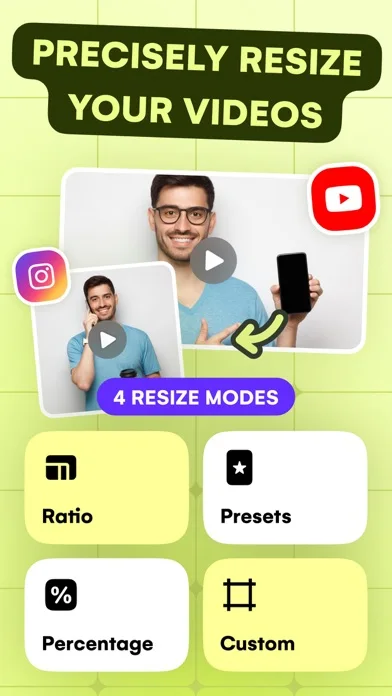
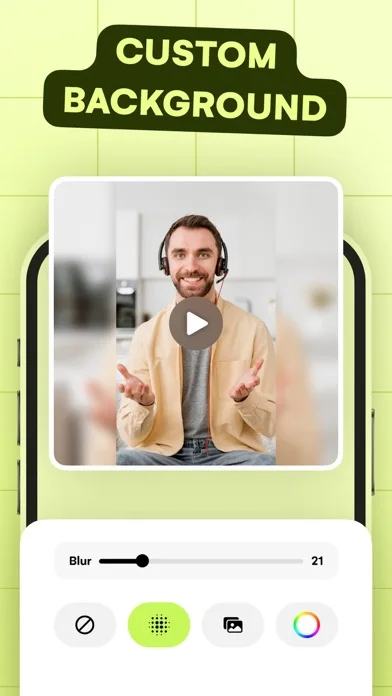
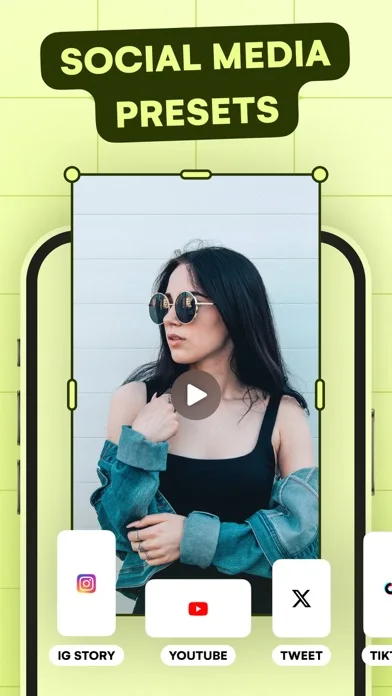
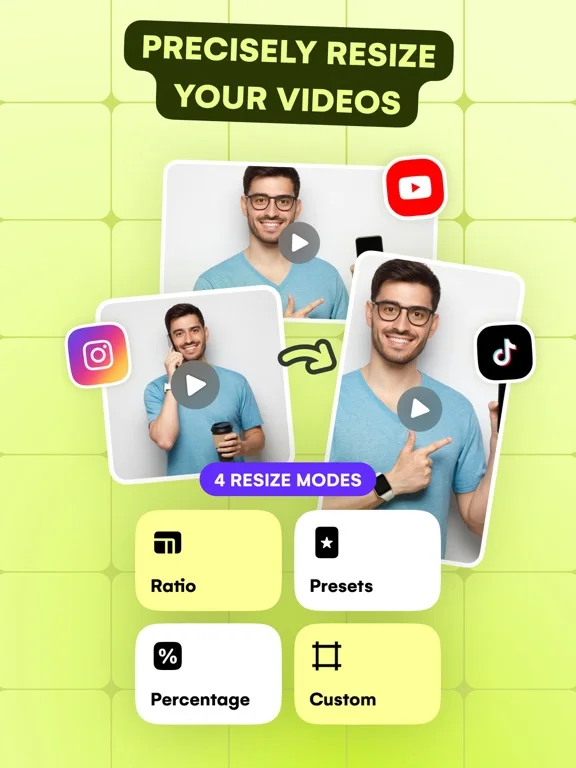
What you can do
- Custom-size and preset cropping
- Batch and percentage resizing
- Color, blur or image backgrounds
Good for
- Creators adapting permitted clips to several layouts.
Consider alternatives for
- People expecting resizing to recover missing detail or guarantee platform compliance.
Limitations & considerations
- Captured minimum: iOS 15.0.
- Cropping can remove important content and presets can lag platform changes; export quality depends on settings and source.
Privacy & permissions
Video frames can reveal faces and places; review library access and each export before sharing.
Sources & review notes Updated Nov 11, 2026
Reviewed by iApp4Me Editorial Team. Recommendations use the linked documentation and attributed accounts; device observations are identified separately.
- US App Store developer description
Complete description, download price and compatibility metadata captured 2026-11-02.
No comments yet. Be the first to share your experience.