Retro Dither: B&W is Beautiful
Convert photos into true one-bit black-and-white dithered images and retro-Mac-compatible files.
Someone making monochrome artwork or images for a retro device.
Convert photos into true one-bit black-and-white dithered images and retro-Mac-compatible files.
Keep in mind: Output uses only black and white pixels, not gray values. The retro workflow needs suitable unwrapping software on the destination; algorithm quality and file compatibility were not tested.
Inside the app
Official product images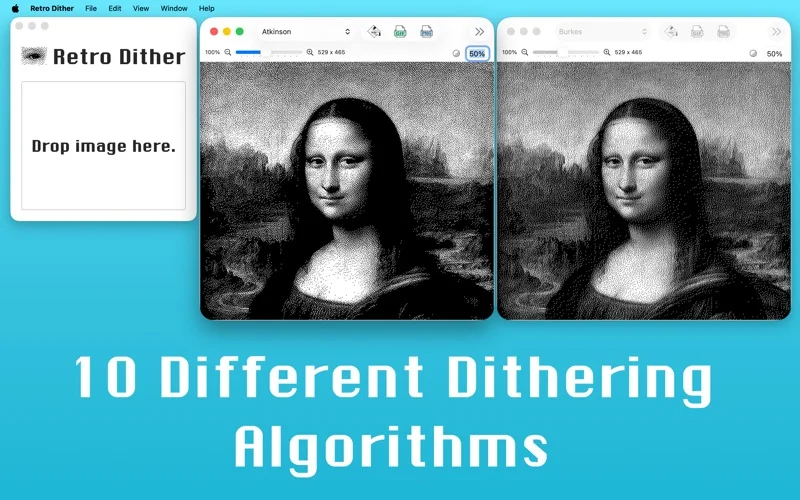
What you can do
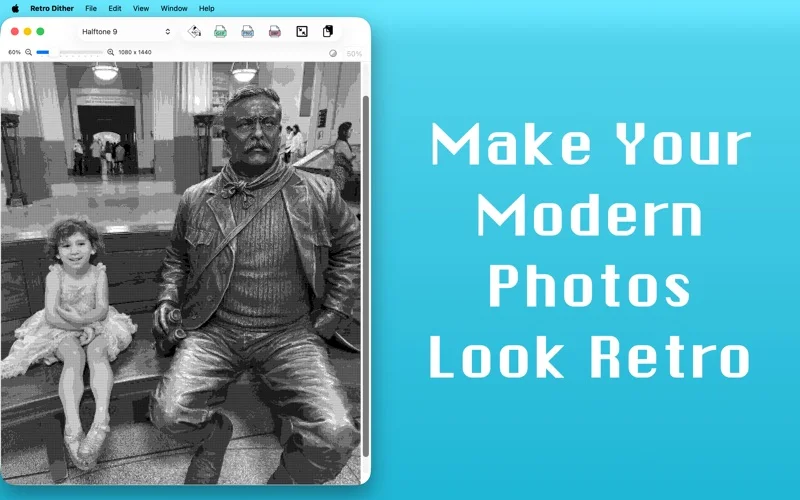
- Choose among ten advertised dithering/halftone algorithms.
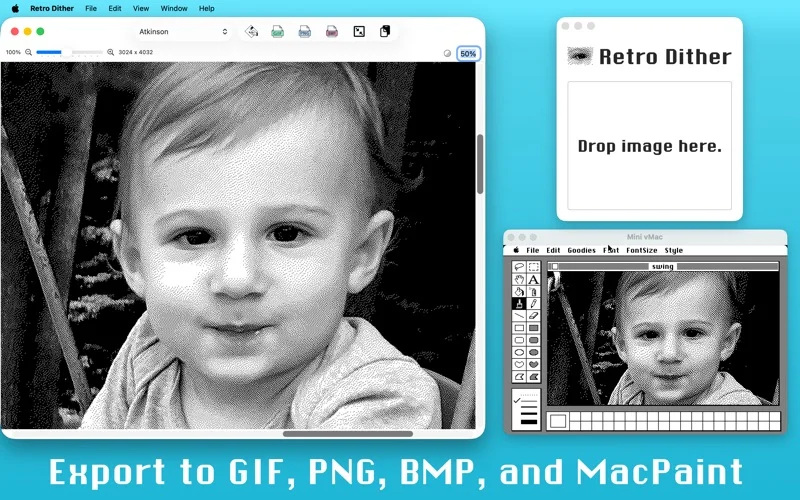
- Import bitmap images and export PNG, GIF or BMP.
- Export MacPaint wrapped in MacBinary for a compatible retro-Mac workflow.
Good for
- Someone making monochrome artwork or images for a retro device.
Consider alternatives for
- Grayscale output or guaranteed compatibility with every classic-Mac transport setup.
Limitations & considerations
- Output uses only black and white pixels, not gray values. The retro workflow needs suitable unwrapping software on the destination; algorithm quality and file compatibility were not tested.
Privacy & permissions
Imported photos can contain private or embedded information. Review file access and exported content before sharing; no metadata-removal or local-processing audit is claimed.
Sources & review notes Updated Nov 18, 2026
Reviewed by iApp4Me Editorial Team. Recommendations use the linked documentation and attributed accounts; device observations are identified separately.
- US App Store listing
Publisher description, version and US download price captured 2026-11-02; source-based coverage, not a device test.
No comments yet. Be the first to share your experience.