
Photo & Video
Riverside: Record, Edit, Share
Riverside records local audio/video tracks and supports remote sessions, AI edits and cloud projects.
Consider for consent-based interview or podcast workflows
Local tracks can preserve recording detail while later cloud uploads complete.
Keep in mind: Recording quality still depends on hardware and completion; AI edits, captions and clips need review, and publishing requires deliberate approval.
Inside the app
Official product images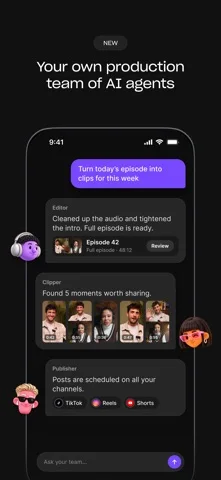
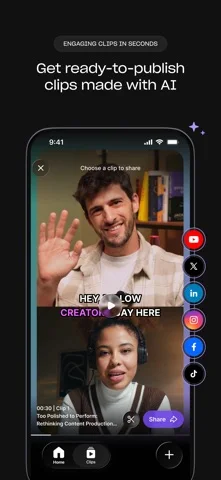
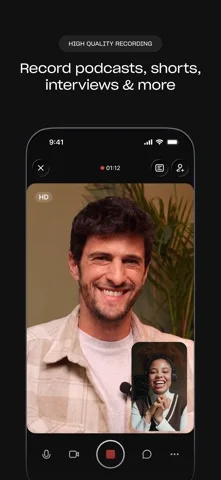
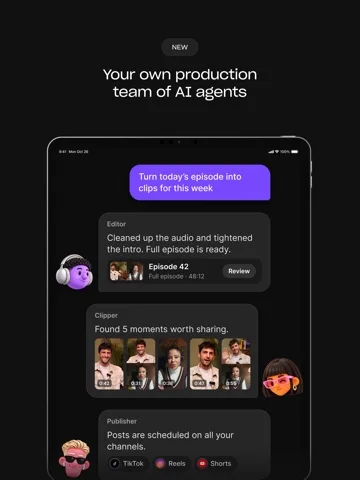
What you can do
- Record supported solo or remote sessions
- Create eligible clips or prompt-based edits
- Review cloud projects or use supported multistreaming
Good for
- Creators reviewing their own production output
Consider alternatives for
- Users expecting flawless recordings or unlimited free AI work
Limitations & considerations
- Captured minimum: iOS 18.0.
- Recording quality still depends on hardware and completion; AI edits, captions and clips need review, and publishing requires deliberate approval.
Privacy & permissions
Guest recordings, voices and connected social accounts are sensitive; obtain consent and inspect uploads or publish permissions.
Sources & review notes Updated Nov 10, 2026
Reviewed by iApp4Me Editorial Team. Recommendations use the linked documentation and attributed accounts; device observations are identified separately.
- US App Store developer description
Complete description, download price and compatibility metadata captured 2026-11-02.
No comments yet. Be the first to share your experience.