Roku Remote (Official)
Use a phone as a compatible Roku remote, type searches, launch channels and listen through supported headphone features.
Use the phone keyboard and headphones with a Roku
Roku’s official app suits owners of compatible Roku players or TVs who want a spare remote, easier text entry and headphone listening without finding the physical remote.
Keep in mind: Device compatibility, network connection and region determine available controls. Free app access does not include every streaming channel or subscription.
Inside the app
Official product images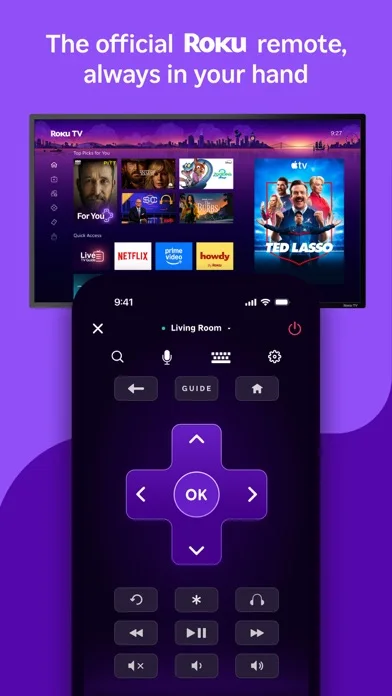
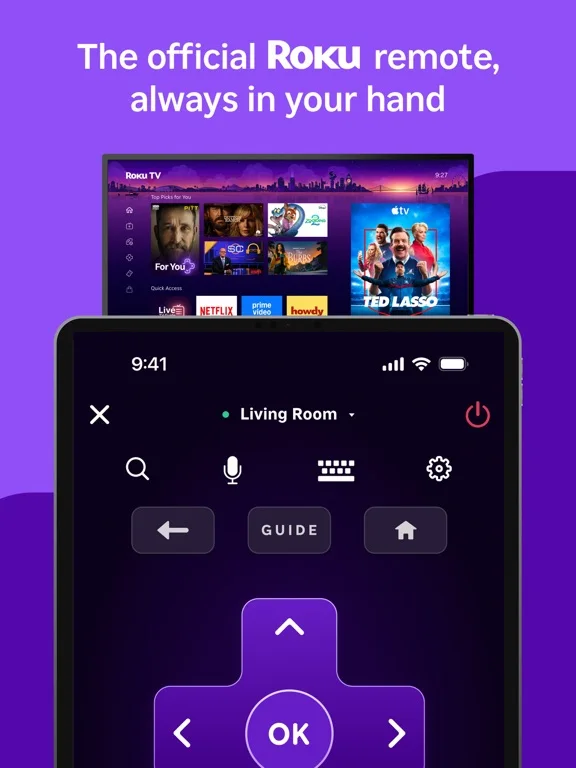
What you can do
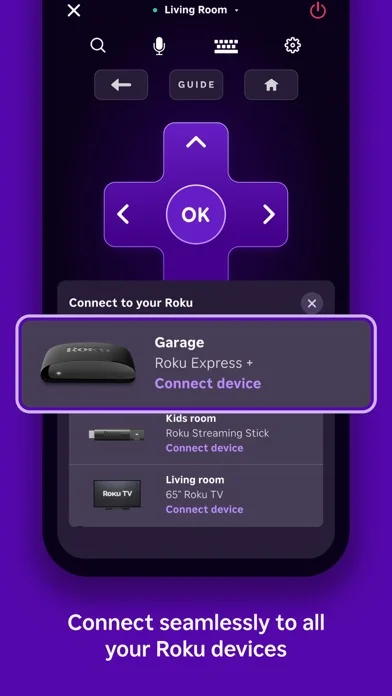
- Control compatible Roku TV models and streaming players.
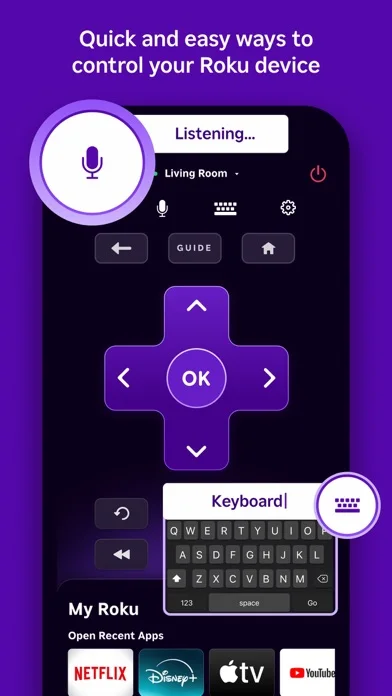
- Type search terms with the mobile keyboard.
- Use supported voice search and channel launching.
- Listen through headphones connected to the phone using supported features.
- Cast supported photos or videos from the phone.
- Watch available Roku Channel content in supported regions.
Good for
- Roku owners wanting an additional remote and mobile text entry.
- Listening with supported phone-connected headphones.
Consider alternatives for
- Controlling an unrelated TV solely because it is a smart TV.
- Assuming every channel and feature is free or available in every country.
Limitations & considerations
- Certain functions require the phone and Roku to use the same wireless network.
- Some features require a compatible device and account sign-in.
- The captured listing limits voice search by language and region and mobile Roku Channel viewing to specified markets.
Privacy & permissions
Roku’s policy covers account and purchase information, device and network identifiers, searches and service use. For the mobile remote, it specifically describes collecting the identifier of the device being controlled. Third-party streaming services have their own practices; headphone listening is an audio feature, not a promise of no data collection.
Sources & review notes Updated Nov 5, 2026
Reviewed by iApp4Me Editorial Team. Recommendations use the linked documentation and attributed accounts; device observations are identified separately.
- US App Store listing
Complete developer description and version metadata captured 2026-11-02; official images cached locally.
- Roku official mobile app
Official source consulted 2026-11-05.
- Roku privacy policy
Official source consulted 2026-11-05.
No comments yet. Be the first to share your experience.