Utilities
Samsung Smart Switch Mobile
Samsung Smart Switch for iPhone helps transfer supported personal content to a Galaxy device.
Choose it when moving to a compatible Samsung phone or tablet.
The listing includes contacts, events, reminders, photos and videos, and keeps the source data after transfer.
Keep in mind: Transfer support varies by connection and data type; it is not a two-way sync between all phones.
Inside the app
Official product images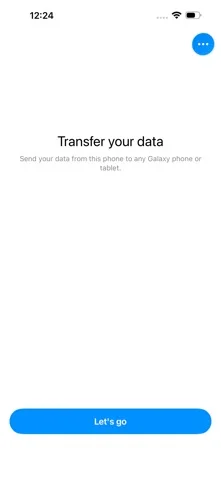
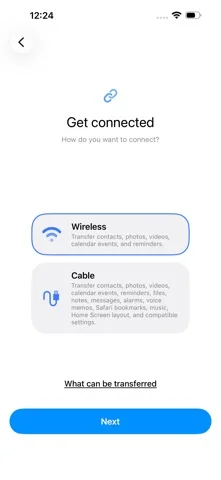
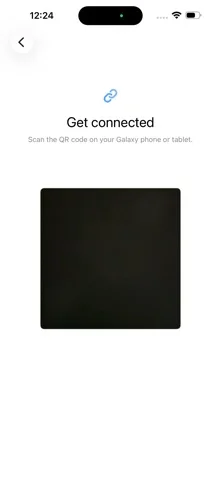
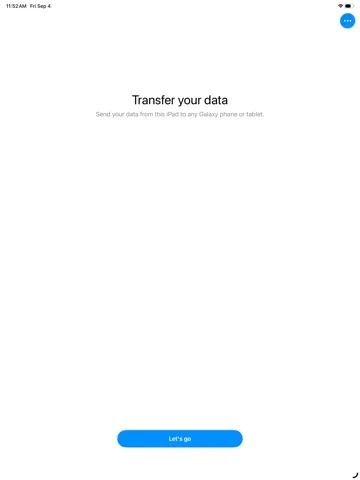
What you can do
- Start transfer from the Galaxy workflow
- Send supported iPhone content
- Follow the appropriate wireless or cable instructions
Good for
- Someone moving from iPhone to a supported Galaxy device.
Consider alternatives for
- Someone who needs a full iPhone backup restore or ongoing two-way sync.
Limitations & considerations
- Captured minimum: iOS 15.0.
- Transfer support varies by connection and data type; it is not a two-way sync between all phones.
Privacy & permissions
The transfer contains personal data; use your own trusted devices and verify the destination.
Sources & review notes Updated Nov 11, 2026
Reviewed by iApp4Me Editorial Team. Recommendations use the linked documentation and attributed accounts; device observations are identified separately.
- US App Store developer description
Complete description, download price and compatibility metadata captured 2026-11-02.
- Samsung iPhone transfer guide
Confirms the iPhone-to-Galaxy transfer direction.
No comments yet. Be the first to share your experience.