Say No to Notch
Move a notched MacBook’s menu bar below the camera housing to make a full-width menu area available.
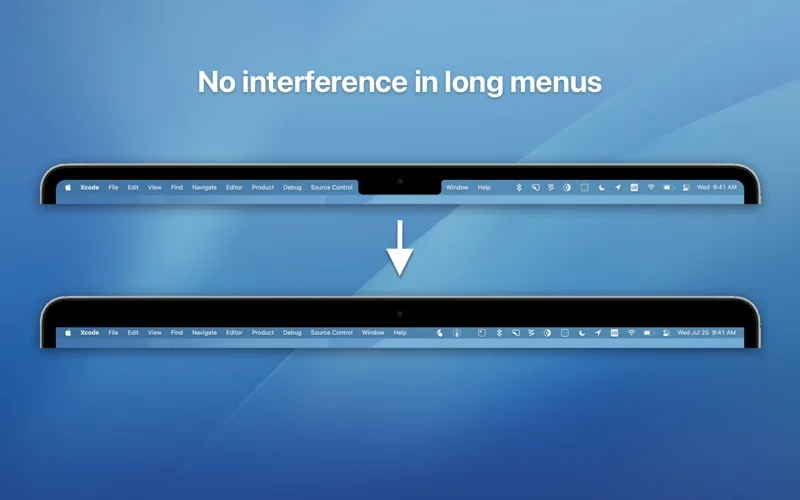
A compatible notched MacBook user whose long menus collide with the camera area.
Move a notched MacBook’s menu bar below the camera housing to make a full-width menu area available.
Keep in mind: The behavior changes the usable menu-bar placement rather than hardware. Resolution, app/fullscreen compatibility and current MacBook-model behavior were not independently tested.
Inside the app
Official product images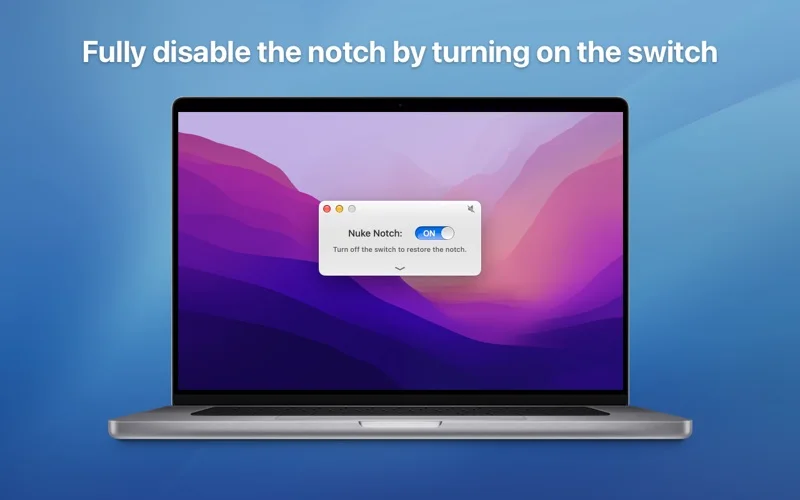
What you can do
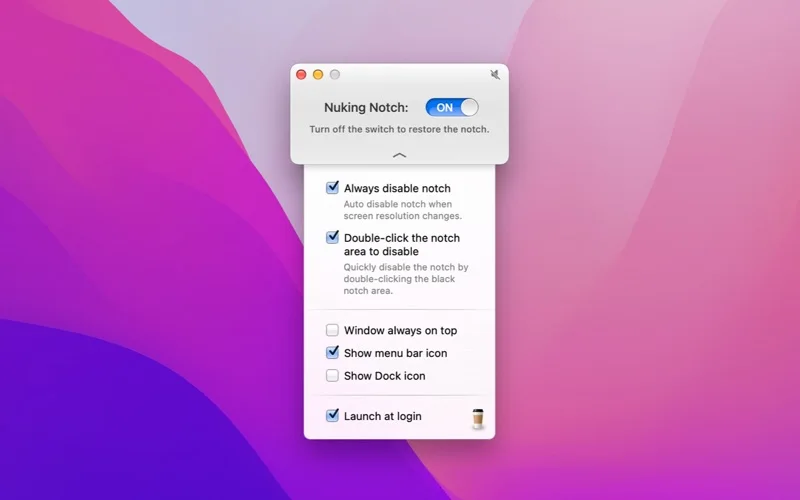
- Toggle the described menu-bar placement from its icon.
- Use the advertised double-click shortcut over the notch area.
- Control supported actions through deep links, AppleScript or Shortcuts.
Good for
- A compatible notched MacBook user whose long menus collide with the camera area.
Consider alternatives for
- Physical removal of the camera housing or more total screen pixels.
Limitations & considerations
- The behavior changes the usable menu-bar placement rather than hardware. Resolution, app/fullscreen compatibility and current MacBook-model behavior were not independently tested.
Privacy & permissions
System UI automation may require permissions. Review actual access prompts and the store disclosure before enabling it on a managed work Mac.
Sources & review notes Updated Nov 18, 2026
Reviewed by iApp4Me Editorial Team. Recommendations use the linked documentation and attributed accounts; device observations are identified separately.
- US App Store listing
Publisher description, version and US download price captured 2026-11-02; source-based coverage, not a device test.
No comments yet. Be the first to share your experience.