Business
Scanner App: Scan Documents
Scanner App captures paper/images into PDFs and offers annotation, multipage assembly and added signatures.
Consider after testing a sample scan/export
Capture, image conversion and marking tools cover a small document workflow.
Keep in mind: Adding a signature image does not establish certificate signing, legally qualified signatures or editable form-field support; OCR is not stated in the description.
Inside the app
Official product images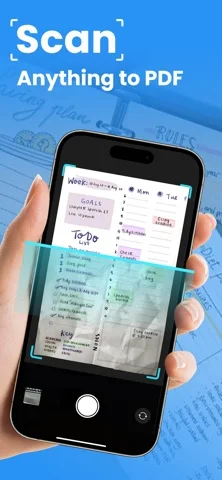
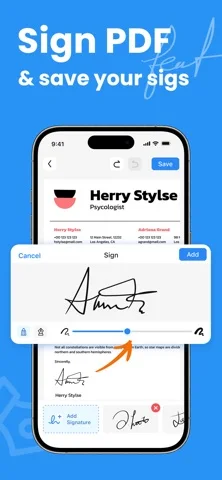
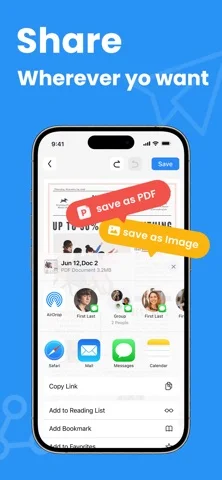
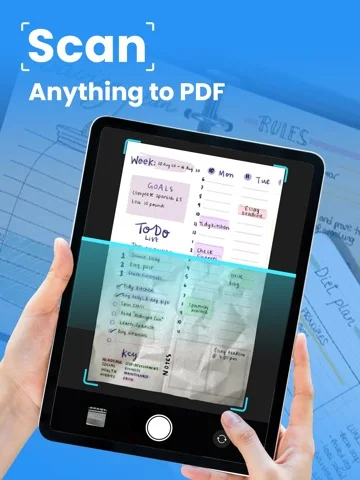
What you can do
- Scan pages in color or grayscale
- Combine images/pages into PDF
- Annotate, add a signature and share
Good for
- Users digitizing ordinary documents on iPhone
Consider alternatives for
- Users requiring verified OCR, certificate signing or automatic form filling
Limitations & considerations
- Captured minimum: iOS 15.0.
- Adding a signature image does not establish certificate signing, legally qualified signatures or editable form-field support; OCR is not stated in the description.
Privacy & permissions
IDs, contracts and signatures are sensitive; inspect storage/upload and recipient handling before scanning confidential papers.
Sources & review notes Updated Nov 11, 2026
Reviewed by iApp4Me Editorial Team. Recommendations use the linked documentation and attributed accounts; device observations are identified separately.
- US App Store developer description
Complete description, download price and compatibility metadata captured 2026-11-02.
No comments yet. Be the first to share your experience.