
Business
ScanWritr Pro
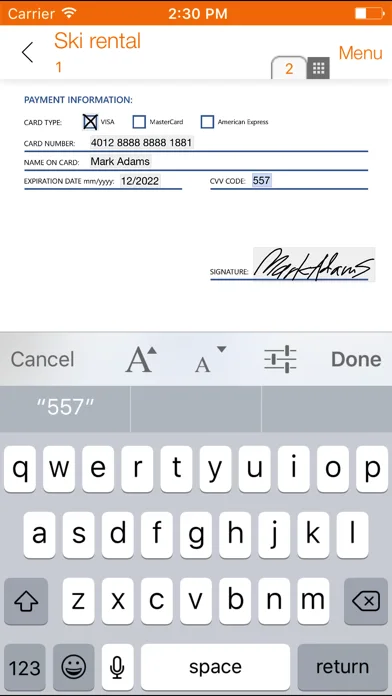
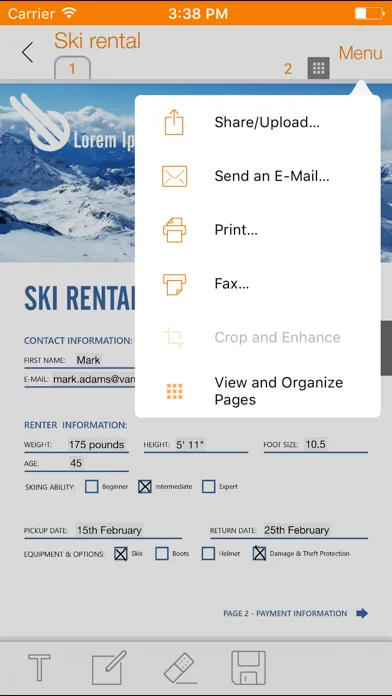
Scan, fill, sign and annotate imported documents with image-based editing tools.
Useful for assembling a completed visual copy of a form
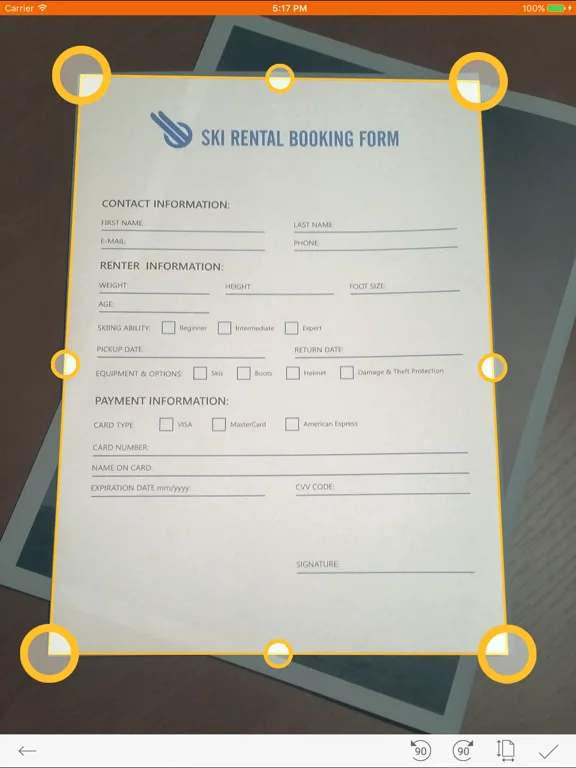
Camera cropping, signatures and PDF/JPG output connect capture with sharing.
Keep in mind: Edits treat documents as images rather than promising native text or interactive PDF-field preservation; some conversion/fax operations require a network.
Inside the app
Official product images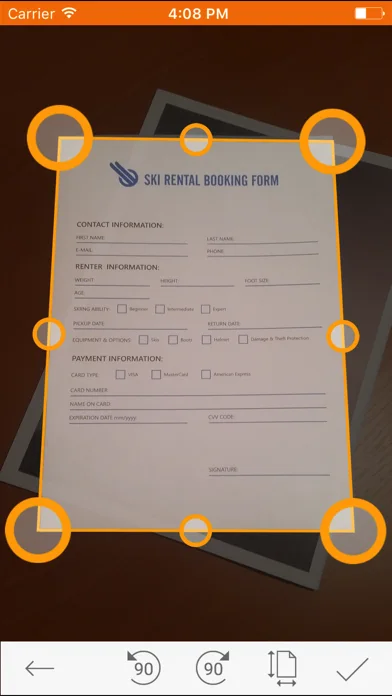
What you can do
- Camera scanning and auto-crop
- Image-level fill, signature and annotation
- PDF/JPG export and cloud archives
Good for
- People completing simple scanned forms
Consider alternatives for
- Guaranteed native PDF editing or certificate-based digital signatures
Limitations & considerations
- Captured minimum: iOS 15.6.
- Edits treat documents as images rather than promising native text or interactive PDF-field preservation; some conversion/fax operations require a network.
Privacy & permissions
Contracts and receipts can enter conversion, fax or chosen Dropbox/iCloud services; check where each operation sends the document.
Sources & review notes Updated Nov 12, 2026
Reviewed by iApp4Me Editorial Team. Recommendations use the linked documentation and attributed accounts; device observations are identified separately.
- US App Store developer description
Complete description, download price and compatibility metadata captured 2026-11-02.
No comments yet. Be the first to share your experience.