
Screen Mirror to TV & Device
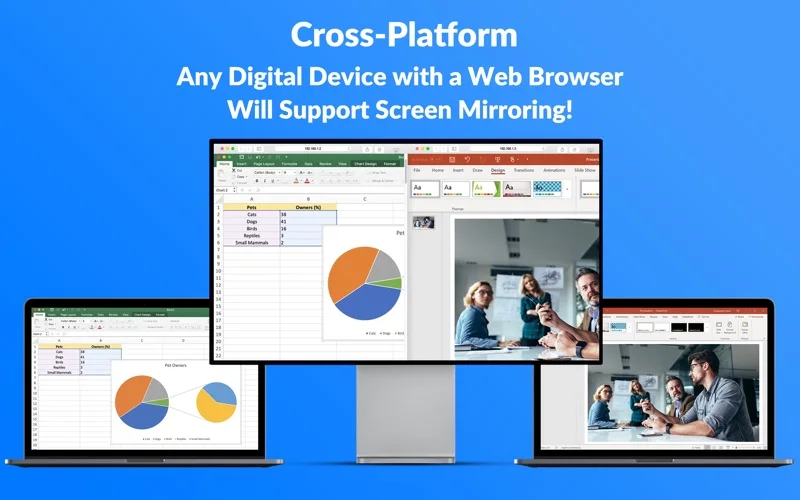
Mirror a Mac screen to browsers on other devices connected to the same local network.
Someone presenting a Mac display to browsers on a simple trusted LAN.
Mirror a Mac screen to browsers on other devices connected to the same local network.
Keep in mind: The listing explicitly says sound is not supported and performance depends on the network. Most features require a subscription or in-app purchase; macOS screen-access approval is required and is not an independent security certification.
Inside the app
Official product images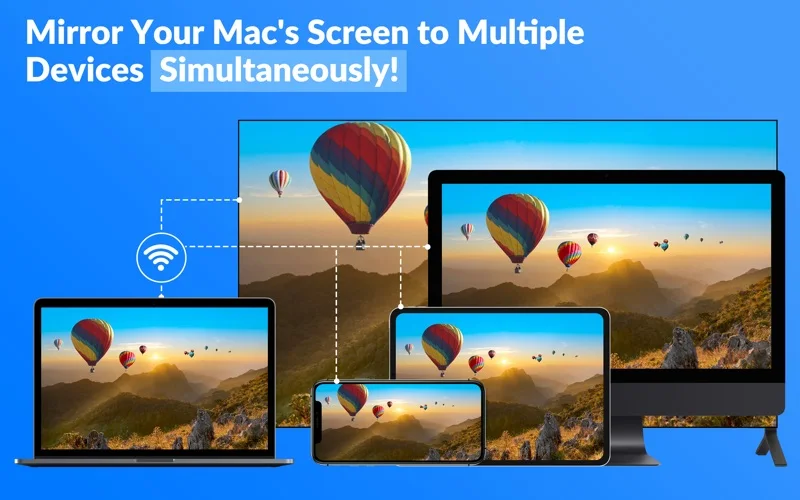
What you can do
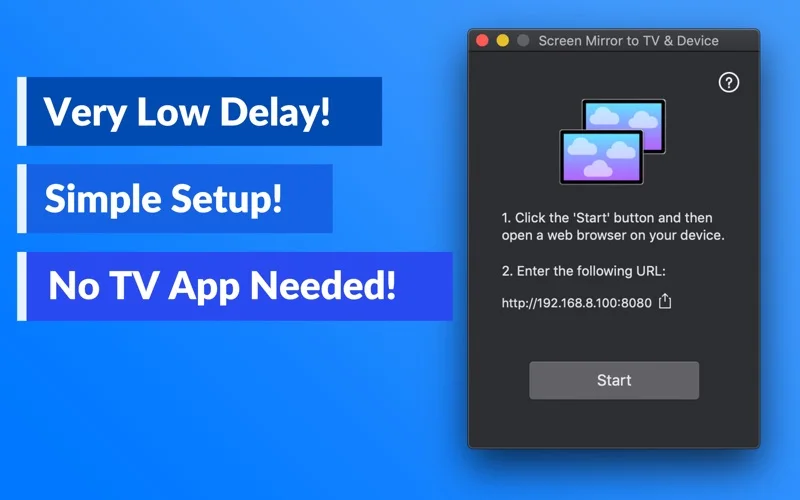
- Start a screen share and open its displayed URL on a receiving browser.
- Mirror to multiple devices or share supported visual media.
- Adjust frame rate and refresh timing.
Good for
- Someone presenting a Mac display to browsers on a simple trusted LAN.
Consider alternatives for
- Audio casting, guaranteed zero delay or reliable operation across VPNs/VLANs.
Limitations & considerations
- The listing explicitly says sound is not supported and performance depends on the network. Most features require a subscription or in-app purchase; macOS screen-access approval is required and is not an independent security certification.
Privacy & permissions
Screen access can reveal every visible private window. The cached developer policy says mirrored images are processed temporarily in memory and not retained/shared with third parties; this is a dated publisher declaration, and receiving devices still see the screen.
Sources & review notes Updated Nov 18, 2026
Reviewed by iApp4Me Editorial Team. Recommendations use the linked documentation and attributed accounts; device observations are identified separately.
- US App Store listing
Publisher description, version and US download price captured 2026-11-02; source-based coverage, not a device test.
- Developer privacy overview
Official text captured 2026-11-13; product-relevant overview, not an independent security/legal audit.
No comments yet. Be the first to share your experience.